
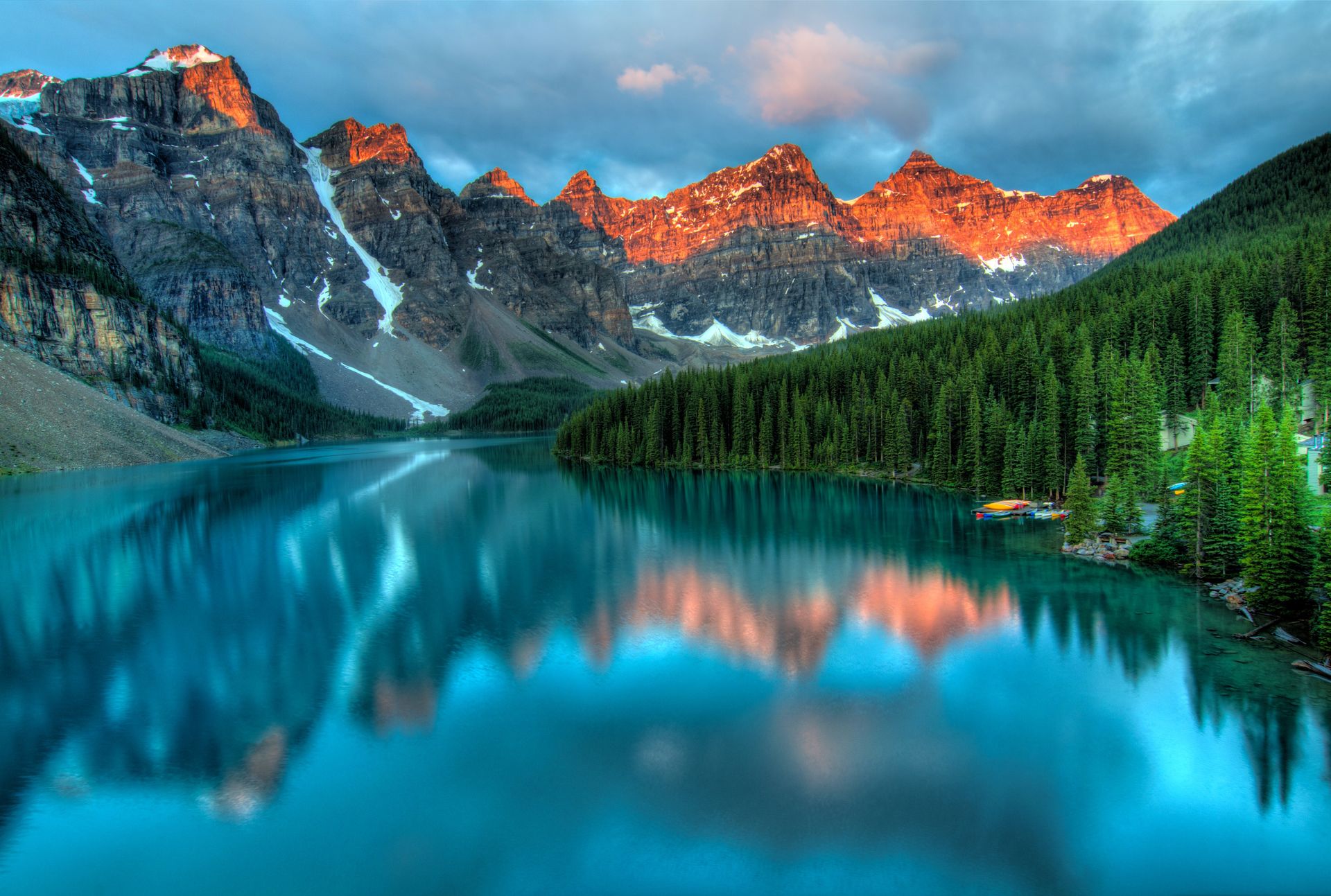
Mountain lake to desktop wallpaper
Widen a landscape to 16:9 so the peaks and their reflection fill a monitor without being squashed.
No account required
Upload a photo, pick the shape you need, and GPT Image 2.5 fills the new space around it. Your original stays in the middle, unchanged.
Squeezing a vertical photo into a wide frame distorts it, cropping throws away what you wanted to keep, and black bars look like a mistake. Extending adds believable scenery where there was none.
01
After the model draws the new edges, your original pixels are placed back over the center, so faces, products and text inside the old frame are not redrawn.
02
The model continues the sky, floor, water or wall it finds at the border, and the new ring is color-matched to your photo to hide the join.
03
Presets for 1:1, 4:5, 16:9 and 9:16, plus a custom width-to-height ratio for anything else.
04
Leave the prompt empty and the scene simply carries on. Type a short hint, like "more sandy beach" or "plain white studio backdrop", when you want something specific.
Typical jobs for an image extender. The outer area is generated; the middle is your photo.
Widen a landscape to 16:9 so the peaks and their reflection fill a monitor without being squashed.
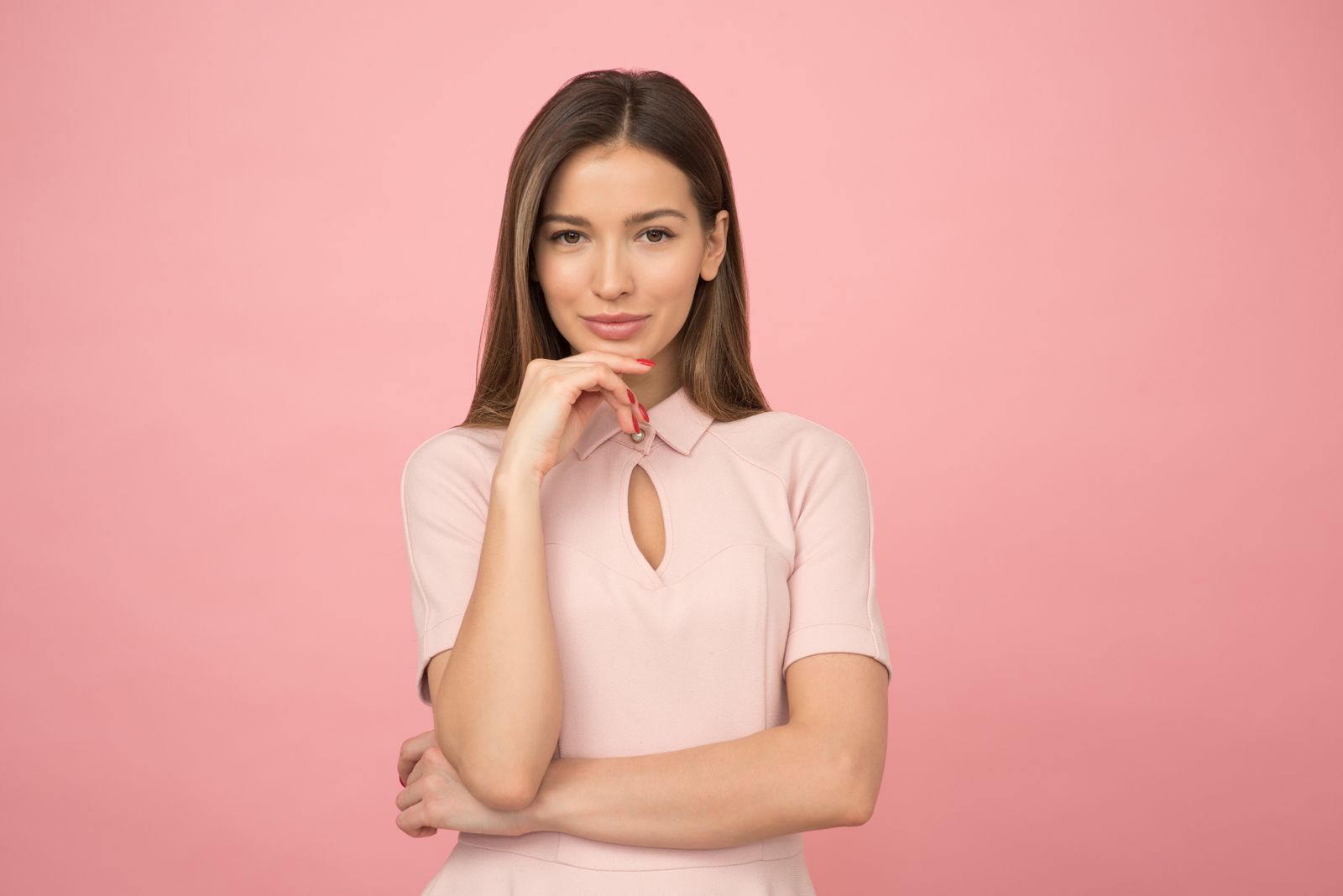
Add background around a tight portrait for a 1:1 avatar or a 4:5 feed post, without touching the face.
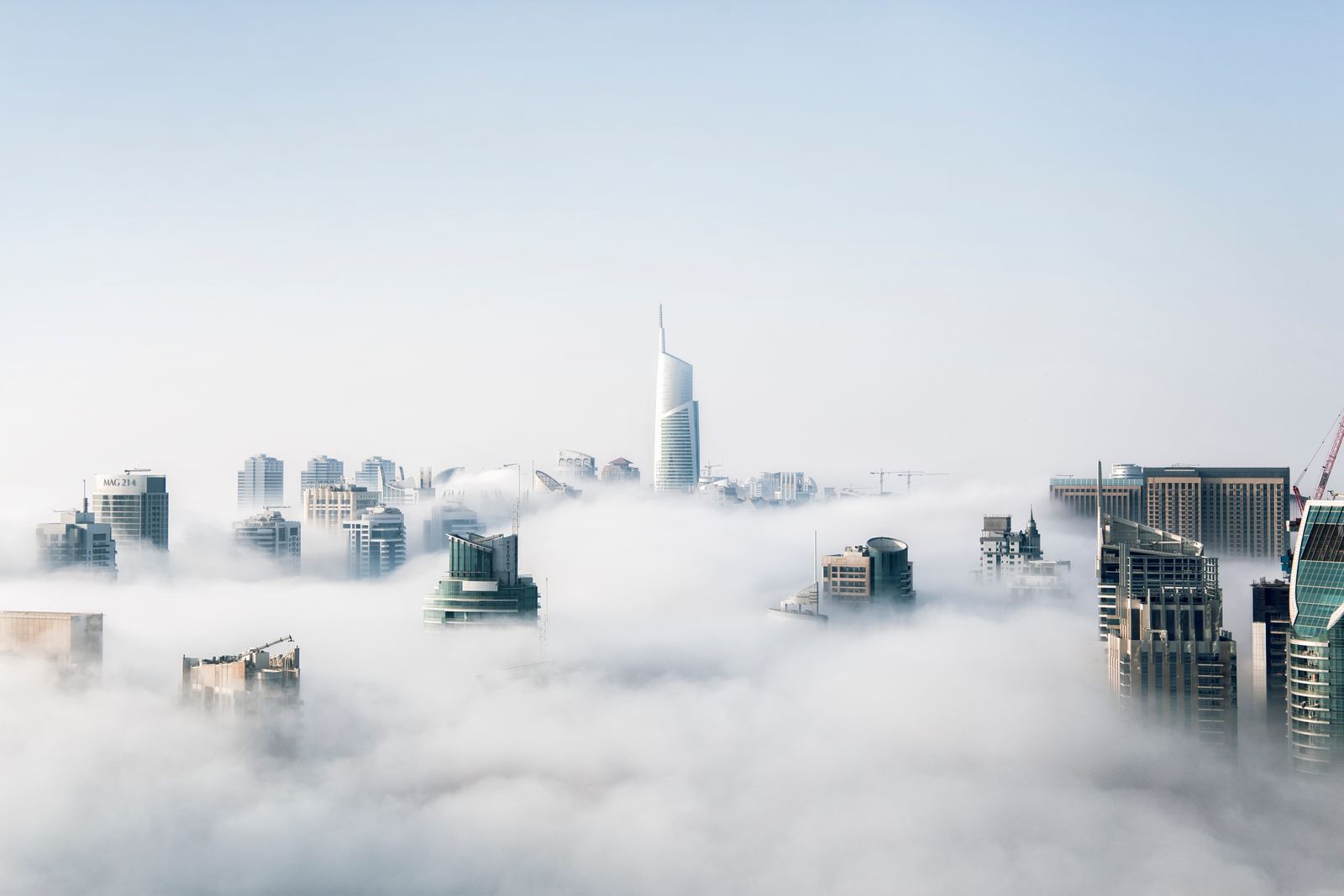
Stretch a city-above-the-clouds shot into a long header with open sky for a headline.

Give a packshot extra white margin so there is room for a price, a badge or a title.

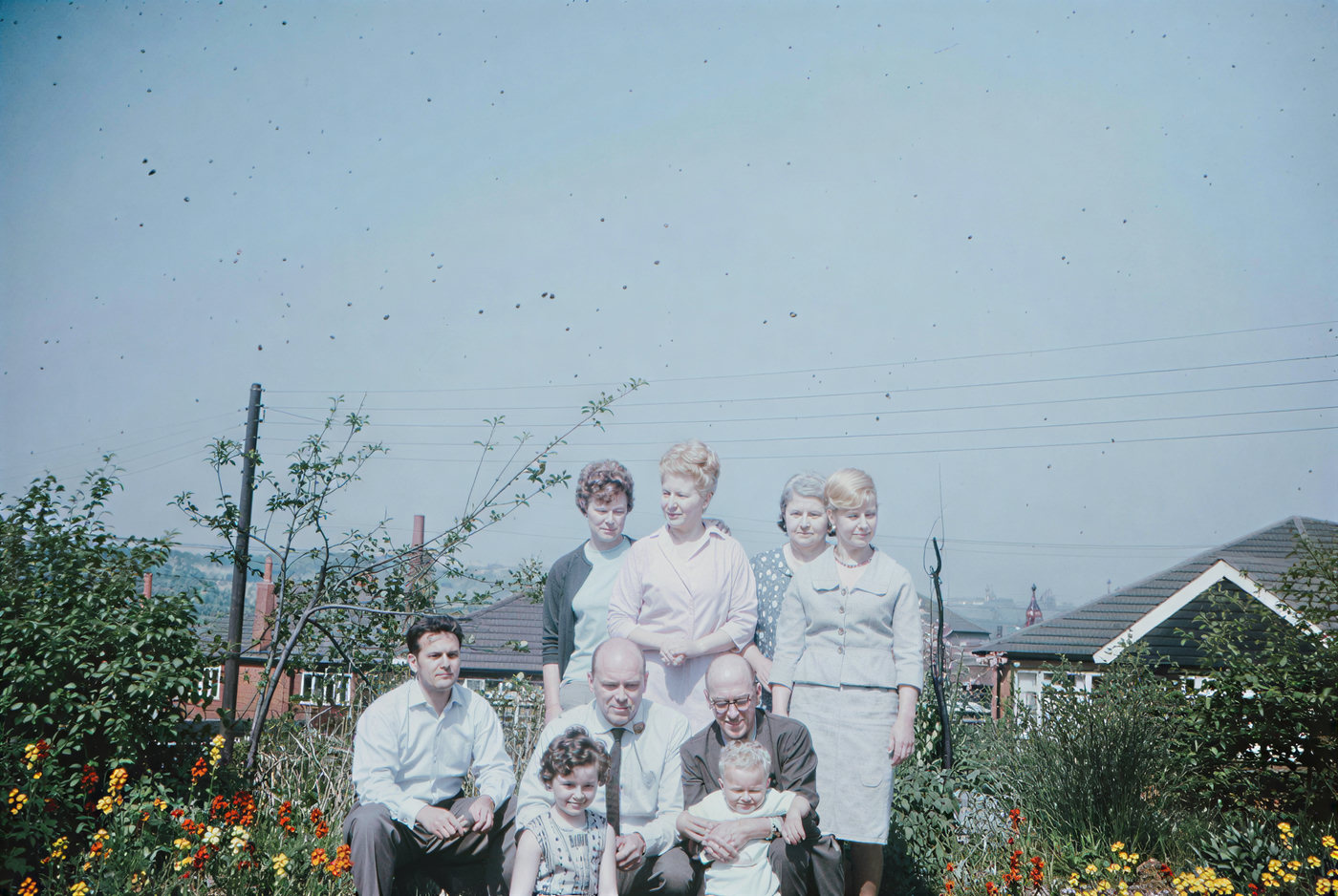
Add table and wall at the sides of a group shot so nobody sits right on the edge of the frame.
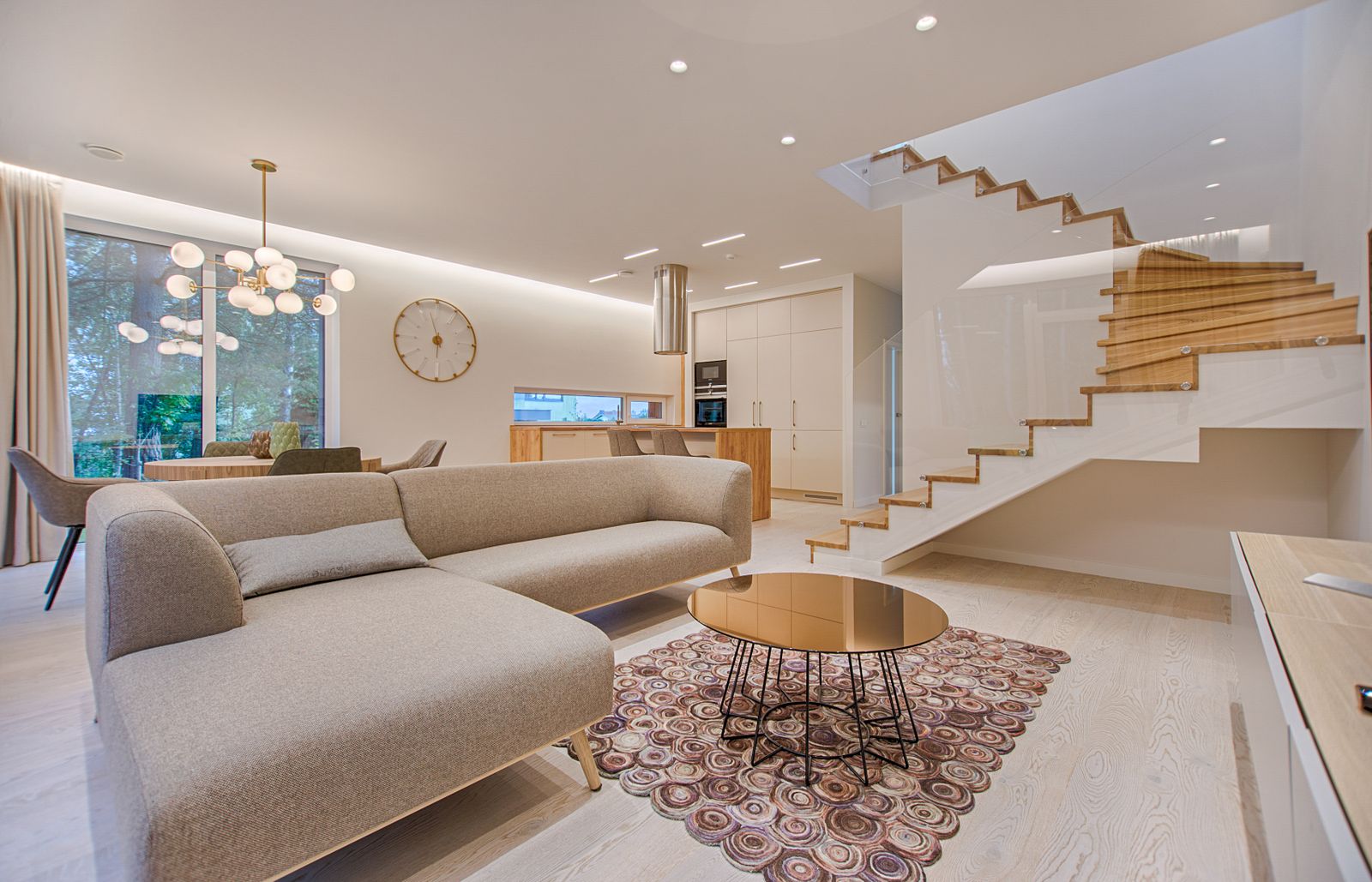
Open up a living room photo to a wider format for a property page or a cover image.
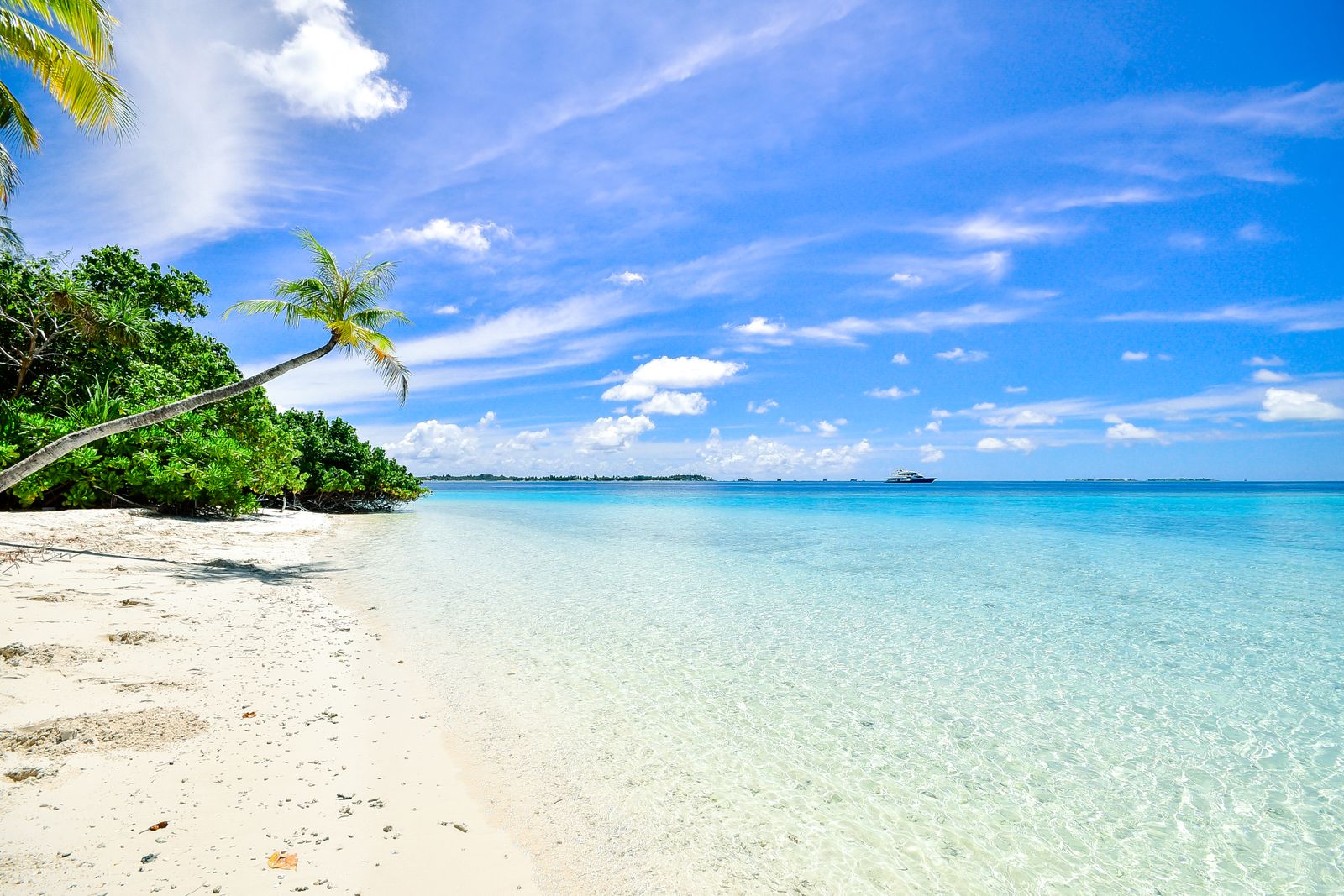
Turn a landscape travel shot into 9:16 by adding more sky above and more sand below.
Three steps. Your original always ends up in the middle of the new canvas.
Step 1
JPG, PNG or WebP, up to 15 MB.
Step 2
Tap 1:1, 4:5, 16:9 or 9:16, or set a custom ratio. The preview shows how much new space will be generated. Add a hint if you like.
Step 3
Each run costs 6 credits. Compare the result with your photo, then download it.
Built to grow a photo you already have, not to invent a new one.
Four common presets, plus any width and height from 1 to 32, so anything from 1:32 to 32:1.
Describe what belongs in the empty edges, or leave it blank and let the scene continue.
The source area is restored from your upload after generation. If anything inside it looks different, let us know; it shouldn't happen.
The finished image is up to 2048 px on its longest side, generated with GPT Image 2.5 at its 2K setting.
Match the ratio to where the image is going, and the platform won't crop it for you.
Even on every side, which keeps the eye on the middle.
Best for: Profile pictures, marketplace product tiles and square feed posts.
Taller than a square, so it takes up more of a phone screen in a feed.
Best for: Instagram portrait posts, Pinterest-style pins and mobile ads.
The shape of most monitors, TVs and video players.
Best for: Desktop wallpapers, YouTube thumbnails, slides and website hero images.
Fills a phone screen from top to bottom.
Best for: Stories, Reels and TikTok covers, and phone lock screens.
Enter any width and height from 1 to 32, such as 3:1 or 21:9.
Best for: Banners, email headers, print layouts and odd-sized ad slots.
The model works from what it sees at the border, so the source photo matters.
Screenshots and re-shared images lose detail at the edges, which is exactly what the model continues from.
Turning a narrow vertical shot into an ultra-wide banner asks the model to invent most of the picture. A moderate change looks more believable.
Skies, grass, water and plain walls continue fine on their own. Use a hint for specifics: a wooden floor, a brick wall, more ocean.
A half-cut person or pole at the border tends to get continued into the new area. Erase it with the object remover before you extend.
The extender pairs well with the other tools on the site.
If a stray arm, sign or pole is clipped by the border, remove it first so it isn't continued into the new space.
Once the frame is the right shape, give it a new style, season or background by describing the change on the image to image AI tool.
A widened landscape makes a good wall print. Repaint it as an oil painting or a watercolor.
Knowing the limits saves credits.
The extender isn't on the daily free pool. Every run costs 6 credits from a credit pack or a Pro subscription.
The whole canvas, old part and new, is capped at 2048 px on the long side. A large photo is scaled down to fit, never up.
Your photo always sits in the center of the new canvas. It can't be pushed to one side.
The new area is invented. People, signs or buildings that were outside the original shot won't come back as they really were.
Anyone with a good photo in the wrong shape.
Fit one photo to square, portrait and story formats without cutting off heads or hands.
Make room for headlines in hero banners, slides and ads.
Add clean margin around product photos for badges and prices.
Turn a vertical travel shot into a wallpaper without bars or stretching.
The new edges are in. To change anything else about the picture, describe it on the image to image tool:
Describe the change on the image to image AI tool.
Try with this photo
Generate & restore
2Restyle
3