
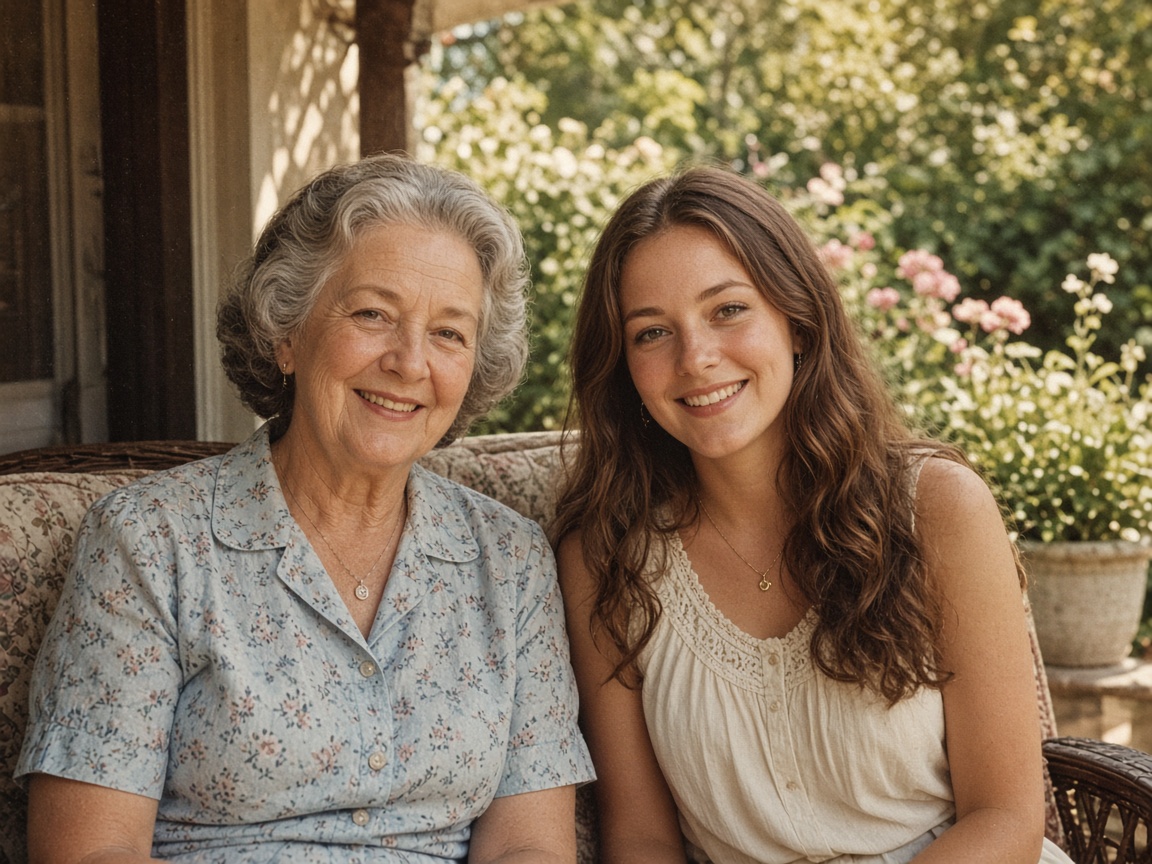
Real result
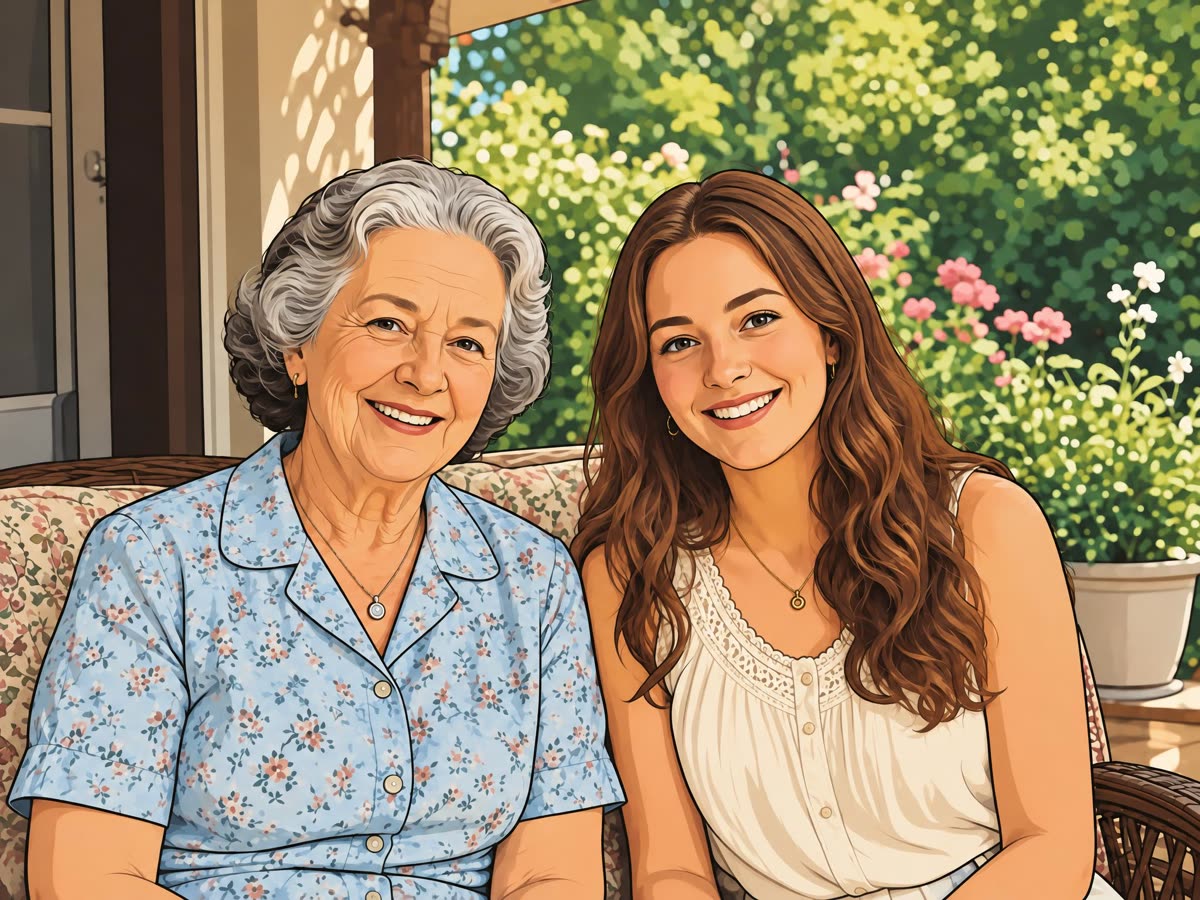
Two people on a porch
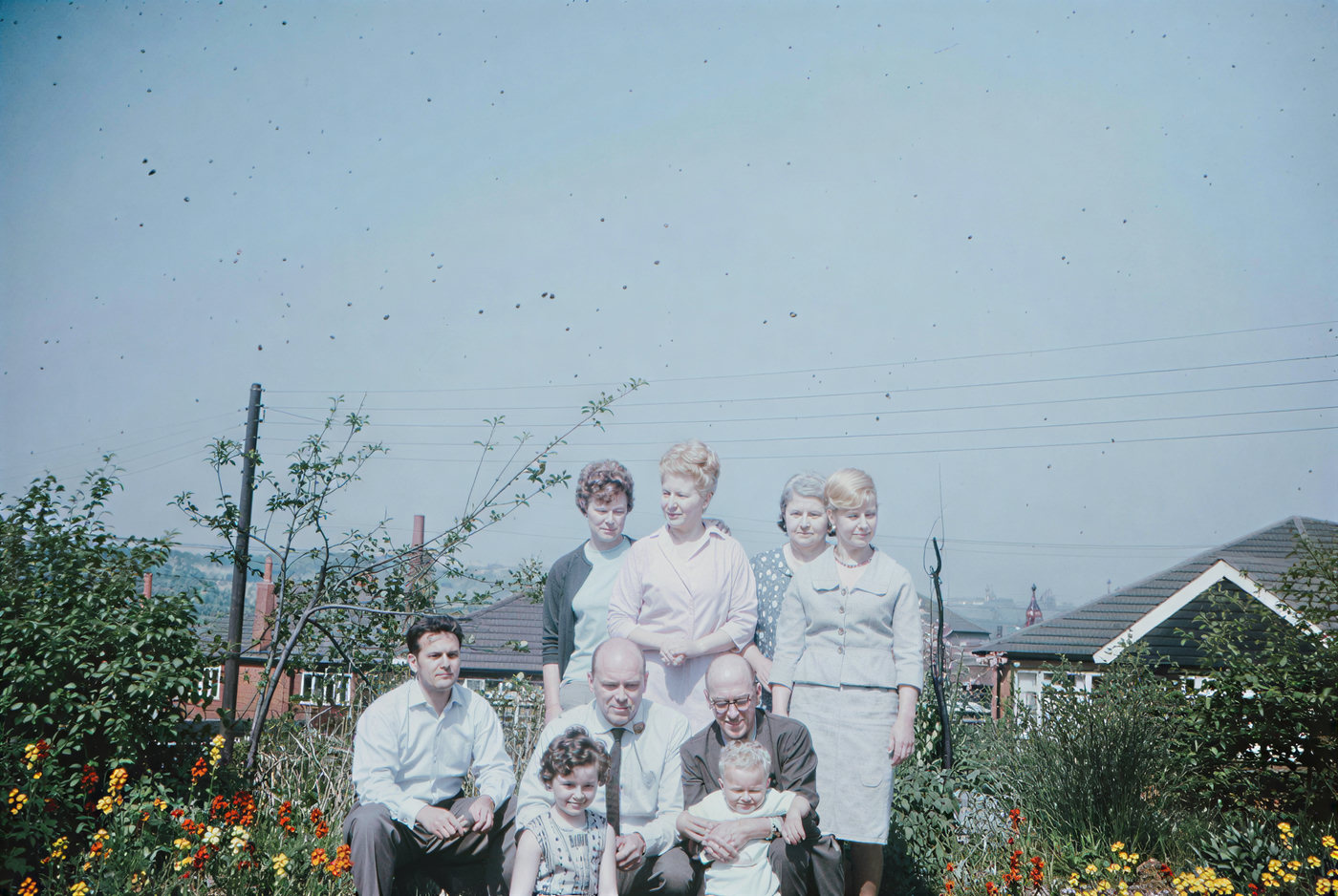
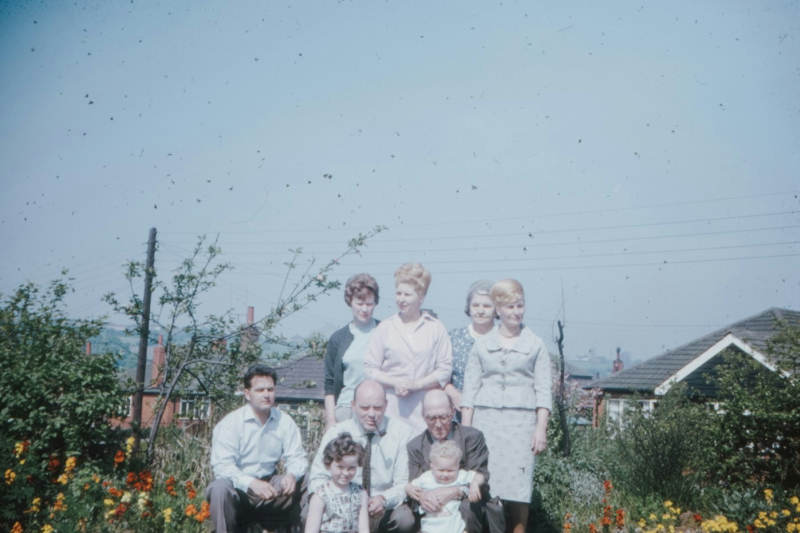
Both faces, the floral shirt, and the garden stayed. Everything got bold outlines and flat color.
No account required
Drop in a selfie, a group shot or your pet. The AI redraws the same picture with bold lines and flat color, and the people in it still look like themselves.
Two people, a portrait, and a cat. Every after side is a real result.
Both faces, the floral shirt, and the garden stayed. Everything got bold outlines and flat color.
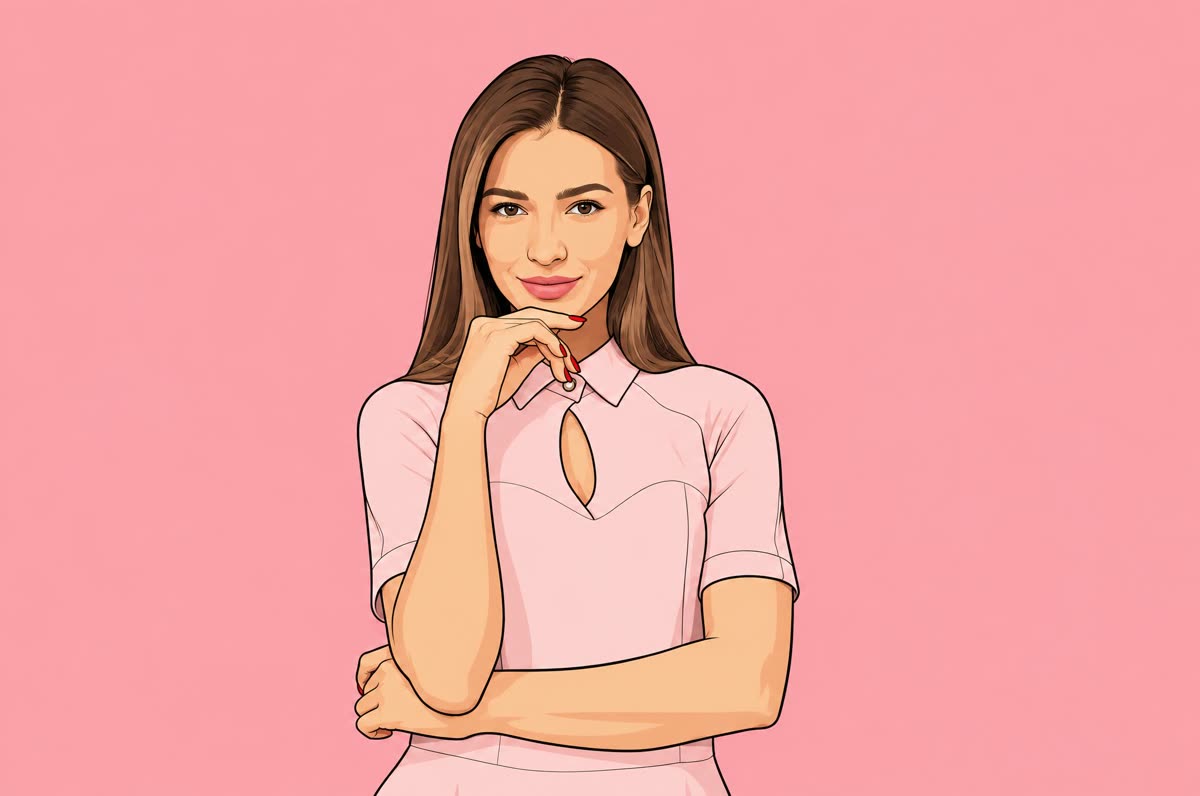
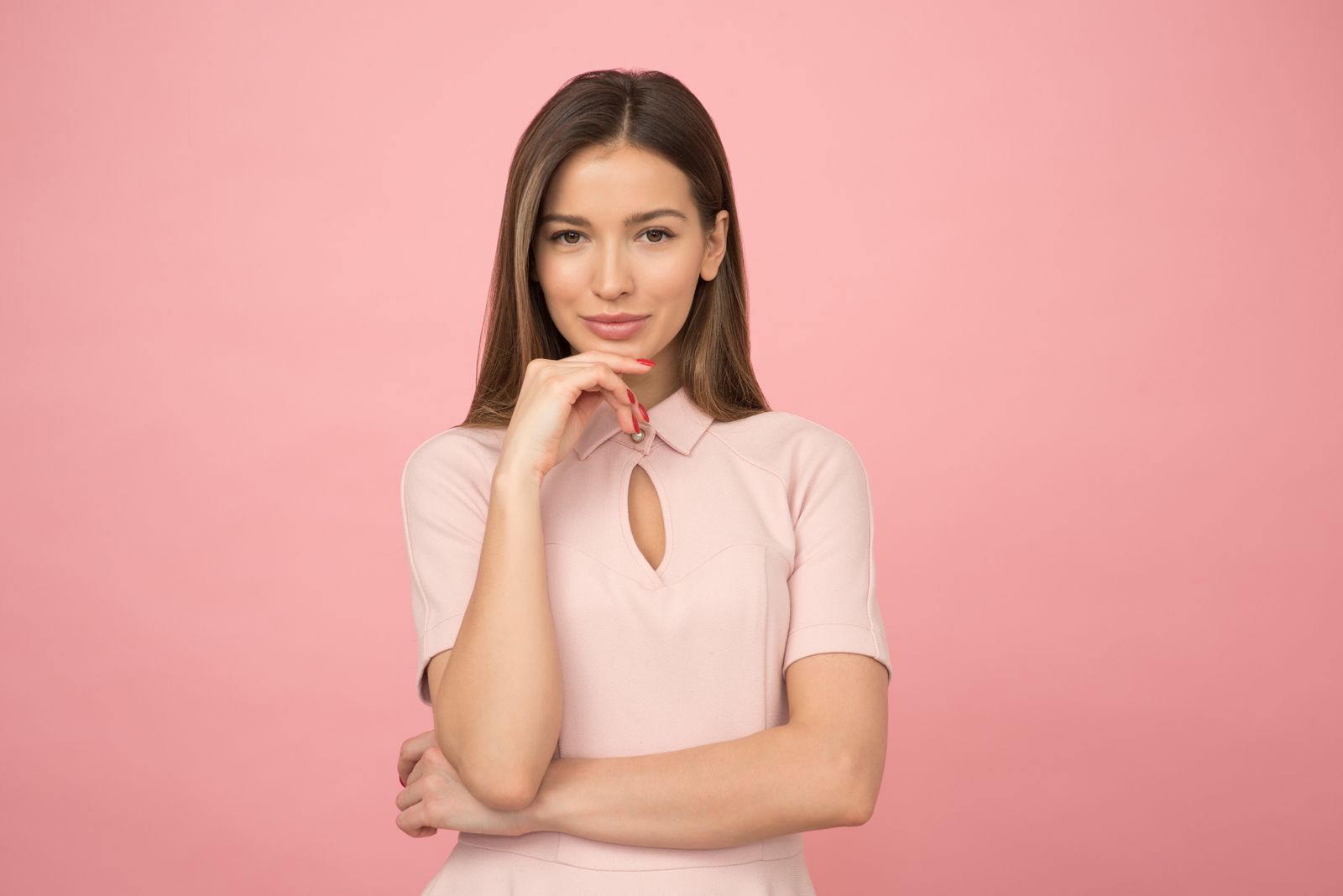
The pose and the pink background stayed. The face was simplified into a clean cartoon.
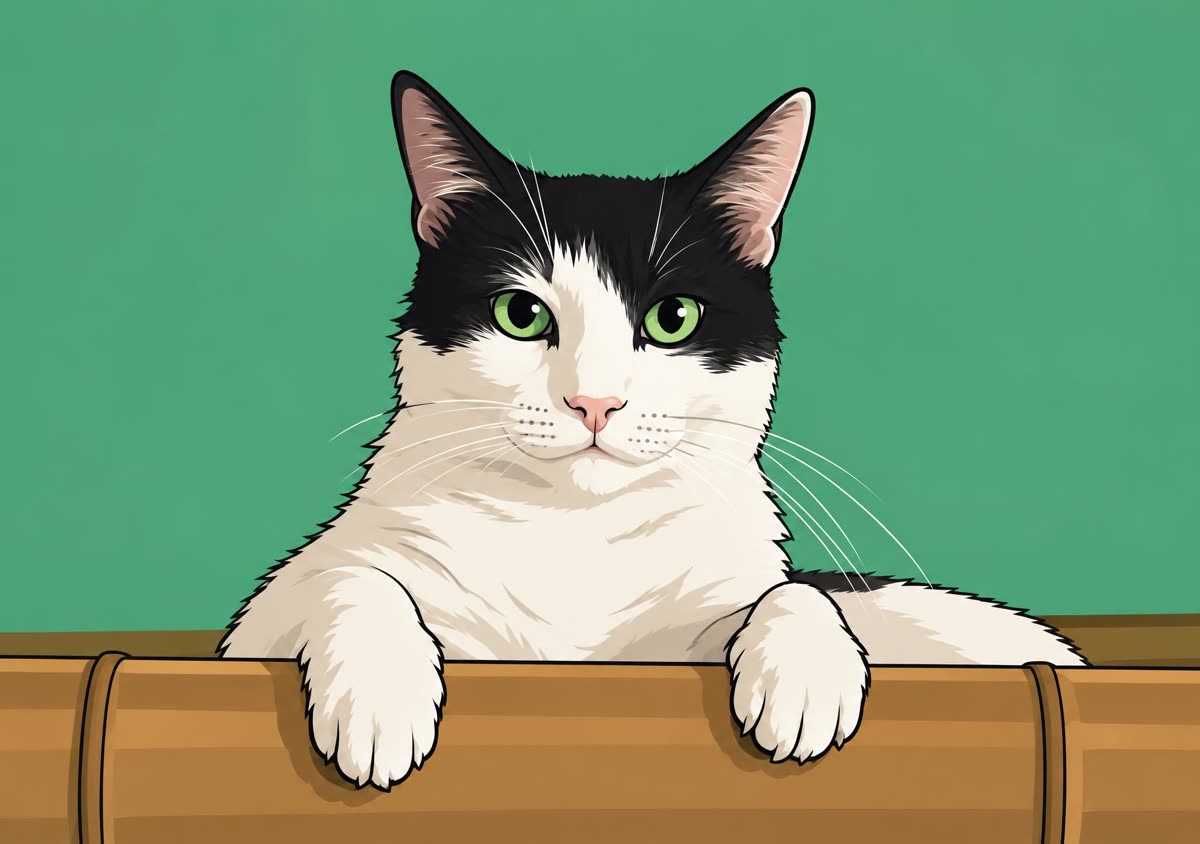
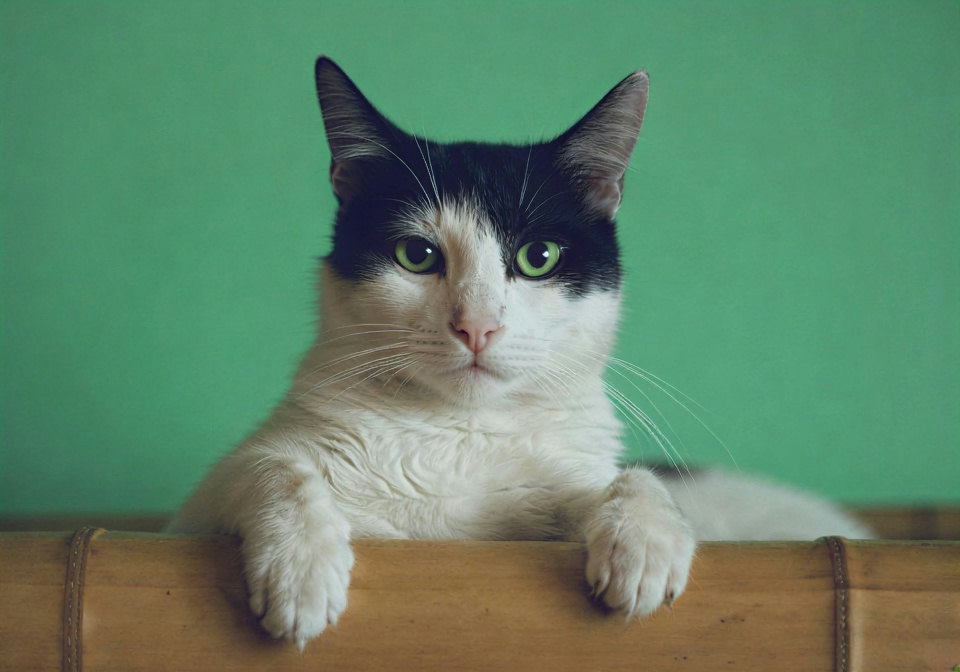
The black-and-white markings and green eyes stayed. The wall became a flat green.
Step 1
JPG, PNG or WebP, 15 MB at most. A clear face, or a pet looking at the camera, gives the cleanest lines.
Step 2
The run starts as soon as the upload finishes. GPT Image 2.5 redraws the full frame, usually in under a minute.
Step 3
Slide between the photo and the cartoon. If a face or a detail is off, run it again; every run comes out a little different.
It sends your photo to GPT Image 2.5 with a fixed cartoon prompt: bold outlines, flat areas of color, light shading. There is nothing to type.
The prompt tells the model to keep the framing, the number of people, their poses, hair, clothes and age, and a pet's fur colors and markings. Nothing is cropped or added, and no text or signature is drawn in.
Results come back at 2K (2048 px on the long side), plenty for a profile picture, a sticker or a printed card.
Want a different look, like anime, a 3D figure or a comic panel? Describe it on the image to image AI tool, where you write the prompt yourself.
Headshots, couples, friends around a table, kids, dogs and cats. The cards below are untouched outputs from this page.
The prompt changes the drawing style and tries to leave everything else alone.
01
Thick outlines and simple fills stay readable even as a tiny avatar.
02
Hair, clothing, expression and age carry over, so friends know who it is.
03
Spots, patches and eye color are written into the prompt, not left to chance.
04
Even the daily free run downloads as a clean 2K JPG.
Real outputs, not mockups. Drag each slider to compare with the original.
Both faces, the patterned shirt and the flowers carried over. Everything else was flattened into outlines and solid color.
Same pose, same dress, same pink backdrop. The face was redrawn with fewer lines but kept its features.
The white blaze, black ears and green eyes survived. The background turned into one flat green.
Small changes to the photo make the biggest difference.
Front-facing faces with open eyes give the model the most to work with.
For an avatar, crop to head and shoulders first so the face gets more pixels.
Hard shadows on a face can turn into heavy dark shapes in a cartoon.
Results vary from run to run. Run the same photo again before you swap it for another.
If you're happy with the result, it's ready to save. If you also want to upscale, extend the edges, or refine other details, you can continue with:
Generate & restore
2Restyle
3