
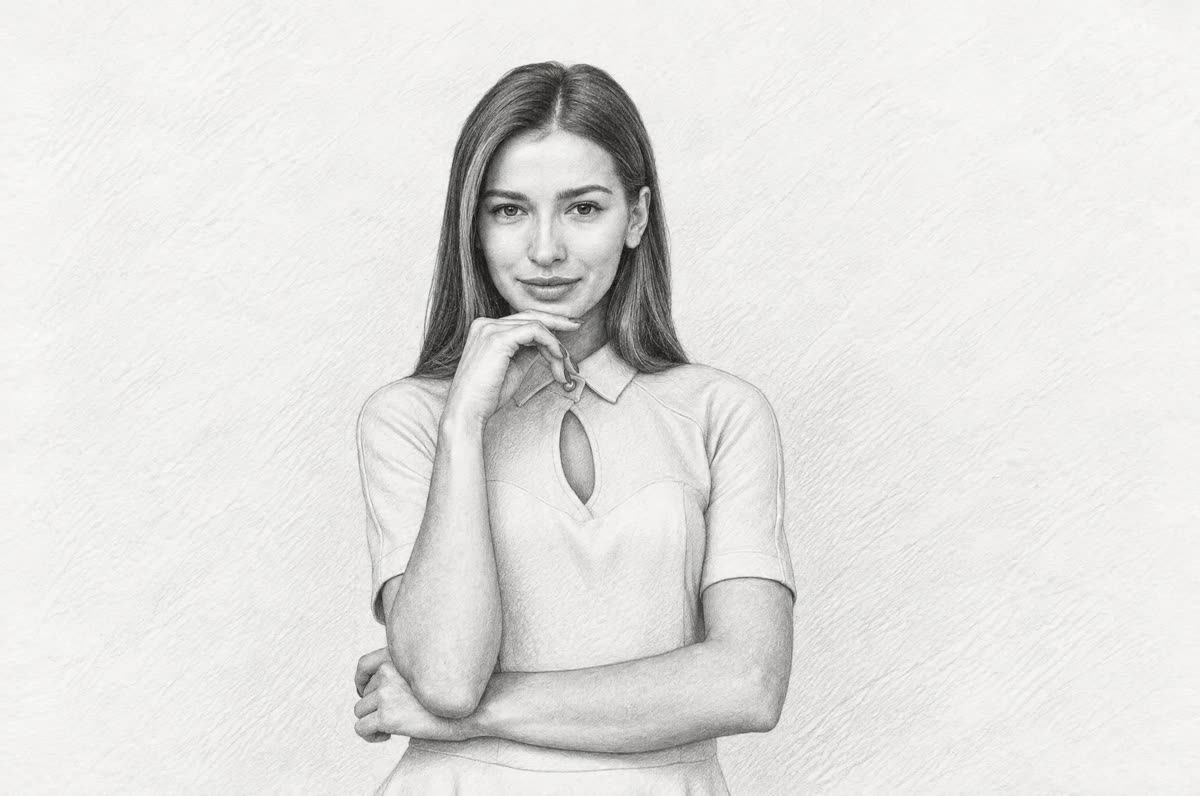

Real result
Portrait
The pose, hand, and face stayed the same. The pink wall became plain white paper with light shading.
No account required
Upload a photo and get back a black-and-white graphite drawing of the same scene, built from pencil strokes and hatching.
A portrait, two people, and a cat. Every after side is a real result.
The pose, hand, and face stayed the same. The pink wall became plain white paper with light shading.
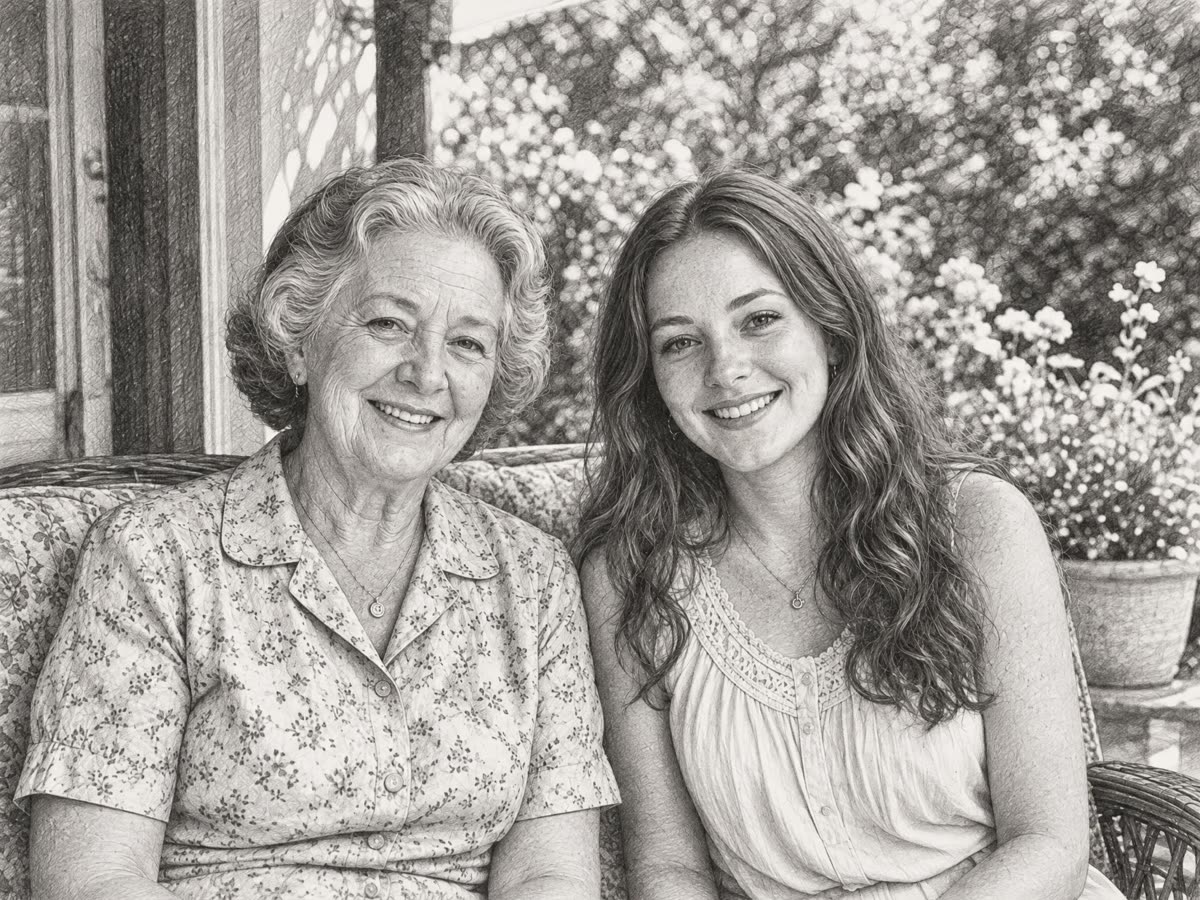
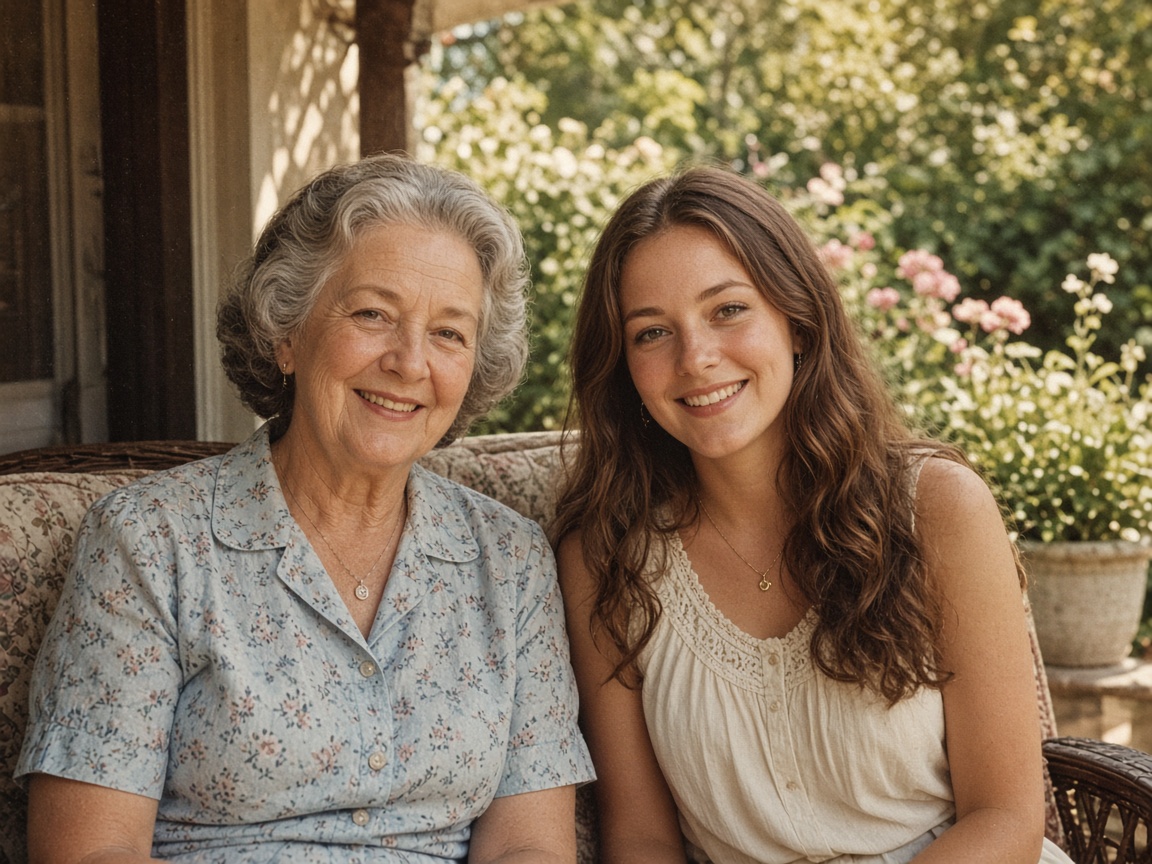
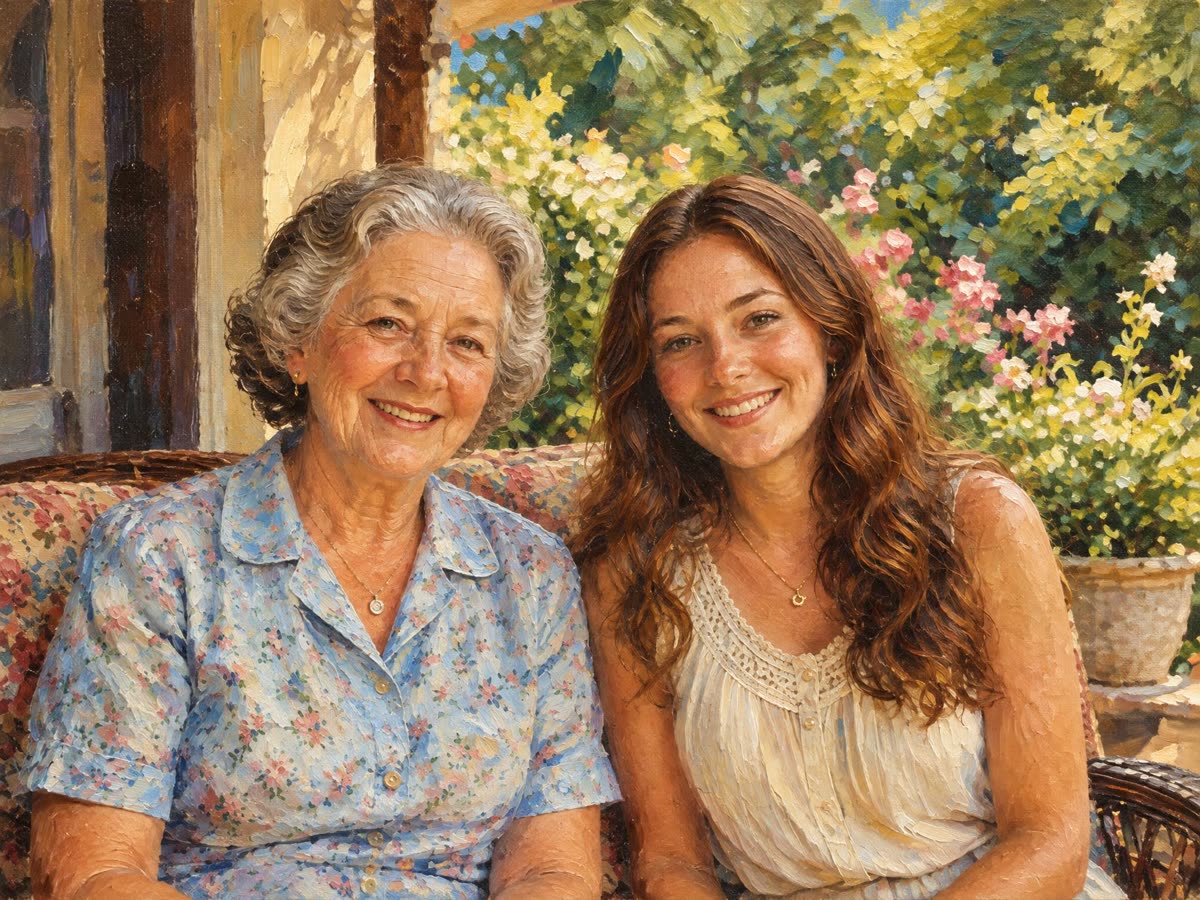
Both faces stayed close to the photo. The flowers and the porch were drawn in full detail behind them.
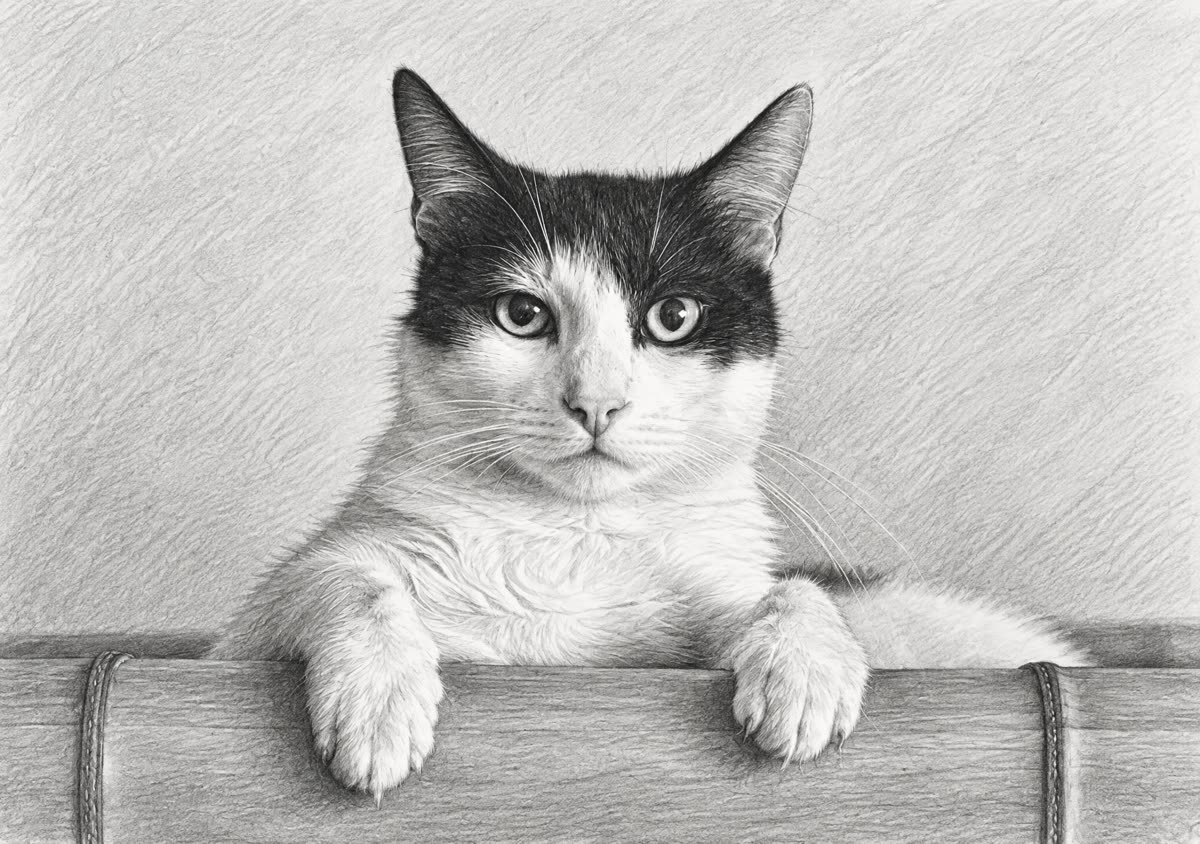
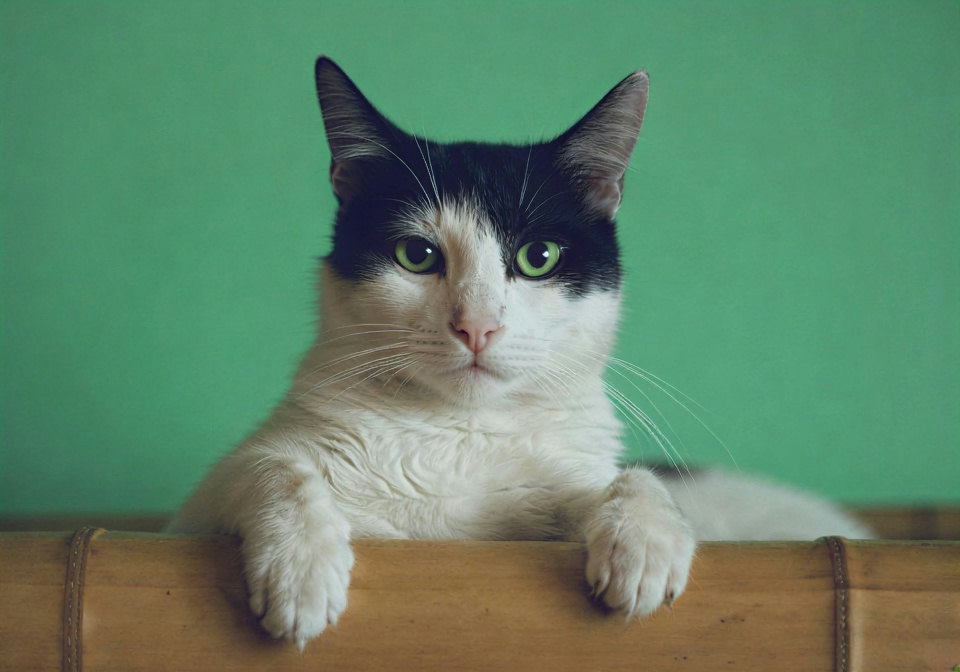
The black-and-white markings became dark and light graphite. Fur got fine pencil strokes.
Step 1
JPG, PNG or WebP up to 15 MB. Photos with clear light and shadow give the drawing more depth.
Step 2
The run begins on upload. GPT Image 2.5 redraws the whole frame in graphite, usually in under a minute.
Step 3
Slide between photo and sketch, look at the faces, then download. Run it again for a different drawing.
It redraws your photo as a detailed graphite pencil sketch on white paper: shading, hatching, and no color at all.
It is not an edge-detection filter. The model draws the picture, so tones come from pencil strokes, and backgrounds get texture instead of turning into empty space.
The prompt keeps faces, hair and age recognizable, leaves the framing exactly where it was, and adds no signature or text.
Want color? Use Photo to Painting or Photo to Cartoon. Want charcoal, ink or line art instead of graphite? Describe it on the image to image AI tool.
Portraits, couples, pets, old buildings and street scenes with a clear subject. Each card below is an untouched result.
Graphite only, built up from strokes.
01
Mid-tones and shadows are drawn with pencil strokes, the way an artist would build them.
02
Faces, hair and age are part of the prompt. Give each face a quick look anyway.
03
Walls, flowers and furniture get pencil texture instead of being wiped out.
04
Even the daily free run downloads as a 2048 px JPG with nothing stamped on it.
Untouched outputs. Drag the slider to compare with the photo.
Pose, hand and face held. The pink wall became white paper with a little light shading.
Both faces stayed close to the photo, and the flowers and porch behind them were drawn in full.
Black and white fur became dark and light graphite, with fine strokes for the coat.
Things you can change in the photo before you upload it.
Side light with real shadows gives the sketch depth. Flat light gives a flat drawing.
A face that fills more of the frame keeps more detail.
Less clutter behind the subject means a cleaner page.
Every run differs. Try once more before you change the photo.
If you're happy with the result, it's ready to save. If you also want to upscale, extend the edges, or refine other details, you can continue with:
Generate & restore
2Restyle
3