
Real result
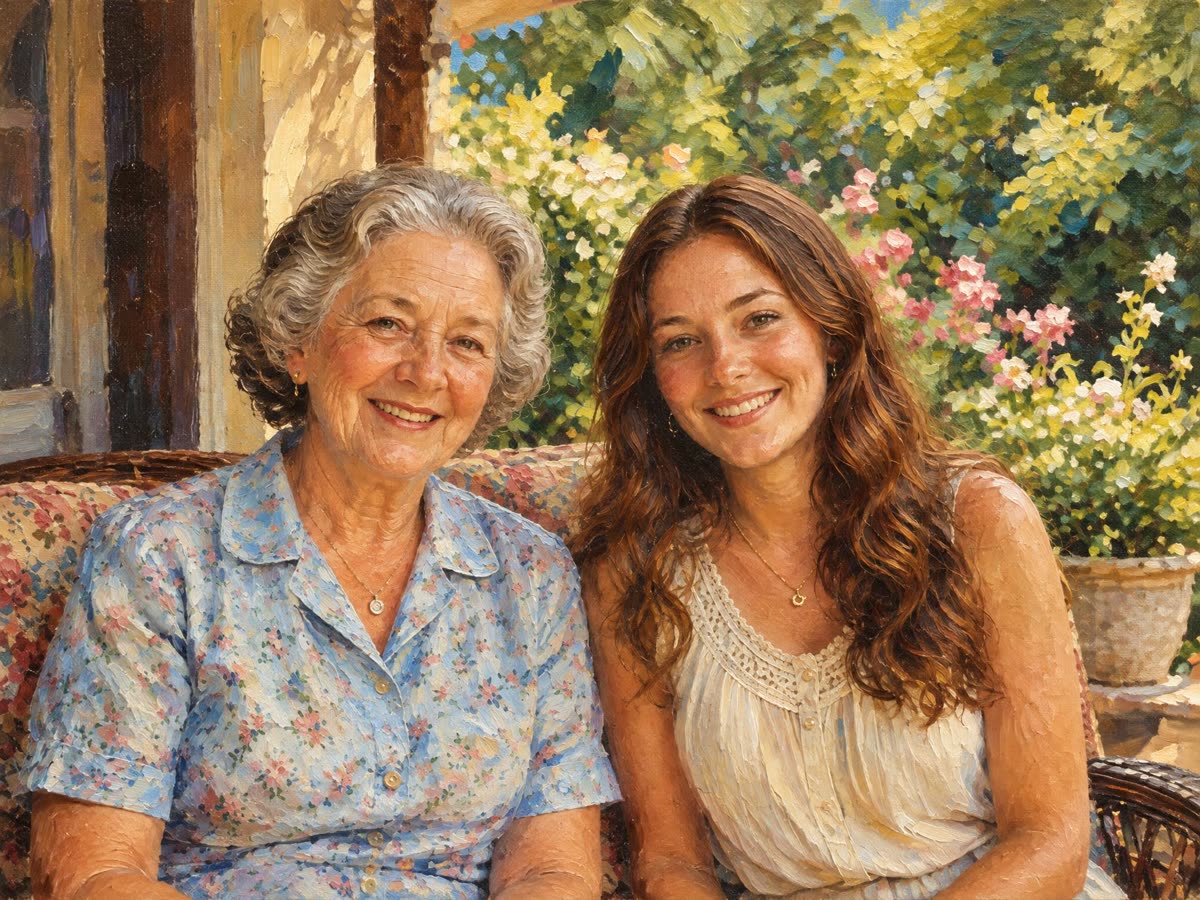
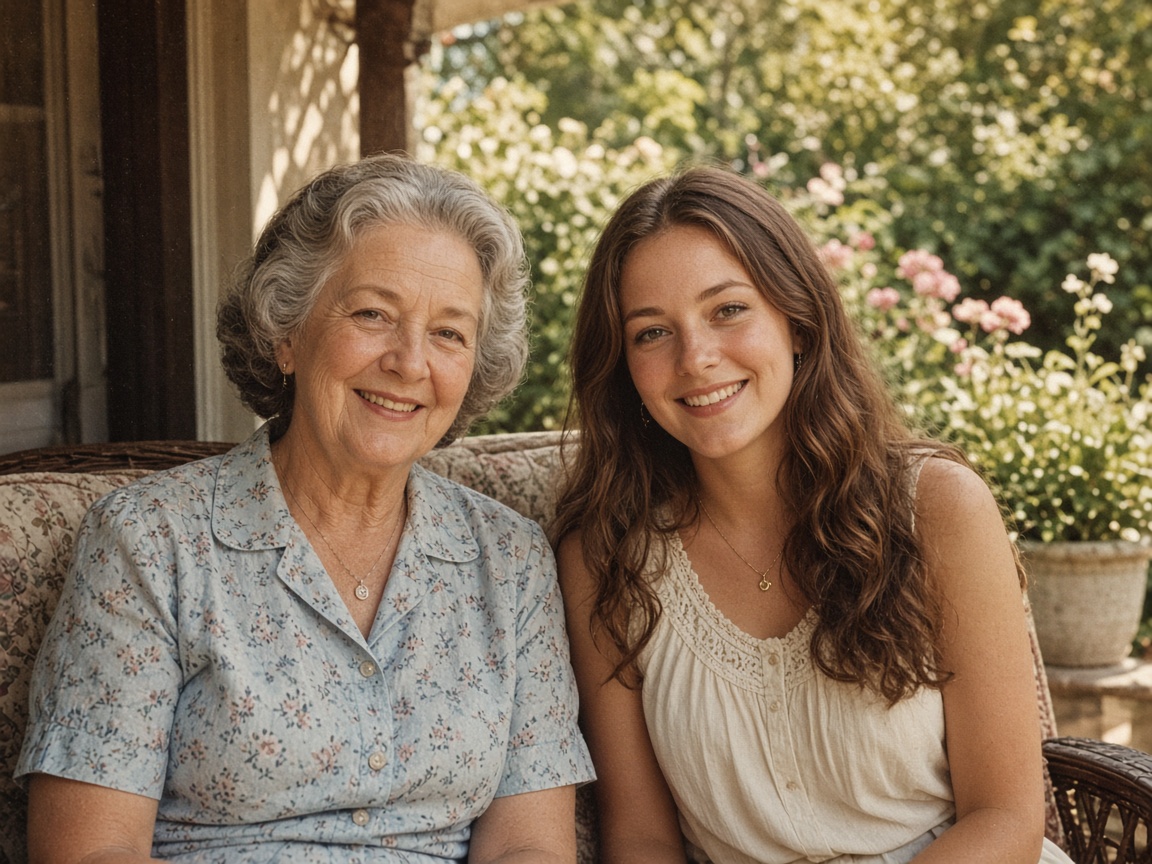
Mother and daughter, oil
Both faces and smiles stayed close to the photo. The porch and the flowers became thick, visible brushstrokes.
No account required
Choose oil or watercolor, upload a photo of people, a pet or a place, and get the same scene back as a painting.
Oil and watercolor on two portraits and a cat. Every after side is a real result. Drag the slider and read what changed.
Both faces and smiles stayed close to the photo. The porch and the flowers became thick, visible brushstrokes.
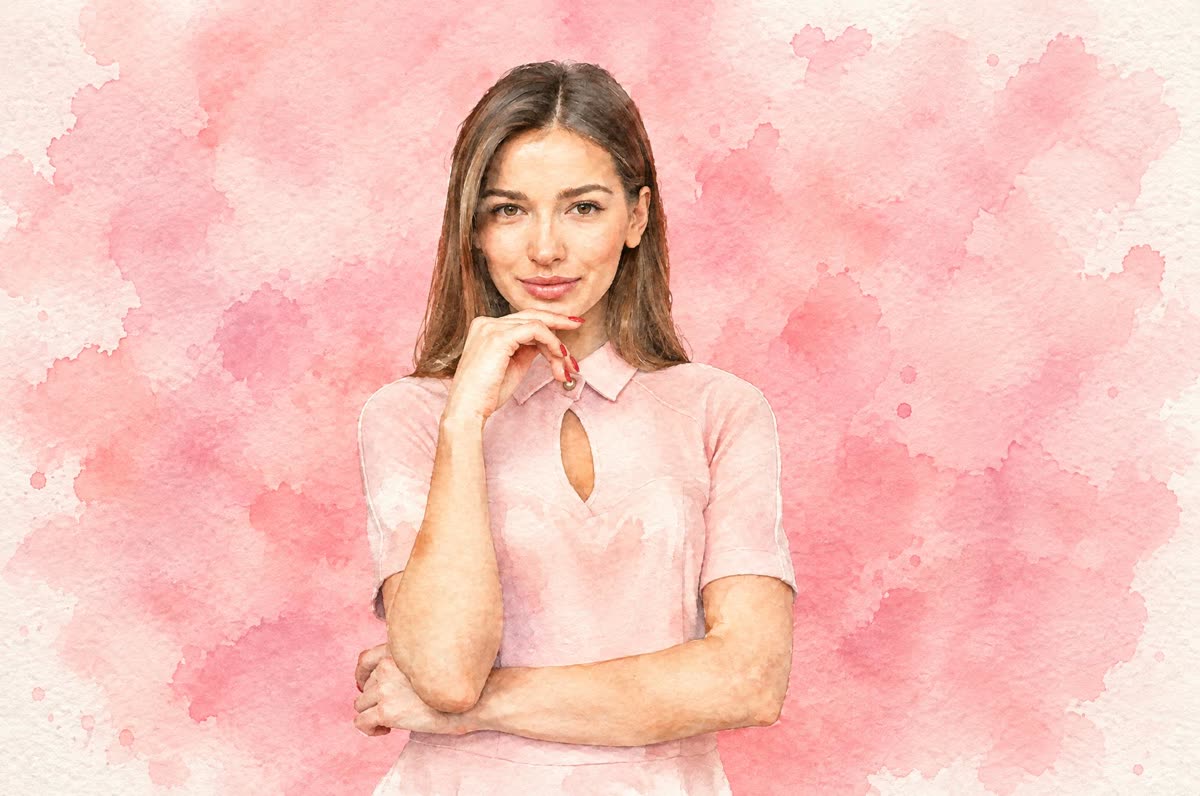

The pose and face stayed the same. The plain pink wall became a loose, mottled pink wash.
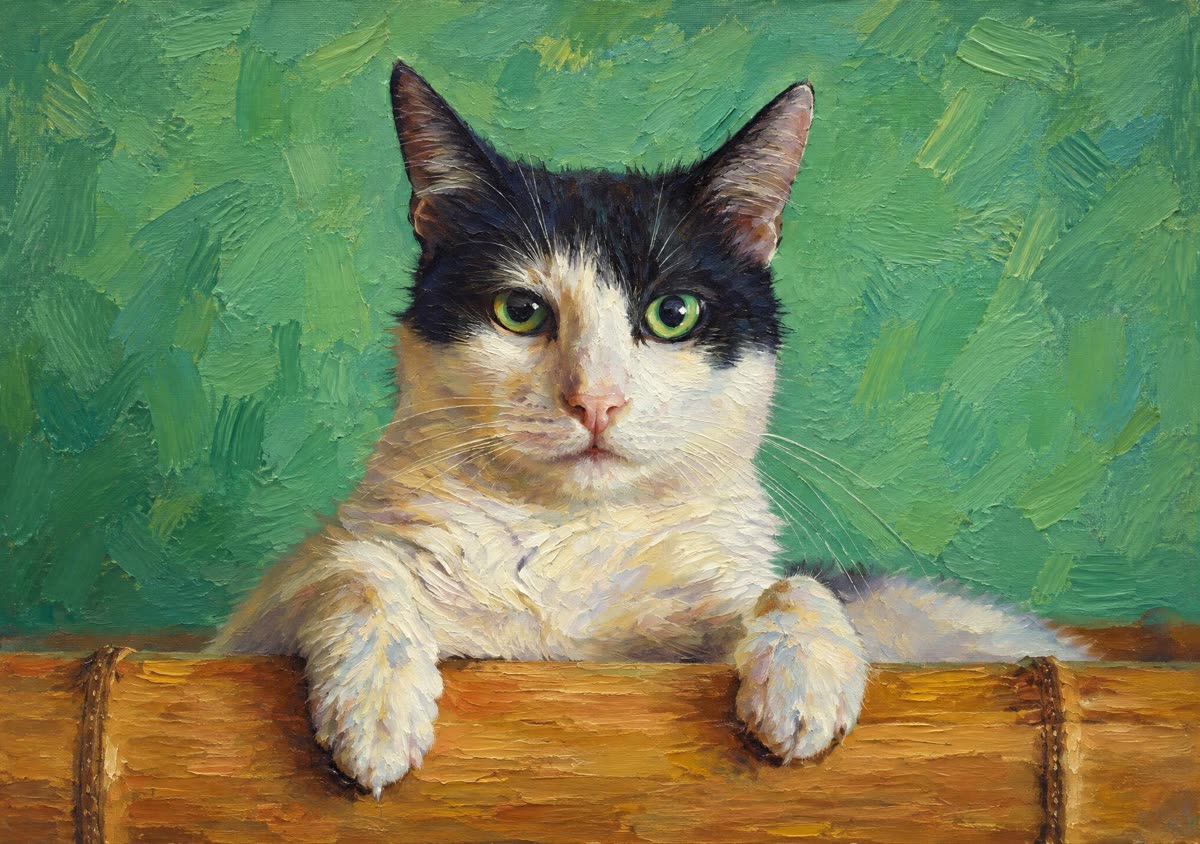
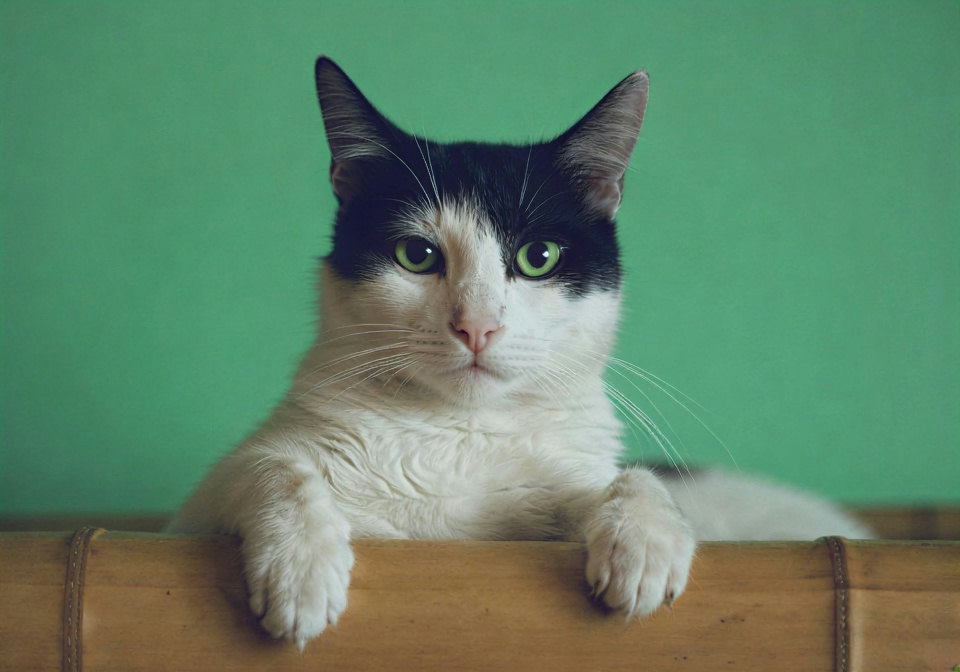
The black ears and the green wall stayed. The white of the face came out a little creamier than the photo.
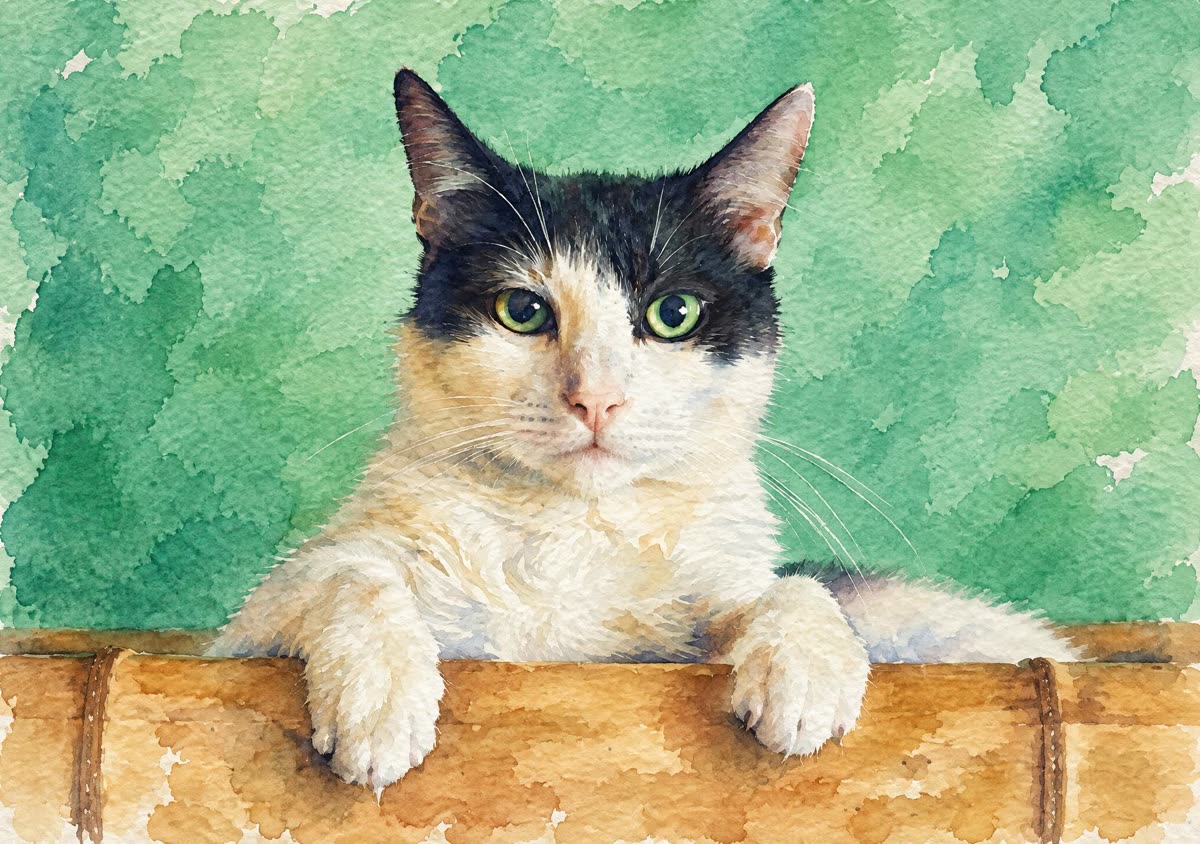
The black face markings and green eyes stayed. The background became soft green washes.
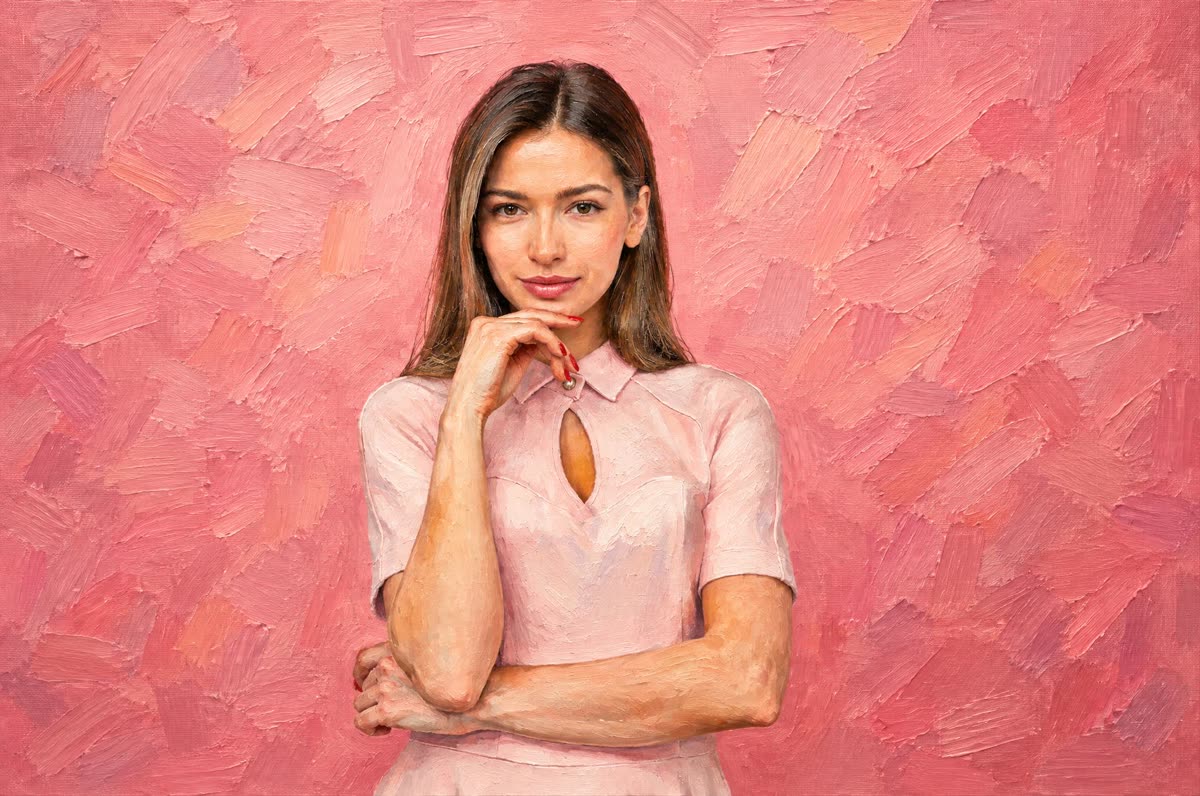
The same pose, hand, and face. The flat pink wall became short, layered brushstrokes.
Step 1
Oil gives thick brushstrokes and deep color. Watercolor gives light washes with paper showing through.
Step 2
Any JPG, PNG or WebP up to 15 MB. The painting starts as soon as the file is in.
Step 3
Use the slider to check faces and fur against the original. Not happy with one detail? Run it again; no two runs are identical.
It repaints the whole image in the medium you chose, using GPT Image 2.5 at 2K and a fixed prompt for each style. You don't write or tune anything.
The prompt asks the model to leave the content alone: same people, same faces and age, same pet markings, same framing. Only the surface changes, from photo grain to brushwork or washes.
You get a 2048 px image, which prints sharply up to about 7 inches on the long side at 300 dpi.
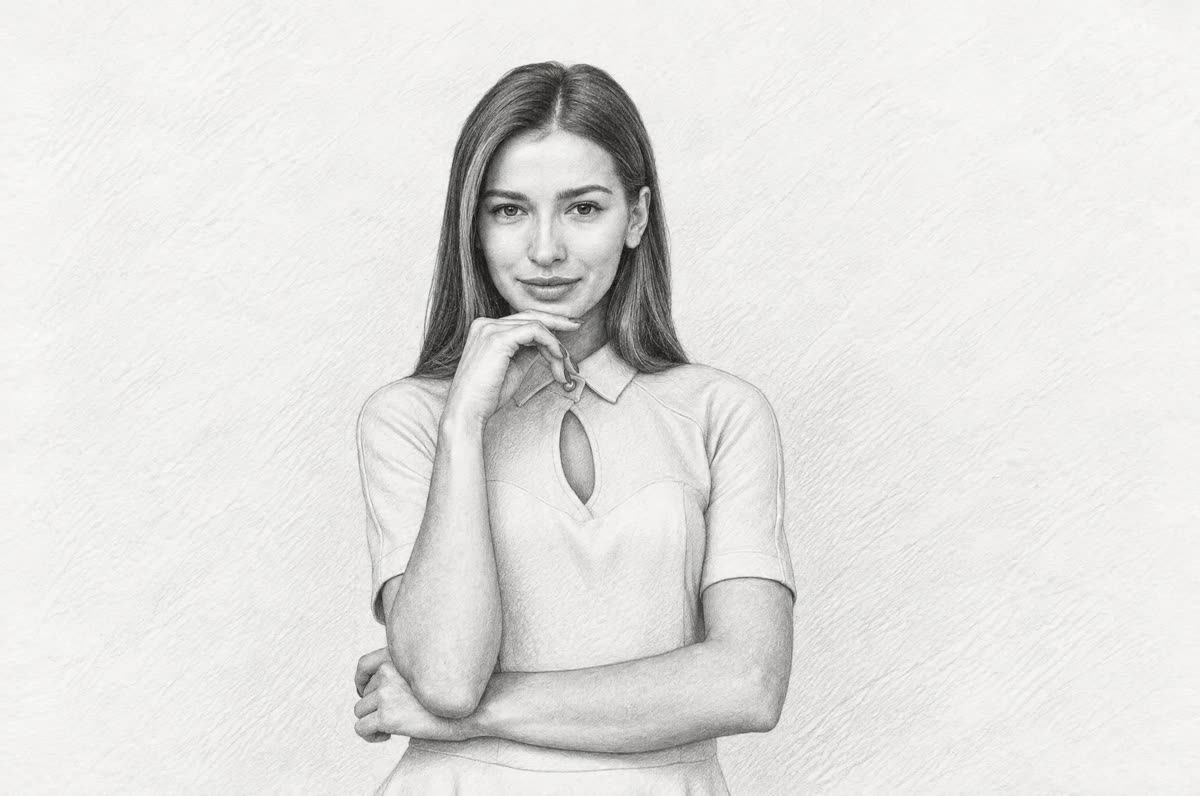
Prefer graphite? Try Photo to Sketch. Is the photo an old, scratched print? Clean it up on Photo Restoration first. For any other style, describe it on the image to image AI tool.
Portraits, couples, family groups, pets and travel shots with one clear subject. Each card below is an untouched result.
Your subject stays. Only the medium changes.
01
Layered brushstrokes, rich color and a painted background. It reads as a painting, not a filter.
02
Soft washes, colors that bleed into each other, and white paper left showing at the edges.
03
The prompt names faces, hair, age and fur markings as things to keep. A quick check is still worth it.
04
2048 px on the long side and no watermark, even on the free daily run. Pro uses the same model at the same price.
Real outputs from this page. Drag a slider to see the original photo.
Both smiles and faces carried over closely. The porch and the flowers turned into thick, visible strokes.
Pose and face unchanged. The flat pink wall became a loose, blotchy pink wash.
The black ears and the green background stayed. The white fur on the face came out slightly warmer than in the photo.
The dark face markings and green eyes held. The background melted into soft green washes.
Same pose, same hand, same face. The plain pink wall turned into short, layered strokes.
These help most of the time. They can't guarantee a result.
Blur in the photo turns into mush in the painting. Start from the clearest version you have.
The more of the frame a face or a pet fills, the more detail survives the repaint.
Oil holds up on a wall or a canvas. Watercolor suits cards, invitations and lighter prints.
If one face or marking is off, run the same photo again before you change anything.
If you're happy with the result, it's ready to save. If you also want to upscale, extend the edges, or refine other details, you can continue with:
Generate & restore
2Restyle
3