Image to image AI: turn any photo into what you describe
Upload a picture, type the change you want, and the AI generates a new image from it. Restyle it, swap the background, change the outfit or the season, and keep the subject you started with. Try it free, no sign-up.
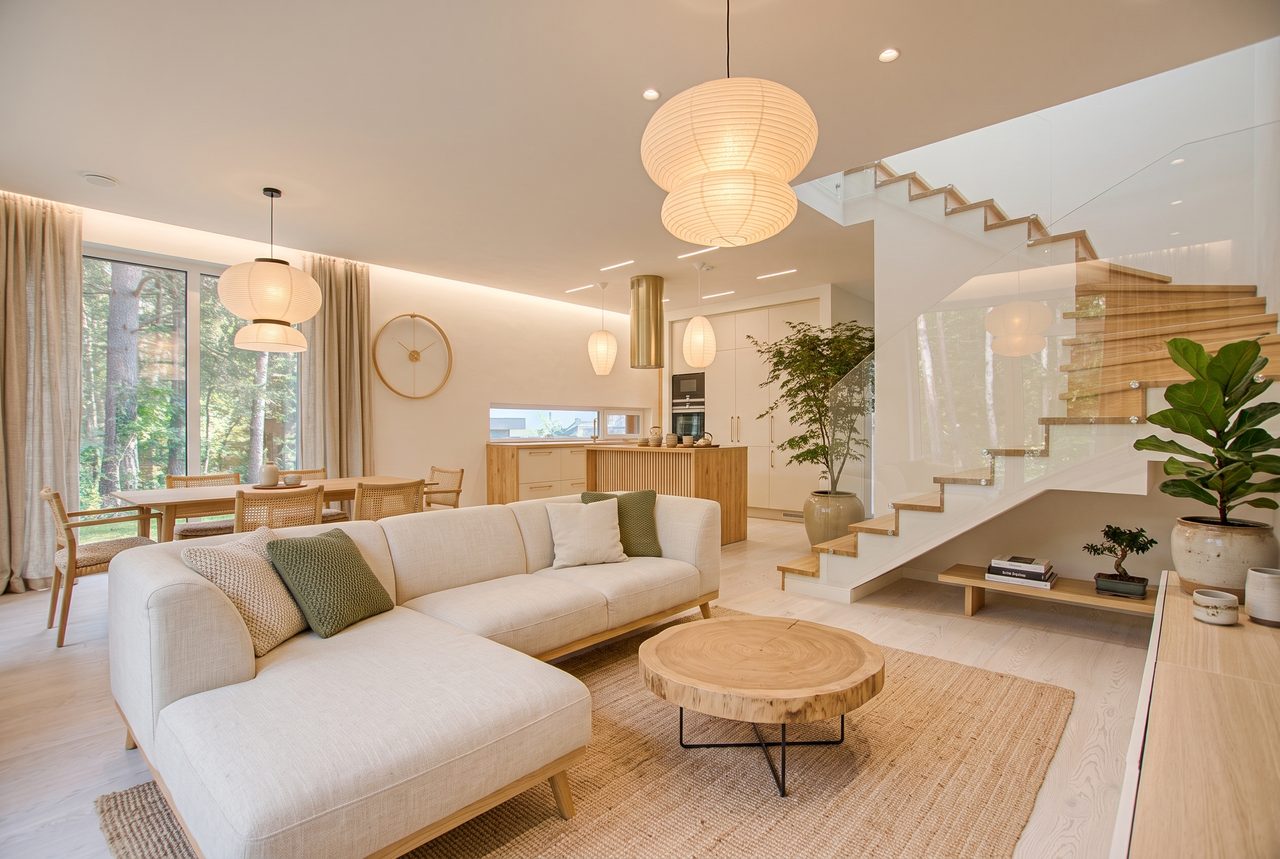
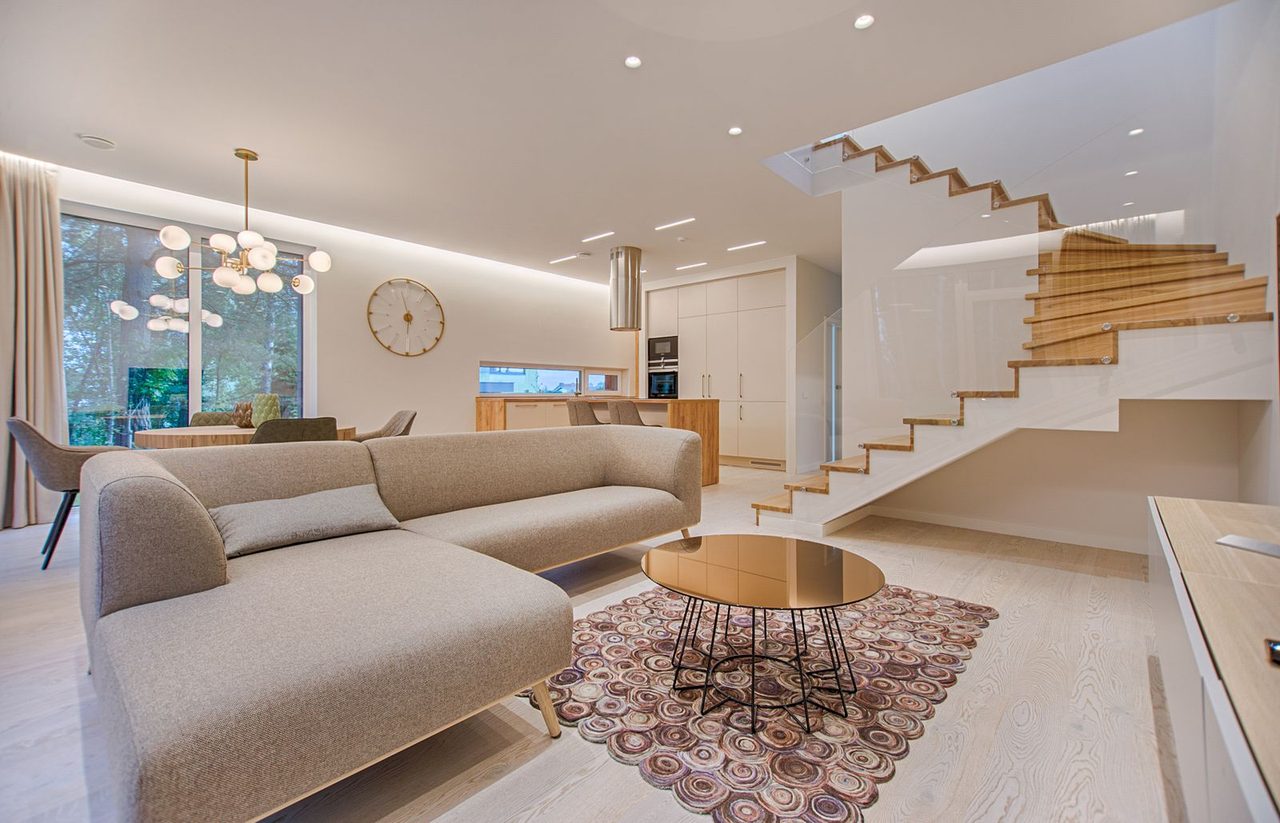
Prompt: Restyle this living room in a warm Japandi style: light oak wood, a cream linen sofa, paper lamps and green plants. Keep the same room layout, stairs and windows.
No account required
3 models
Nano Banana 2 · GPT Image
Pick the model per image, from free Standard to 4K HD
~20 sec
Typical run
Most images come back in 15 to 40 seconds
24 hours
Auto-delete
Uploads and results are deleted after a day
Image to image AI examples
Every result below is a real run of the Standard model with the exact prompt shown. Hover to compare, or load a prompt into the generator.
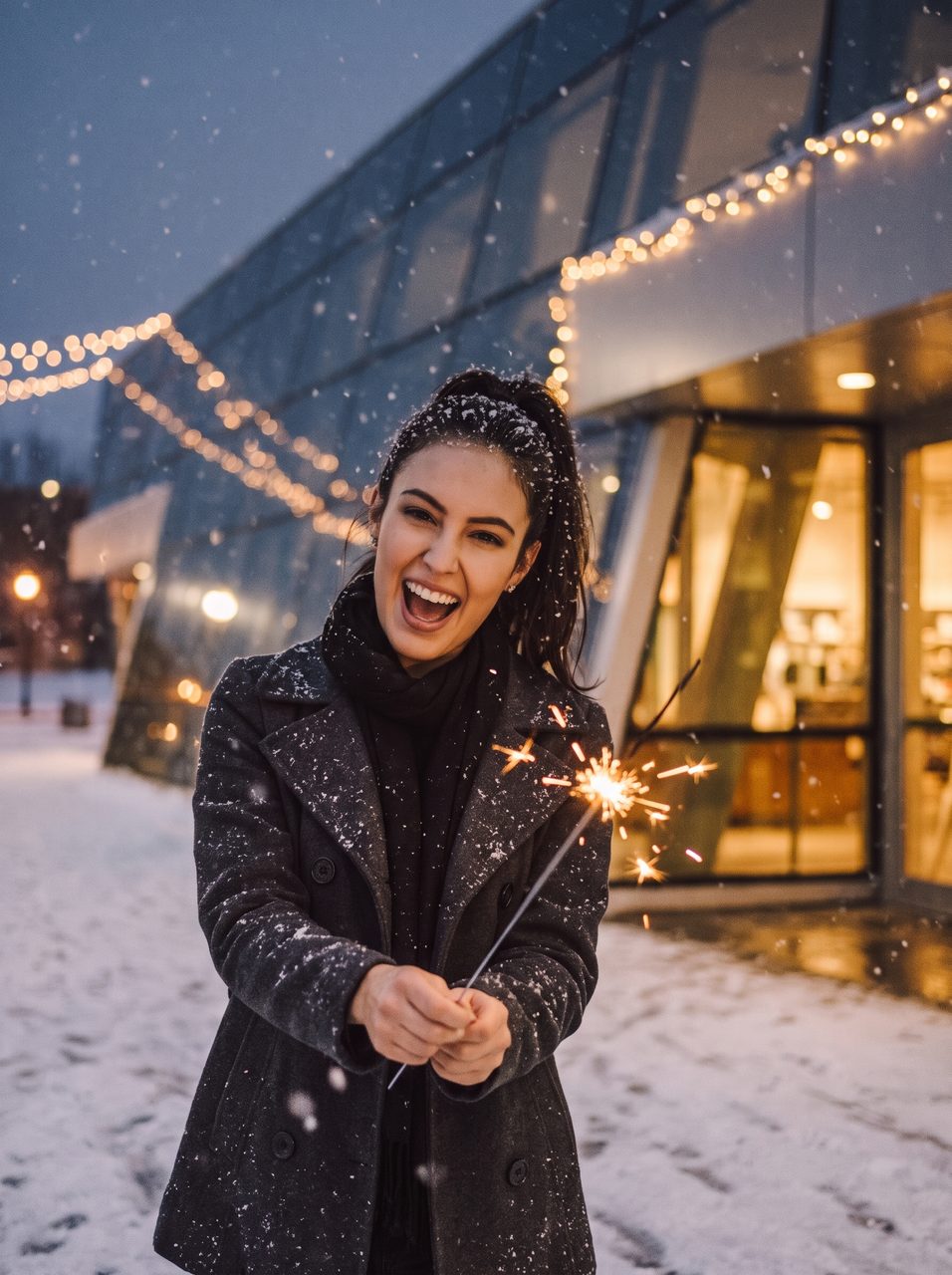
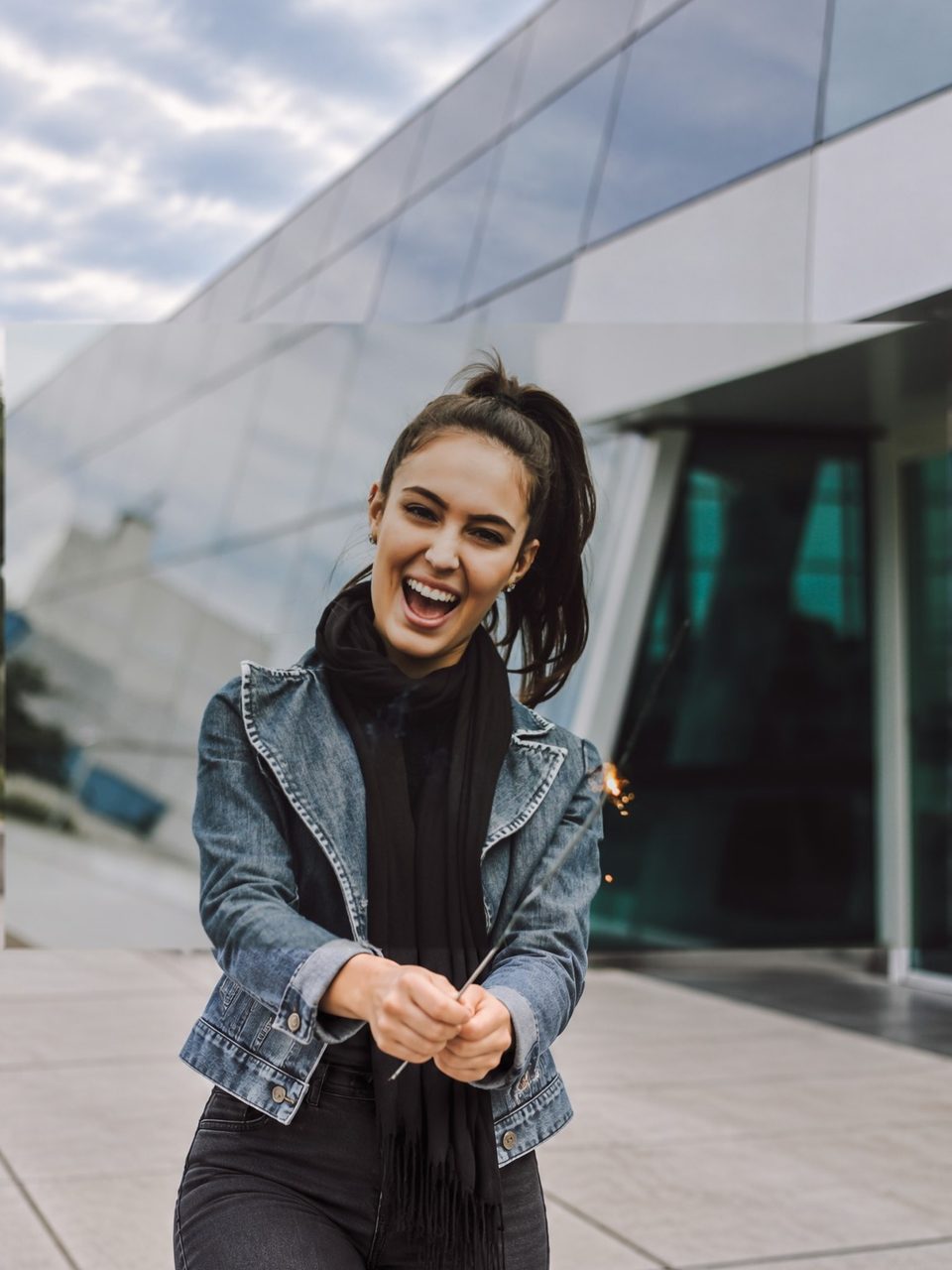 BeforeAfter
Summer street to snowy evening
“Make it a snowy winter evening with falling snow and warm glowing lights. Dress her in a cozy wool coat. Keep her face, pose and expression the same.”
Try this prompt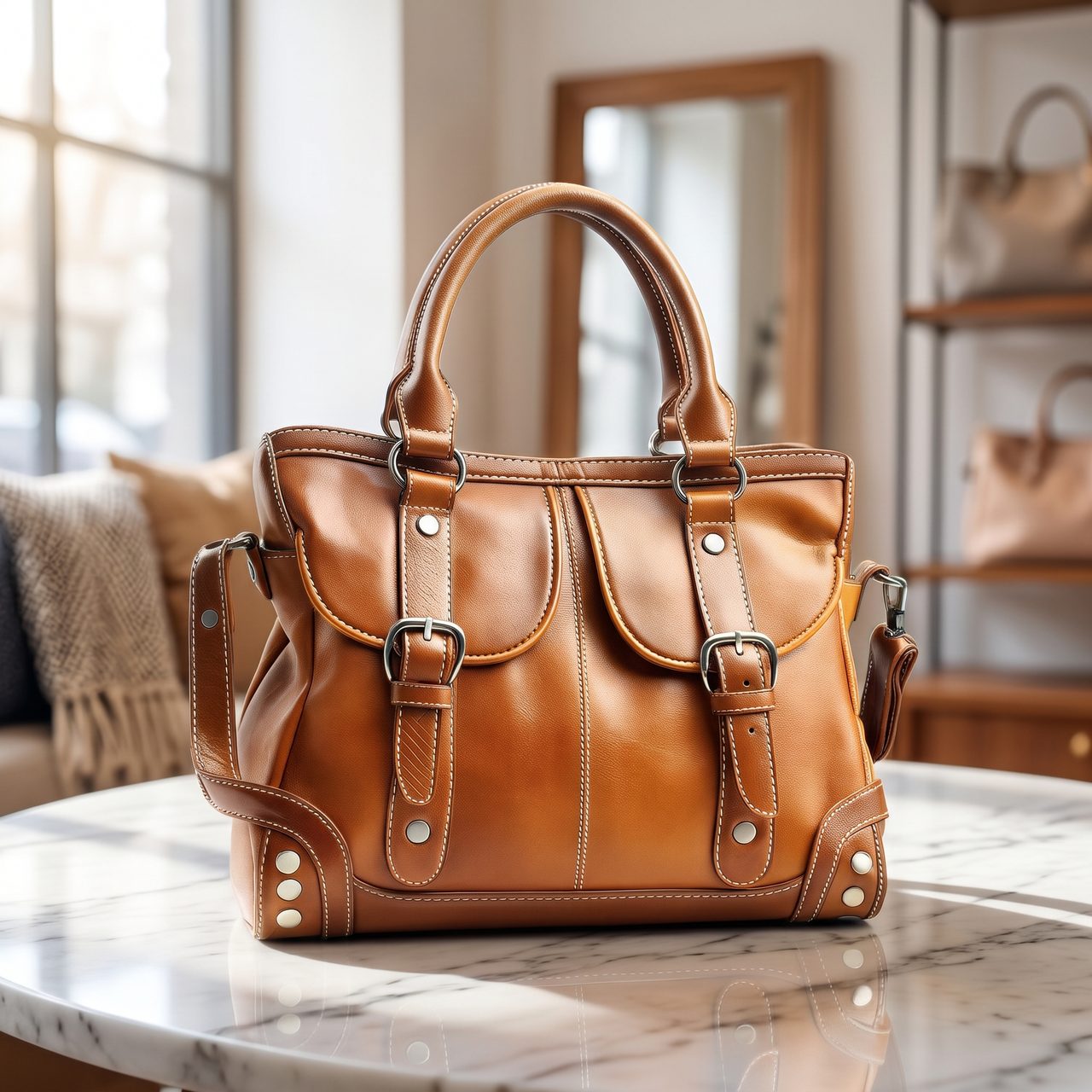
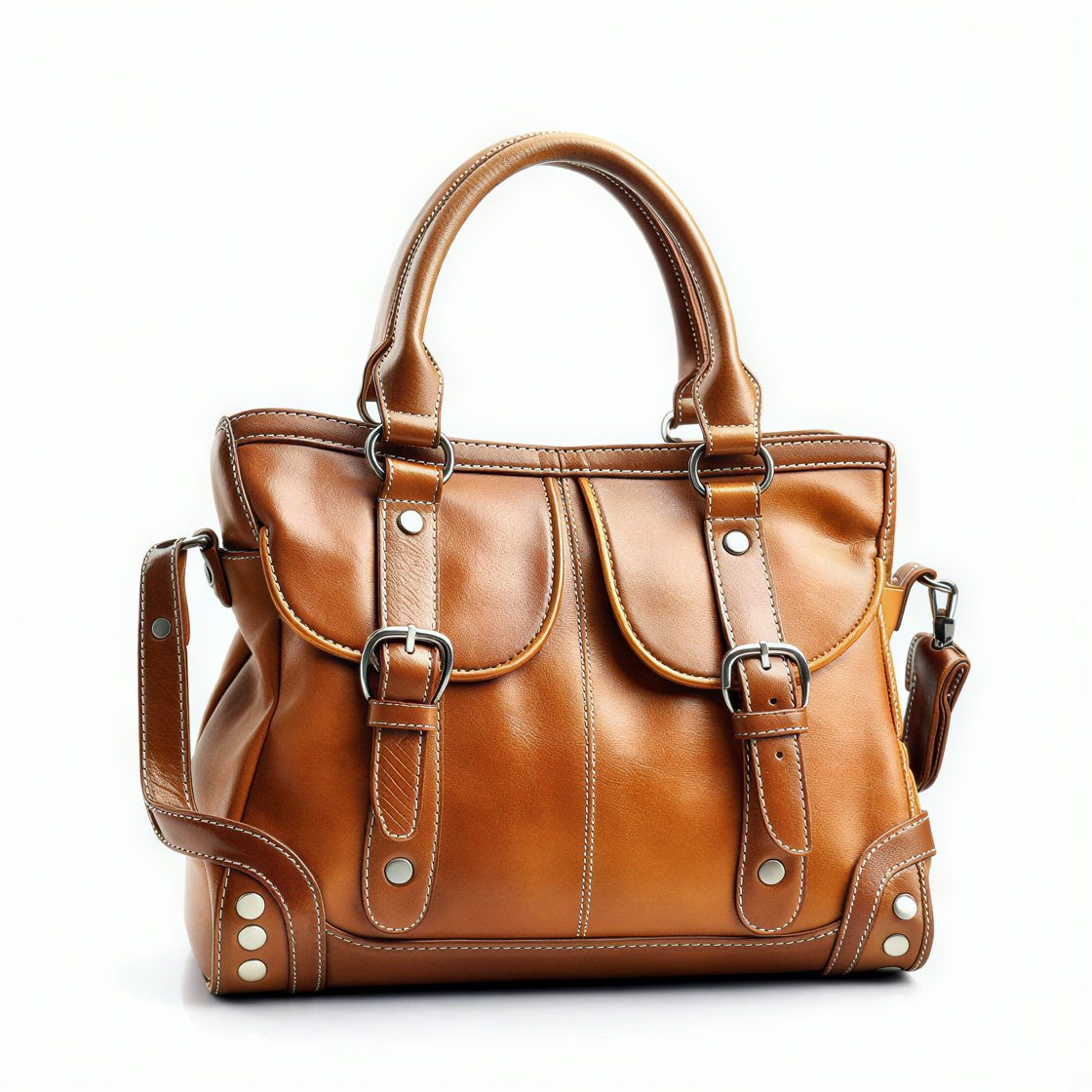 BeforeAfter
Product shot on a new set
“Place this leather bag on a white marble table in a bright boutique with soft morning window light and natural shadows. Professional product photo. Keep the bag exactly the same.”
Try this prompt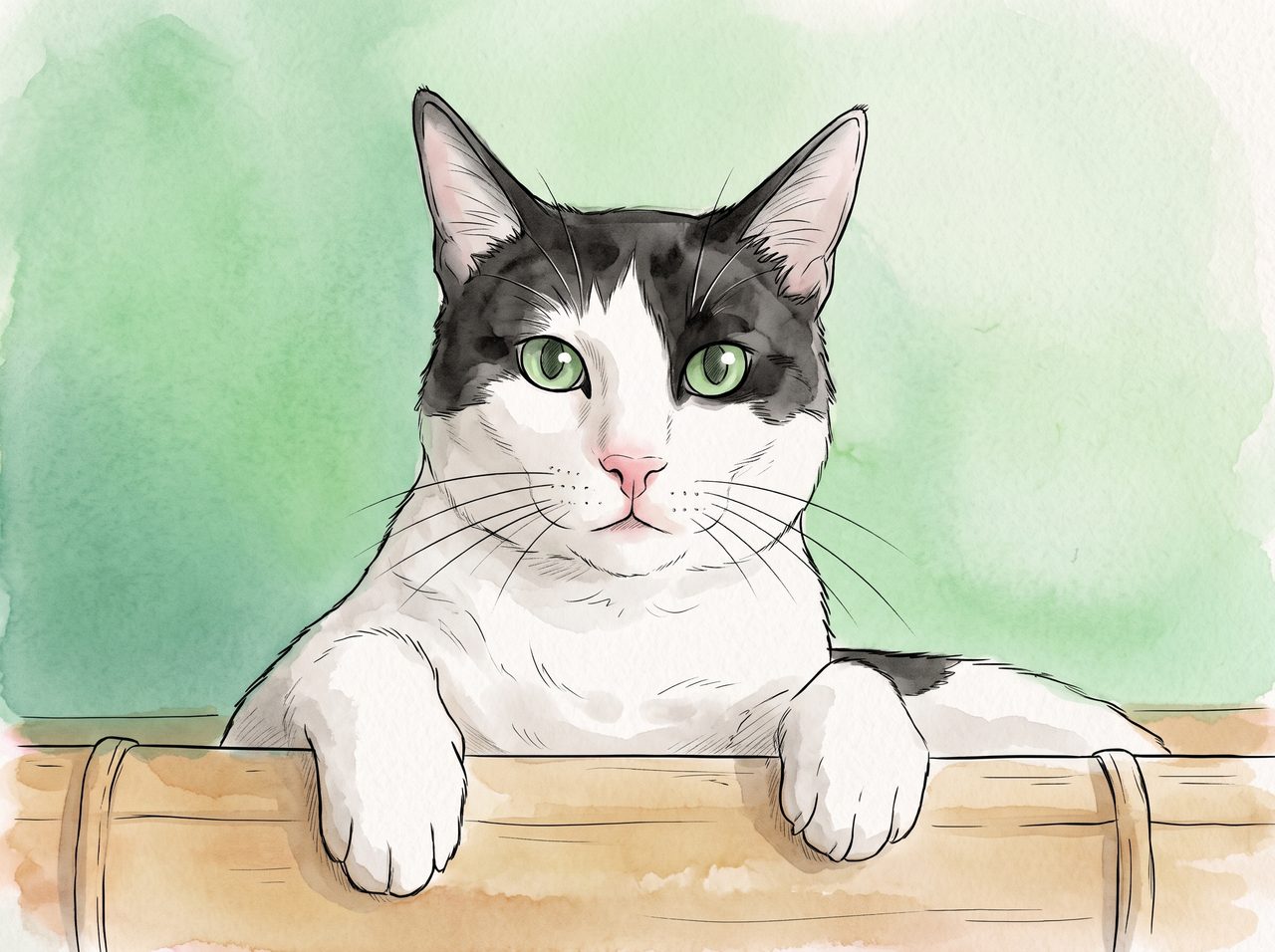
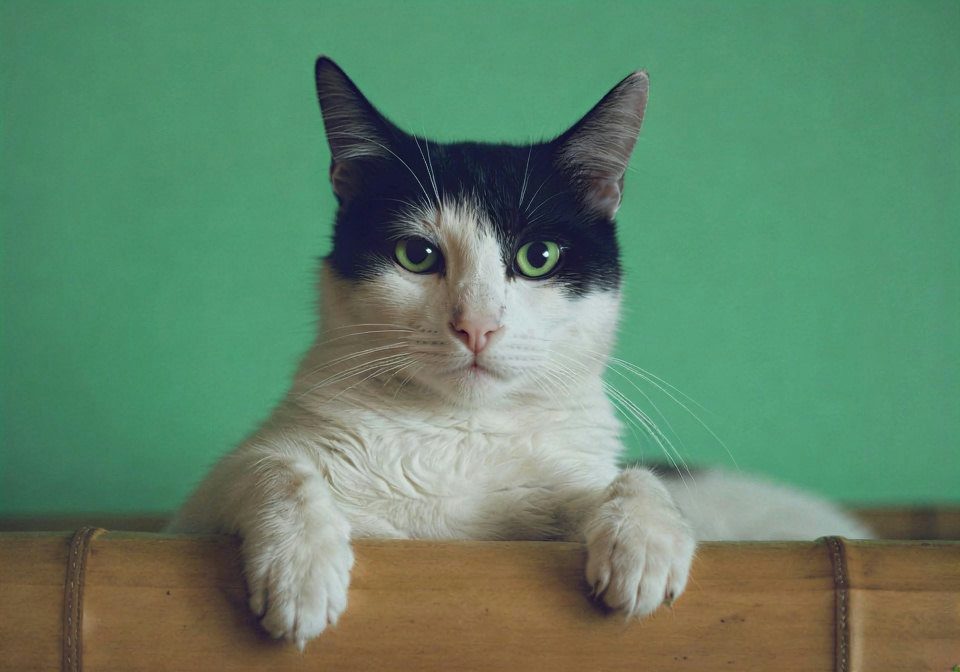 BeforeAfter
Photo to anime illustration
“Turn this photo into a hand-drawn anime illustration with soft watercolor shading and clean line art. Keep the same cat, pose and framing.”
Try this prompt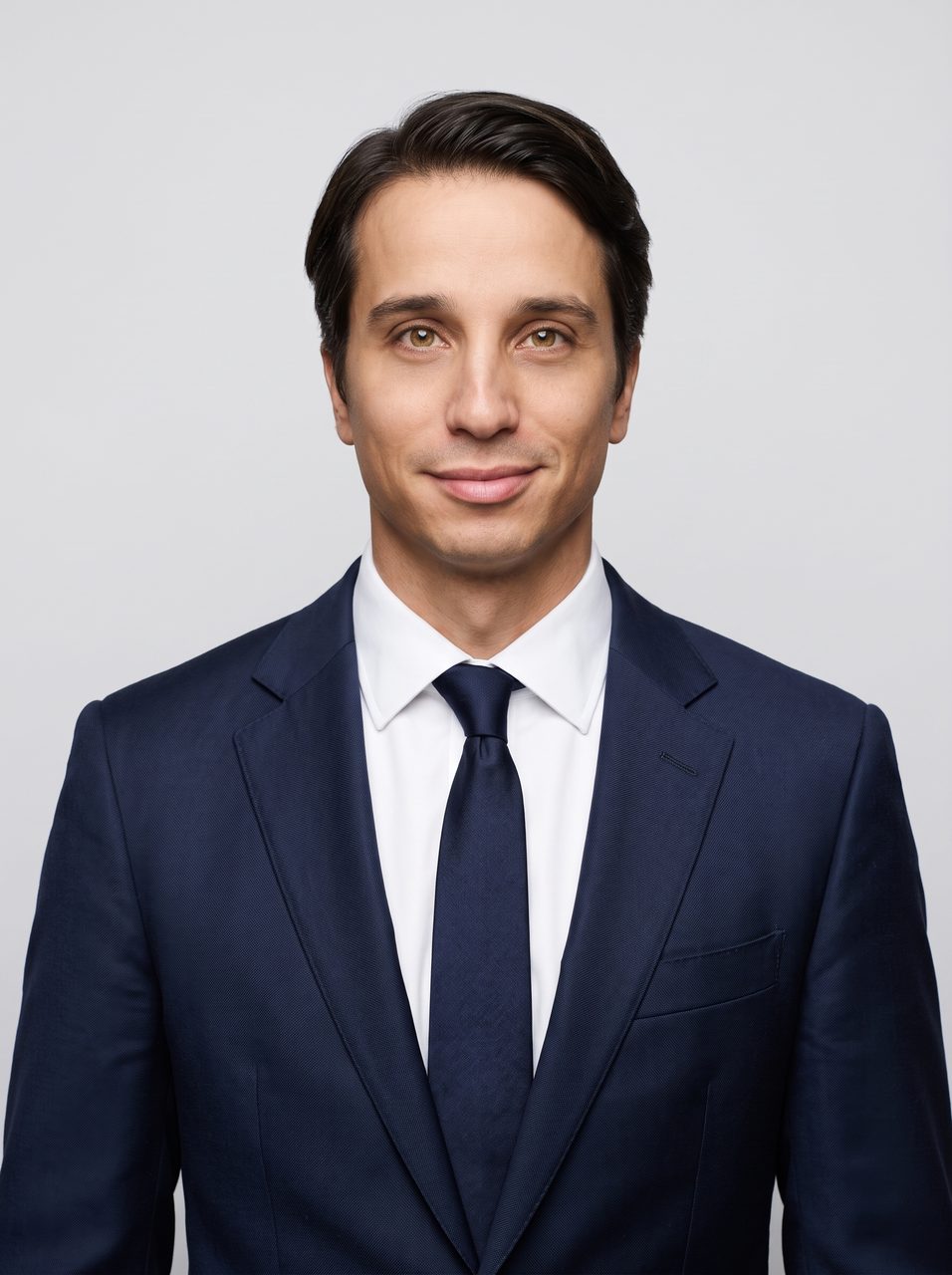
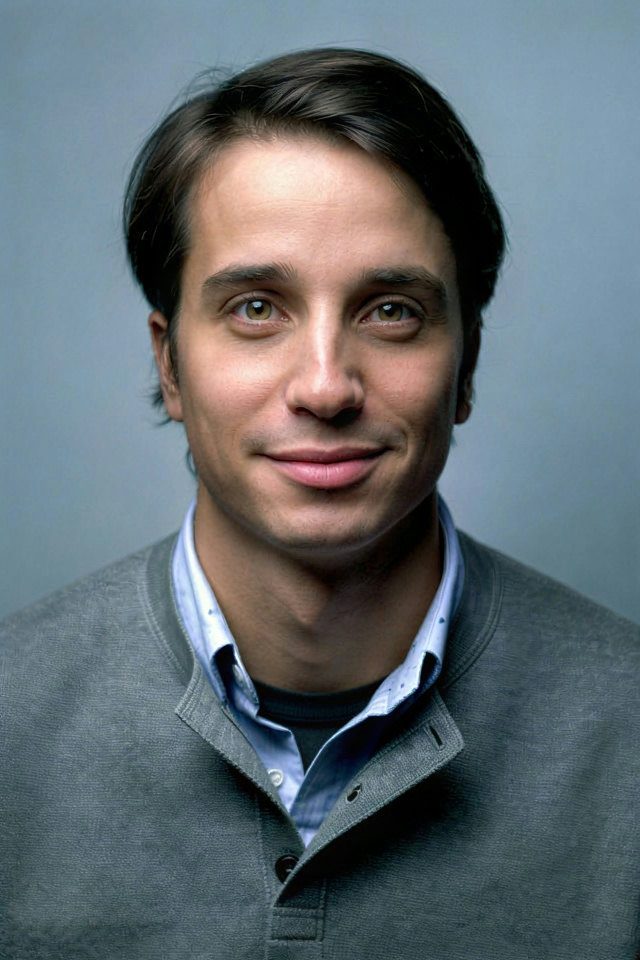 BeforeAfter
Casual photo to LinkedIn headshot
“Dress him in a navy suit with a white shirt and put him in front of a clean light-grey studio backdrop. Professional LinkedIn headshot. Keep his face, hair and expression exactly the same.”
Try this prompt- BeforeAfter
Interior restyle, same layout
“Restyle this living room in a warm Japandi style: light oak wood, a cream linen sofa, paper lamps and green plants. Keep the same room layout, stairs and windows.”
Try this prompt 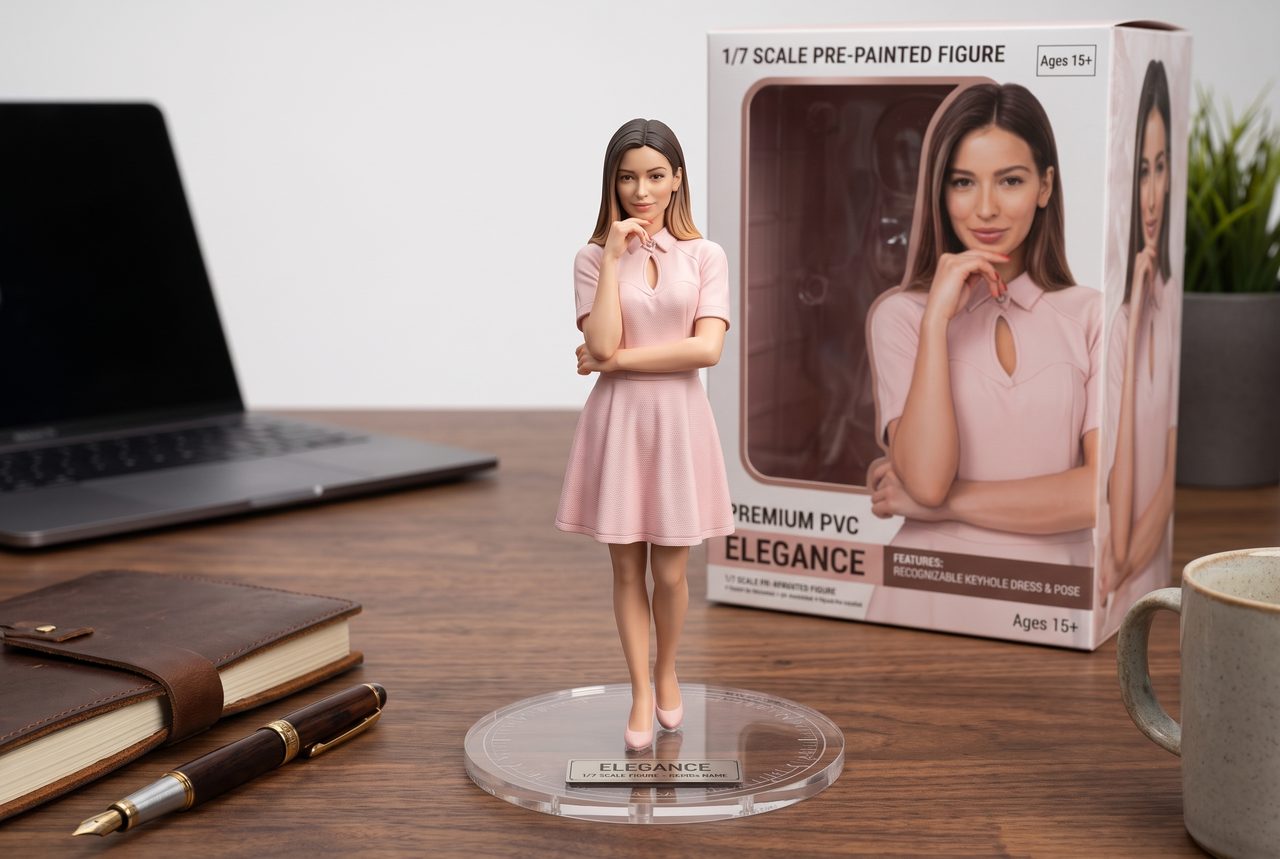
 BeforeAfter
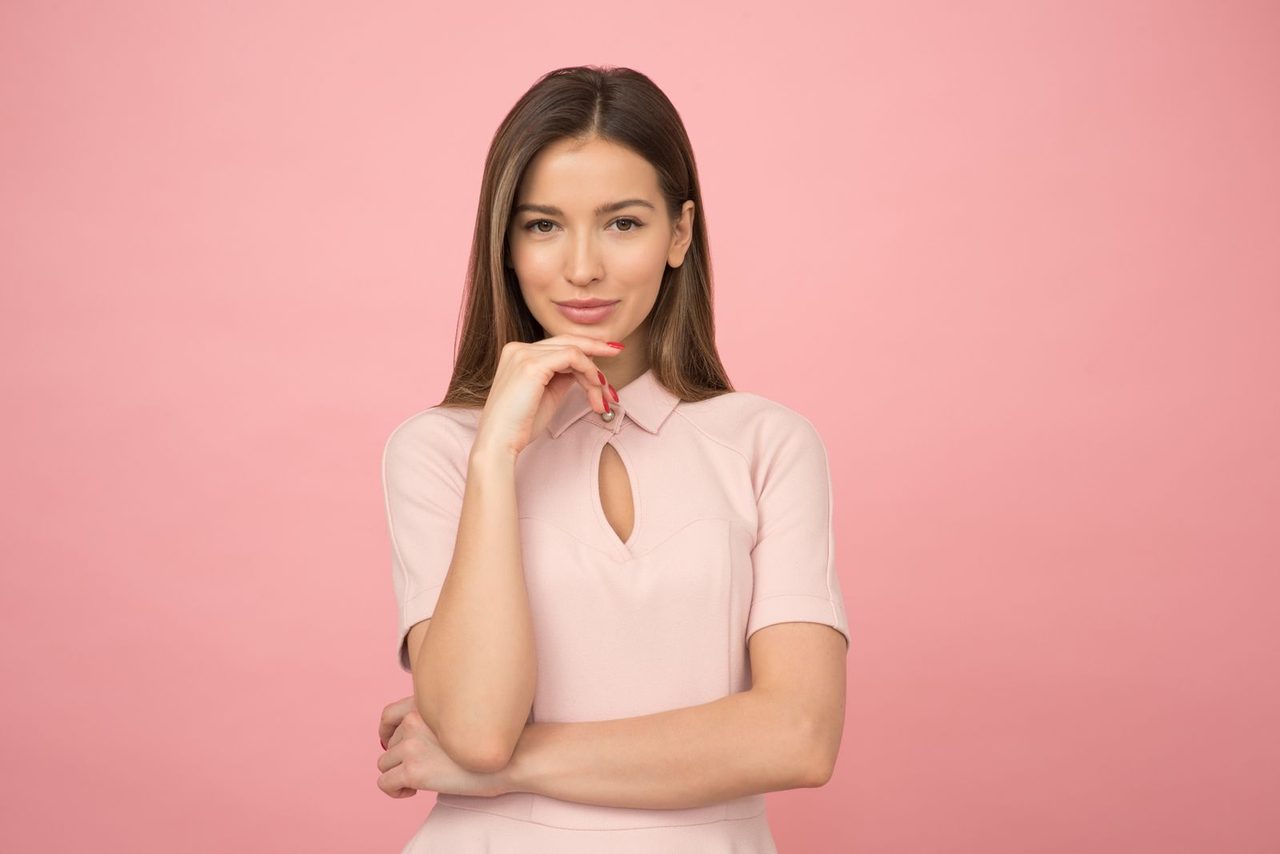
Portrait to collectible figure
“Turn her into a realistic 1/7 scale collectible figure standing on a round clear acrylic base on a wooden desk, with the figure's retail box in the background. Keep her face, hair and outfit recognizable.”
Try this prompt
How to use image to image AI
Three steps, about twenty seconds. The more specific your prompt, the closer the result.
01
Upload a reference image
Drop in a photo, a sketch, a product shot or a screenshot. JPEG, PNG and WebP up to 15 MB.
- Drag, click, or paste
- Clear, well-lit subjects work best
- Deleted after 24 hours
02
Describe the change
Write what should change and what should stay: "make it a watercolor, keep the same face". Or tap an idea chip to start from a tested prompt.
- Plain English, up to 1,500 characters
- Pick an aspect ratio or keep the original
- Choose Standard, Pro or HD
03
Generate and download
Compare the result with your original, then download it. Not quite right? Edit the prompt and run it again.
- Before/after slider on every result
- Credit runs export with no watermark
- Signed-in history keeps results for 7 days
What is image to image AI?
An AI image generator that starts from a picture you already have instead of a blank canvas.
Image to image AI takes two inputs: a reference image and a text prompt. The model reads the picture (its subject, composition, lighting and colors), then generates a new image that follows your instruction while keeping what you asked it to keep. You can change the style, the background, the clothing, the time of day, or add and remove things, without redrawing the image yourself.
ImageToImage AI runs your image through current image-editing models: Google's Nano Banana 2 (Gemini 3.1 Flash Image) on the Standard and HD tiers, and OpenAI's GPT Image on the Pro tier. These models are strong at keeping faces, products and layouts consistent while they edit, which older img2img pipelines often got wrong.
It works best when the prompt says both what to change and what to leave alone. "Turn this into an oil painting" restyles everything; "change the background to a beach, keep her face and dress the same" changes one part and protects the rest.
What people use it for
Restyle a photo
Turn a photo into anime, watercolor, oil paint, pixel art, a 3D render or a pencil sketch while the subject stays recognizable.
Swap the background
Put a person or a product in a new place, from a studio backdrop to a beach at sunset, with matching light and shadows.
Product photos for stores
Turn one plain product shot into lifestyle scenes for listings and ads without another photo shoot.
Headshots and outfits
Change clothing, tidy the backdrop or turn a casual photo into a professional headshot.
Interior and design ideas
Restyle a room, try a new color scheme, or turn a rough sketch into a finished concept.
Characters and fun edits
Make collectible figures, change seasons, age a scene or turn a pet into a cartoon character.
Image to image vs. text to image
Text to image creates a picture from words alone, so every run invents a new subject and composition. Image to image starts from your upload, so the person, product or room in it carries through to the result. Use text to image when you have nothing to start from; use image to image when you want your own picture, changed.
Why use ImageToImage AI
Keeps what matters
Faces, products and layouts carry through to the result. Say what to keep in the prompt and the model protects it.
Free to try, no sign-up
Run the Standard model free once a day without an account, or twice a day after you sign in. Credits unlock Pro, HD 4K and watermark-free downloads.
Private by default
Uploads and results are deleted after 24 hours. We never use your images to train models.
More AI image tools
One-click tools for the edits people make most. Each starts from an image you already have.
Image to image AI
Upload a picture, describe the change, get a new image.
Try it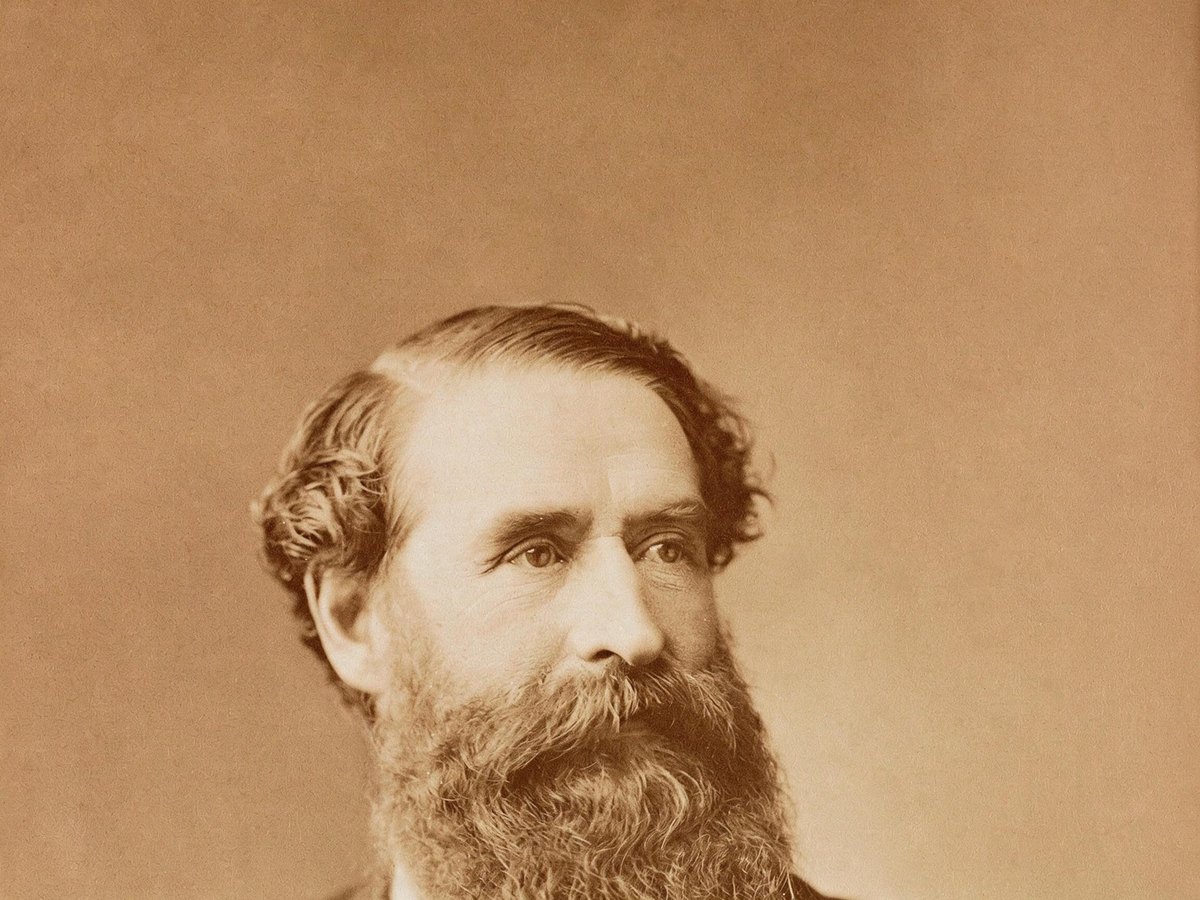
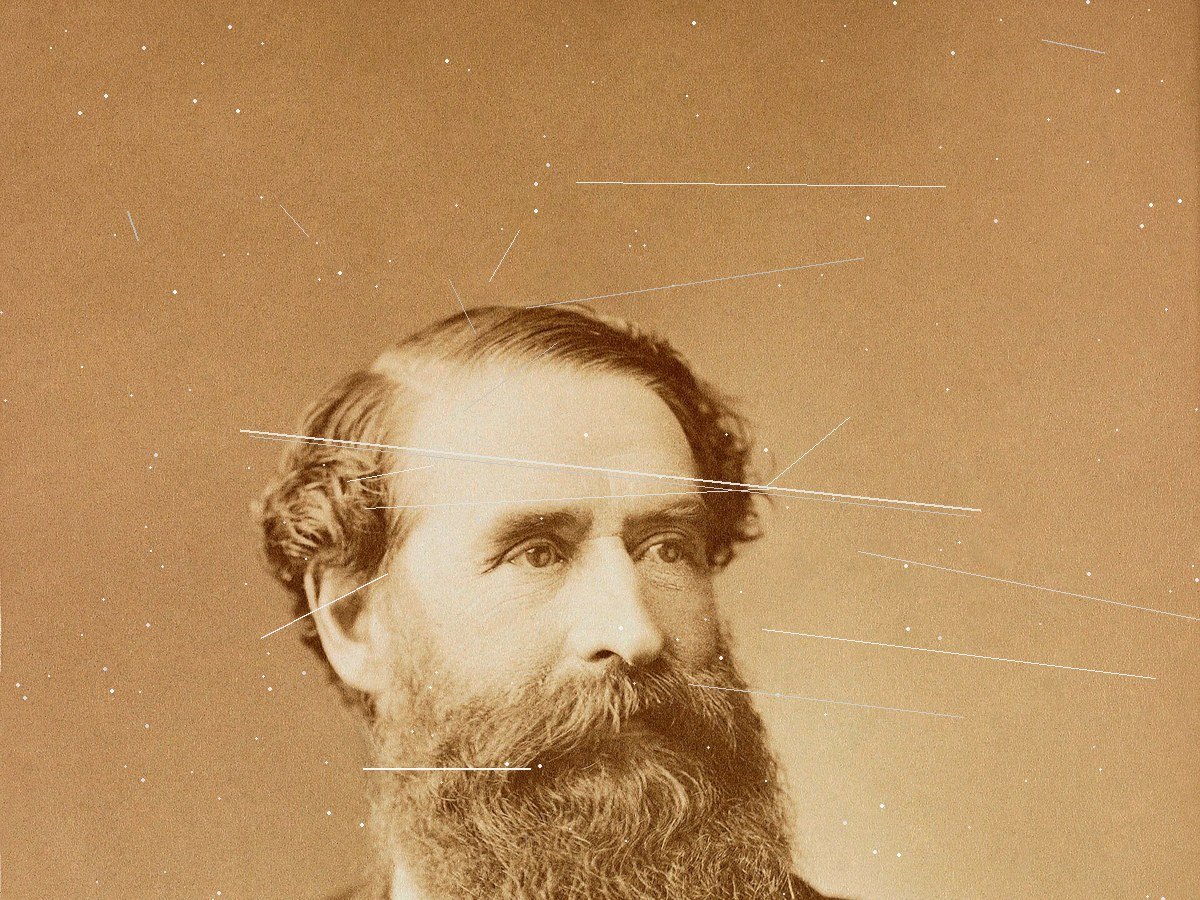
Photo restoration
Repair scratches, creases and fading on an old photo.
Try it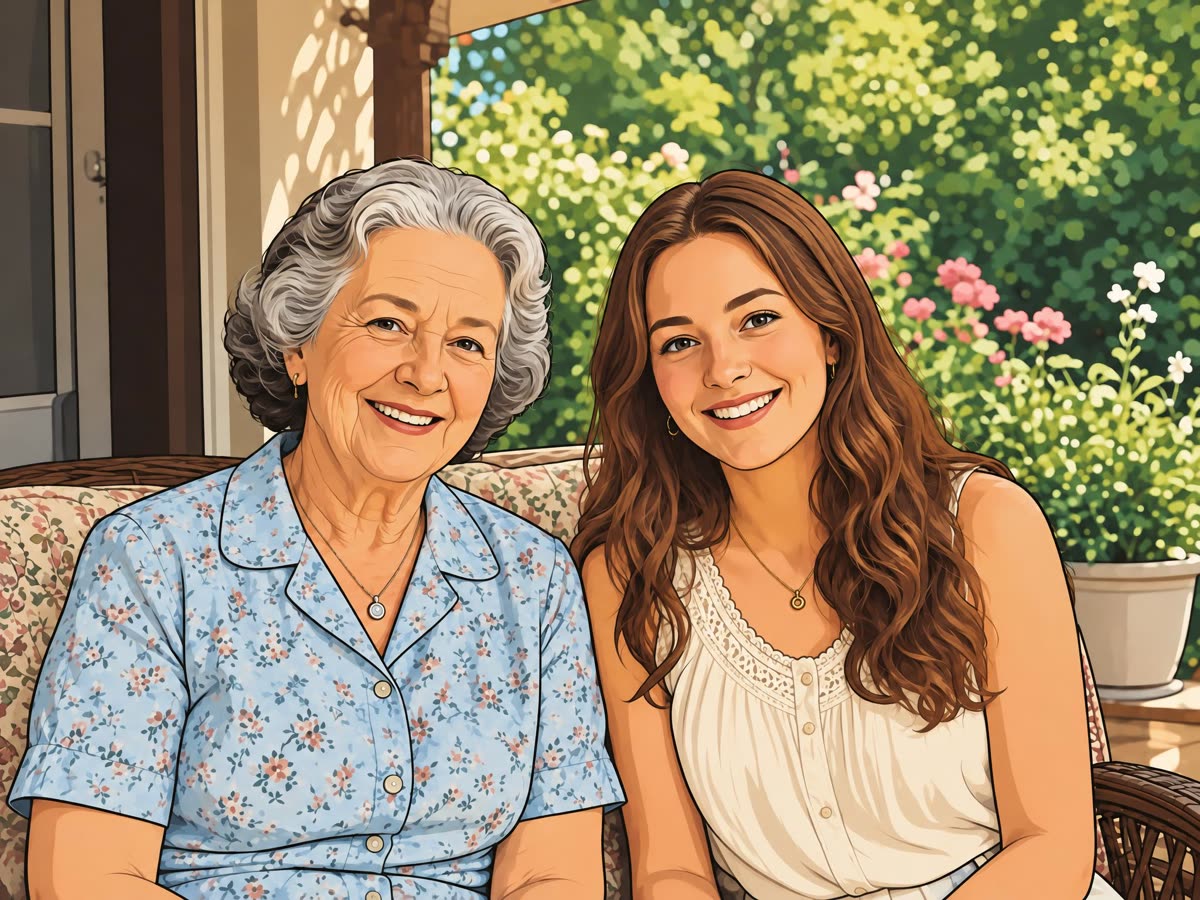
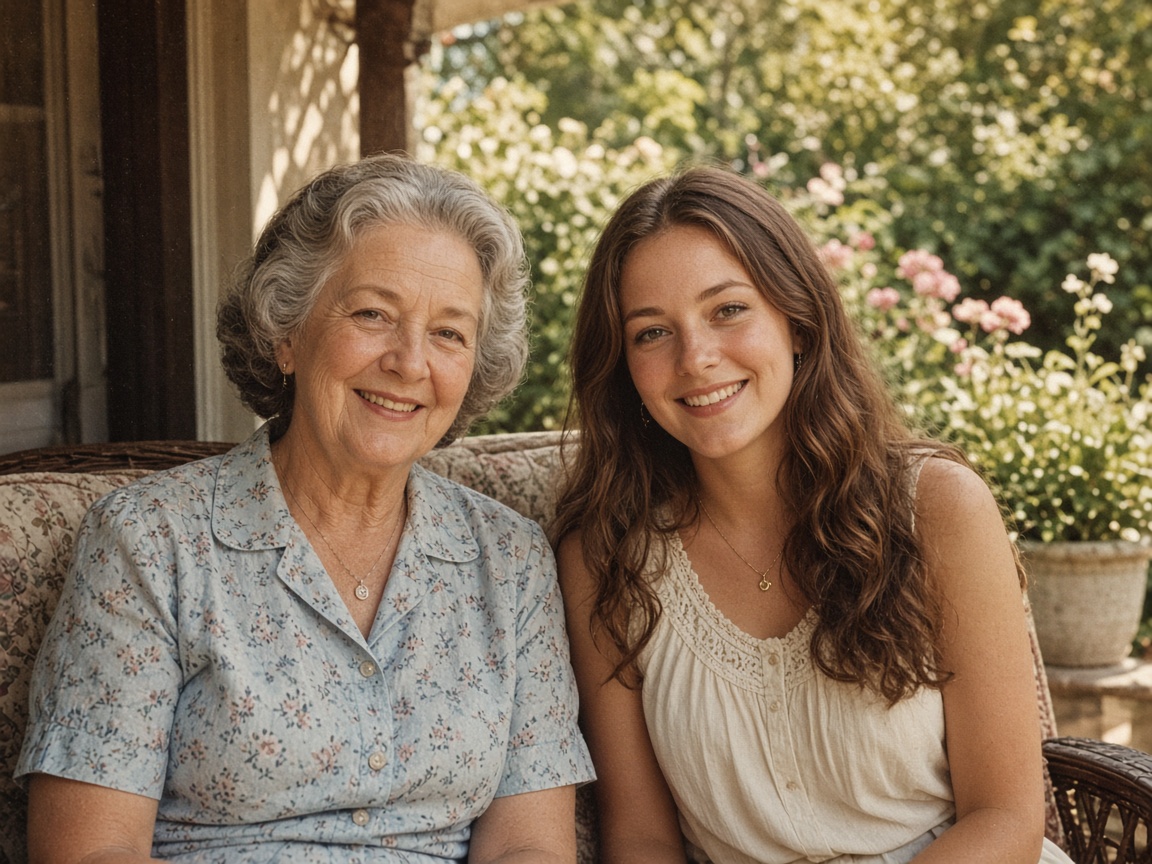
Photo to cartoon
Redraw a photo as a cartoon with bold lines and flat color.
Try it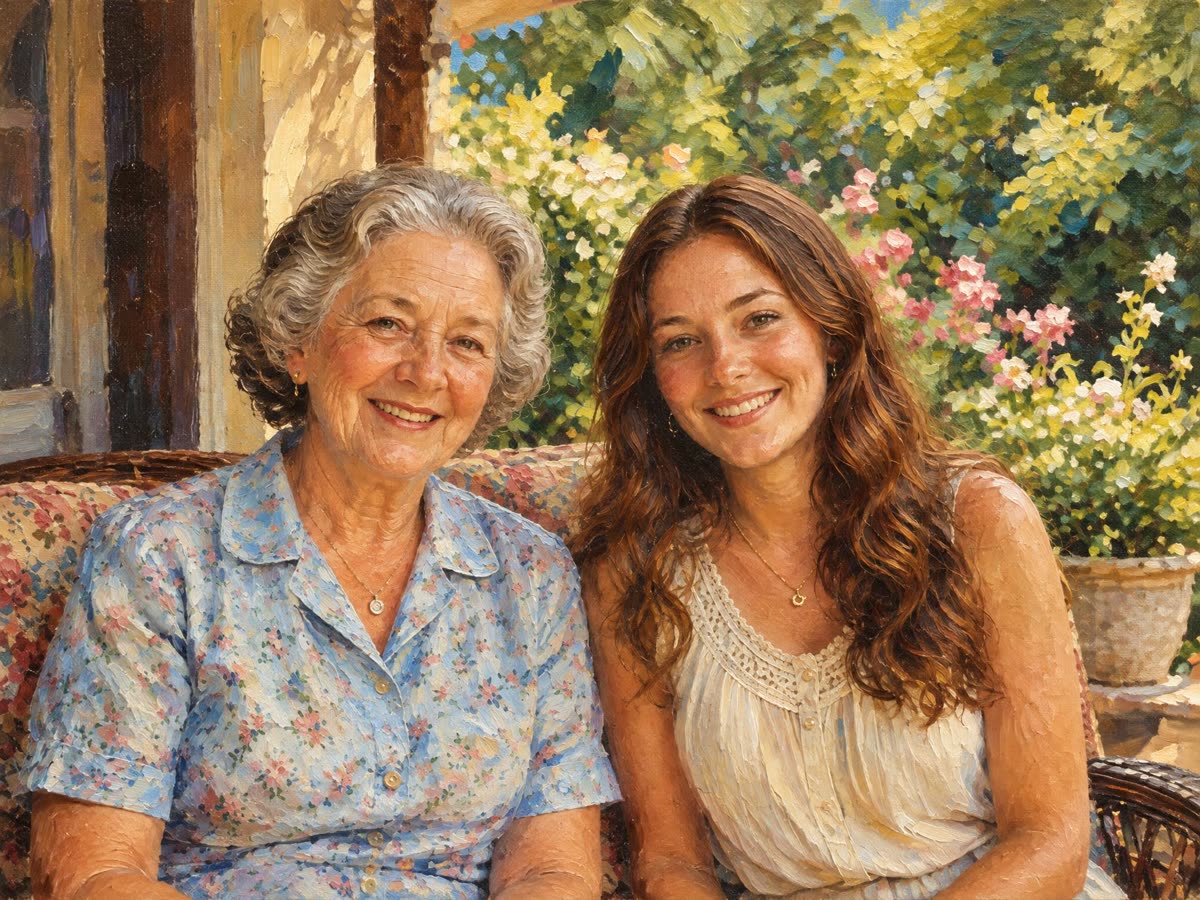
Photo to painting
Repaint a photo as an oil painting or a watercolor.
Try it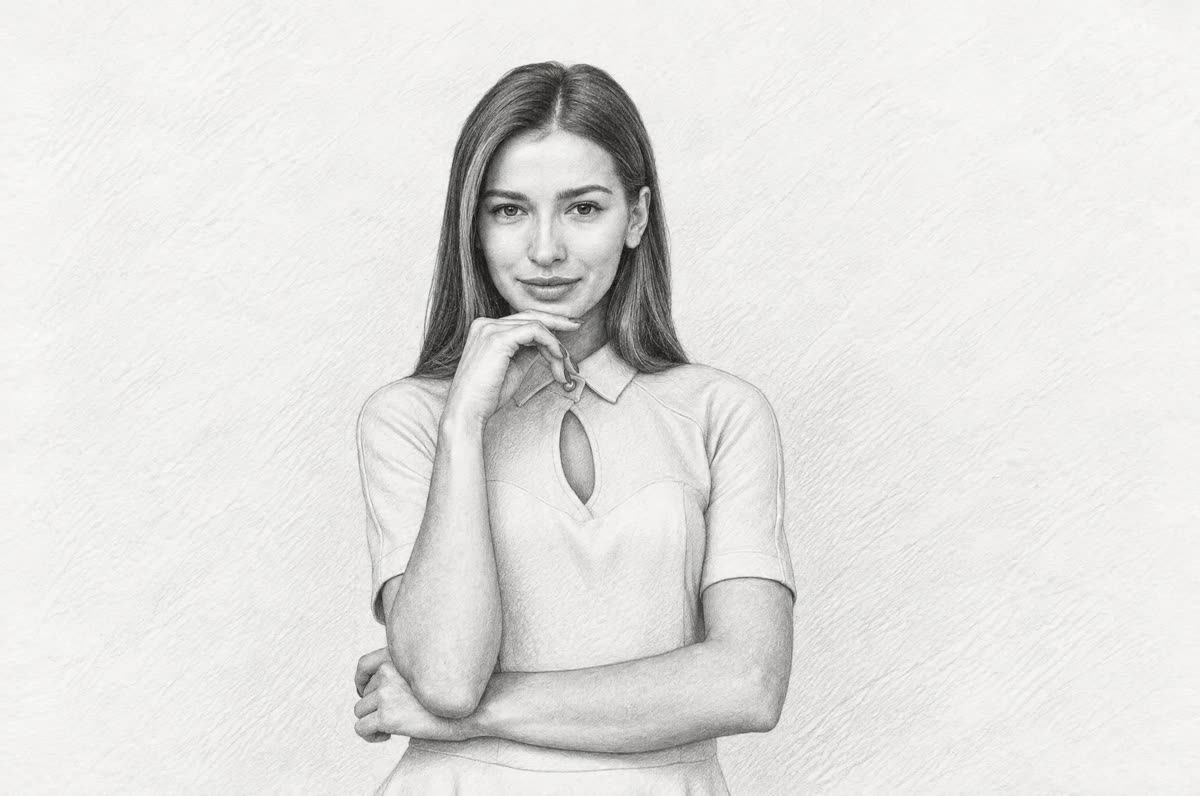
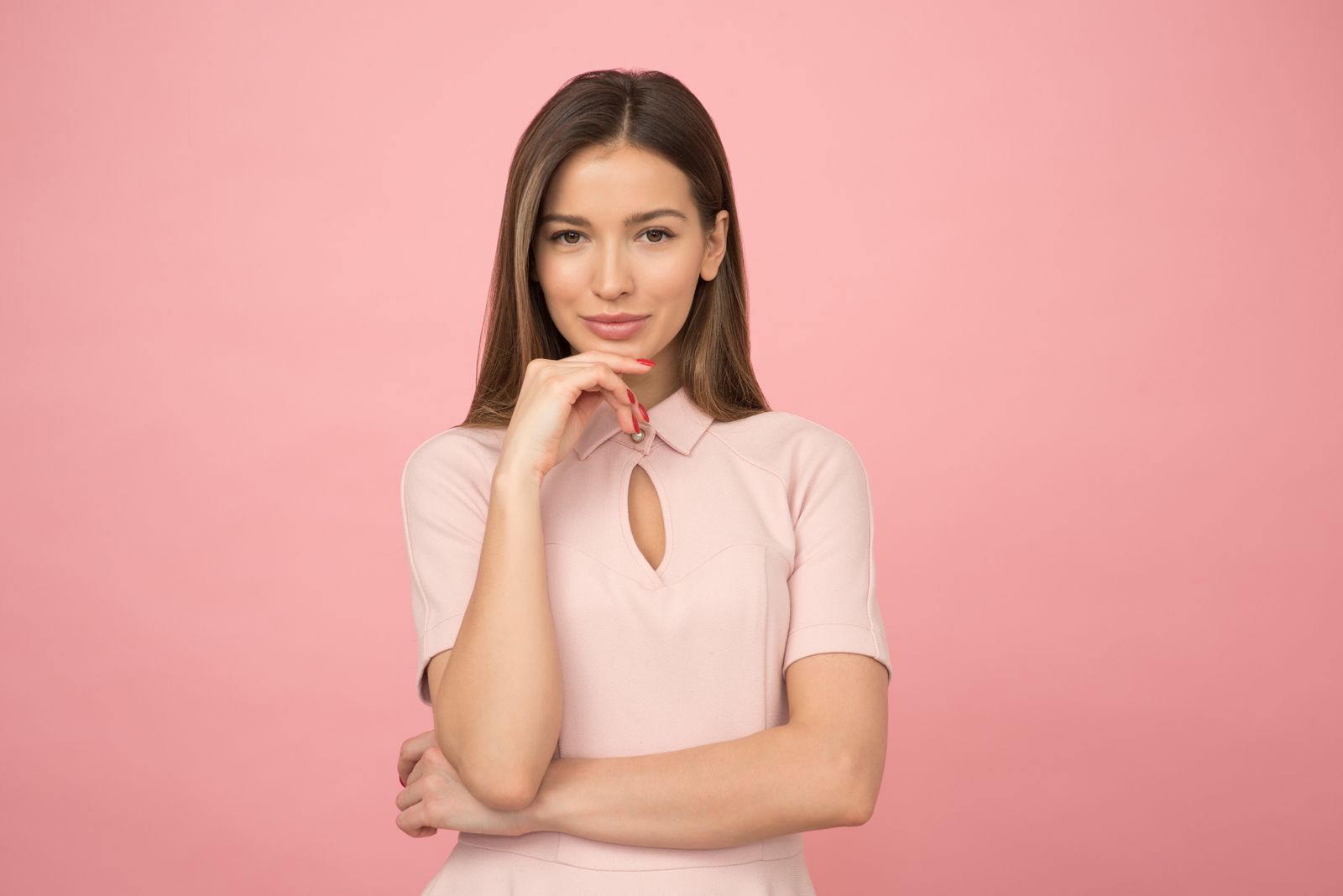
Photo to sketch
Redraw a photo as a graphite pencil sketch.
Try it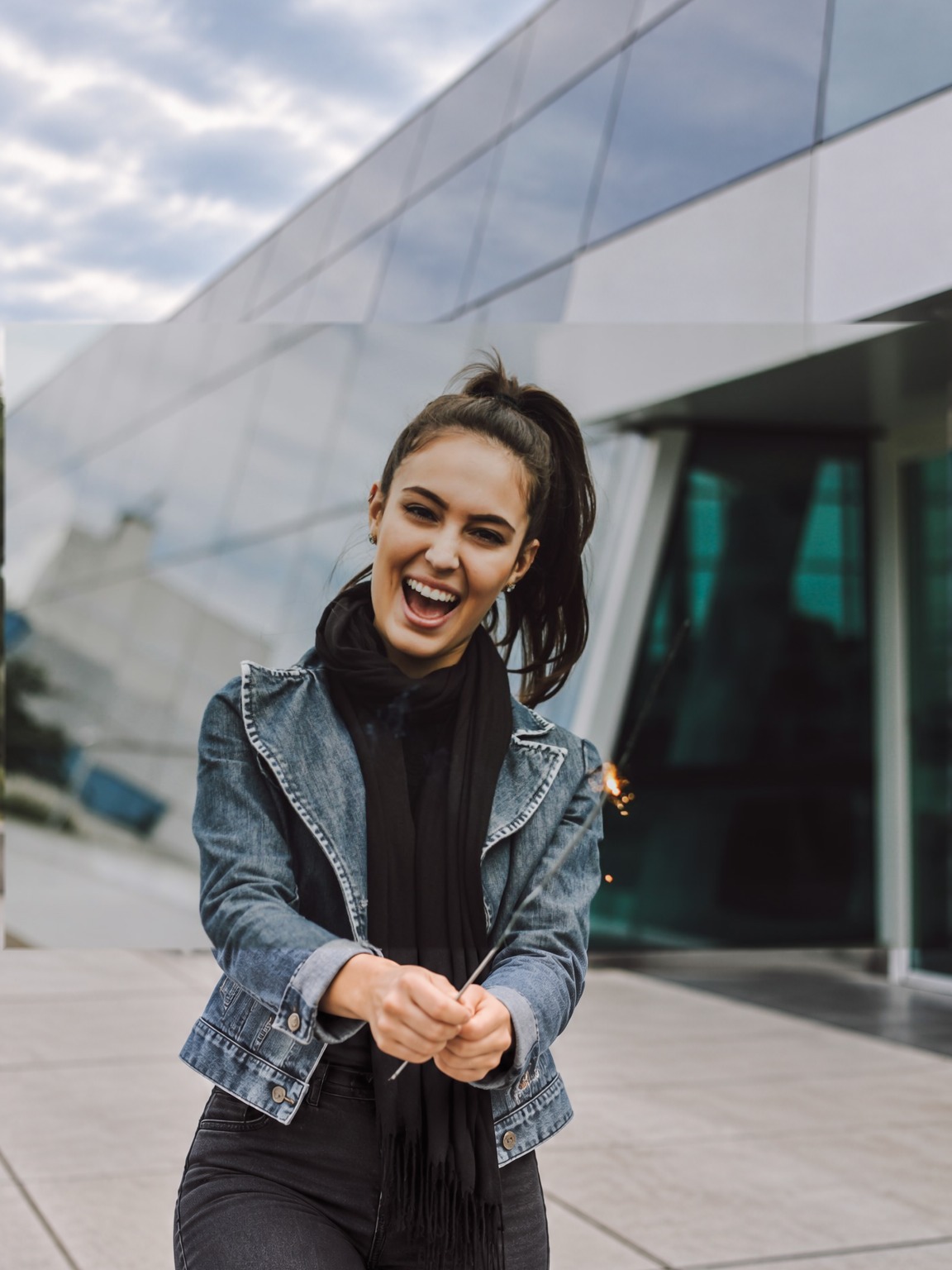
AI image extender
Widen the frame and let AI fill in the new edges.
Try it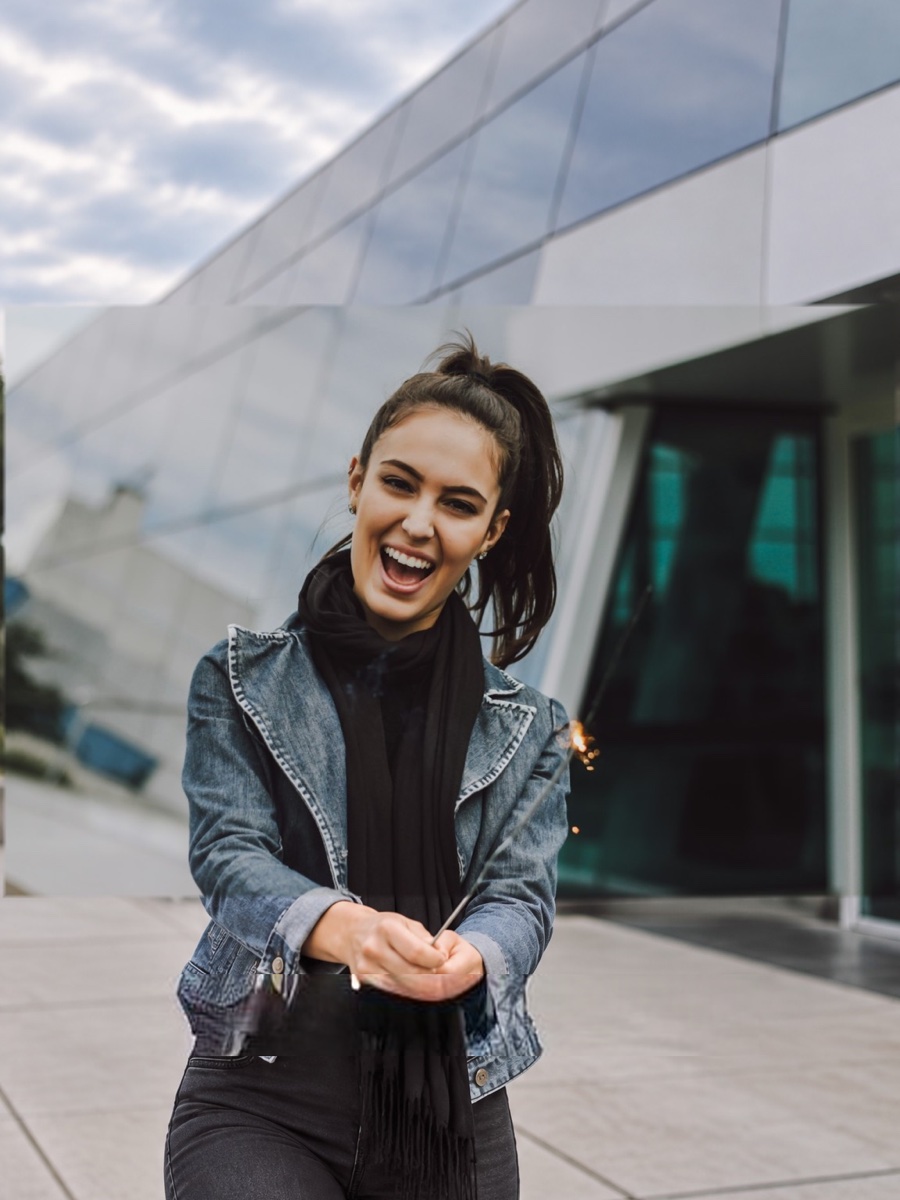
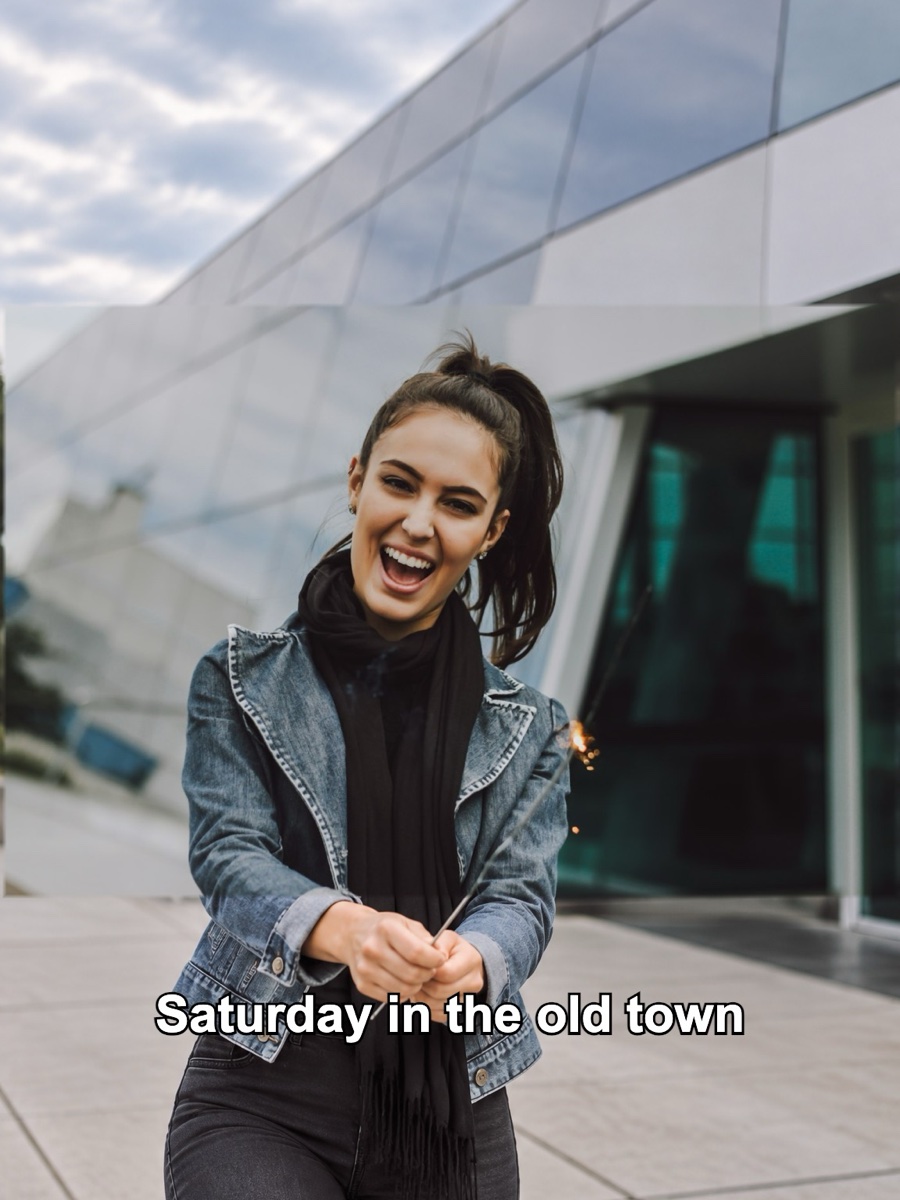
Remove object
Brush over anything you don't want and the gap is filled in.
Try it
Choose your plan
One currency for everything: credits. Without an account you get one free Standard image a day; sign in for 10 free credits a day (two Standard images). Free results are JPGs up to 2048 px with a small watermark. Credit runs export at full size with no watermark. Packs never expire, and Pro adds 400 credits every month.
No subscription: buy a credit pack and each run spends credits at the listed rate. Checkout creates your account from your payment email.
- Credit packs from $2.99, never expire
- Image to image Standard: Nano Banana 2 at 2K (5 credits)
- Image to image Pro: GPT Image (6 credits)
- Image to image HD: Nano Banana 2 at 4K (8 credits)
- Photo to painting, sketch or cartoon (5 credits)
- Photo restoration (4 credits)
- Extend or remove object (6 credits)
- No watermark, full size
- No sign-up needed; checkout creates your account
400 credits a month for every model and tool: Standard, Pro and HD 4K image to image, restyles, extend and erase. No watermark, full size.
- 400 credits every month (about 80 Standard images)
- Unused credits roll over, up to 1,200
- Image to image: Standard, Pro and HD 4K
- Photo to painting, sketch, cartoon: 5 credits
- Photo restoration: 4 credits
- Extend and remove object: 6 credits
- No watermark on any export
- Full-resolution downloads
- 7-day download history
- 20% bonus credits on every pack
- Cancel anytime
Pro credits roll over up to 1,200 while your subscription is active. Credit packs never expire and stack with Pro. Cancel anytime. Unused Pro credits clear at the end of your paid period; purchased packs stay.
Image to image AI FAQ
Yes, to try. Without an account you can generate one Standard image a day, and two a day after you sign in. Free results are JPGs up to 2048 px with a small watermark. For full-size, watermark-free images or the Pro and HD models, buy a credit pack (no account needed) or subscribe to Pro.
No. Upload an image, write a prompt and press Generate. Signing in only adds a second free run each day and keeps your results in History for 7 days.
It's an AI image generator that starts from your picture. You upload a reference image and describe the change; the model generates a new image that follows the prompt while keeping the subject, layout and details you asked it to keep.
Text to image invents a whole new picture from words. Image to image keeps your upload as the starting point, so the same person, product or room shows up in the result. It's the right choice when you want your own photo, changed.
Standard and HD run Google's Nano Banana 2 (Gemini 3.1 Flash Image) at 2K and 4K. Pro runs OpenAI's GPT Image. Standard is fast and keeps faces well; Pro is often better at text, typography and complex scene changes; HD gives you a 4K file.
Say what to change and what to keep, in one or two sentences: "Change the background to a snowy forest. Keep her face, hair and coat the same." Name a style if you want one (watercolor, anime, 3D render), and mention lighting or mood. If the first result is close, adjust one thing and run it again.
Usually, yes. Nano Banana 2 and GPT Image are built to keep identity consistent, and adding "keep the face exactly the same" to the prompt helps. Big changes in pose, angle or age can still shift features a little.
Yes. Keep the original ratio (Auto) or pick 1:1, 3:2, 2:3, 4:3, 3:4, 16:9 or 9:16. The model recomposes the scene to fill the new frame.
Clear, well-lit photos with a visible subject. JPEG, PNG and WebP up to 15 MB are supported; very small, blurry or heavily compressed images give weaker results.
Most images finish in 15 to 40 seconds. HD 4K and the Pro model can take a little longer when traffic is high.
Yes, for images you have the right to use. We claim no ownership over your inputs or outputs. Don't upload photos of people without their permission or images you don't have rights to.
Uploads and results are deleted after 24 hours, and we never use your images to train AI models. Signed-in users can see their own results in History for 7 days.
Upload an image. Describe it. Get something new.
Free to try every day. No sign-up required.
Transform an image