
Planning what to wear
See yourself in a suit, a dress or a winter coat before an interview, a wedding or a trip.
AI clothes changer · AI outfit changer
Upload a photo of yourself, choose an outfit style and a color, and get the same picture in new clothes. Your face, hair, pose and background stay put; only the outfit changes.
01Your photo
02Outfit & color
03Prompt382/1500
04Shape & model
No account required
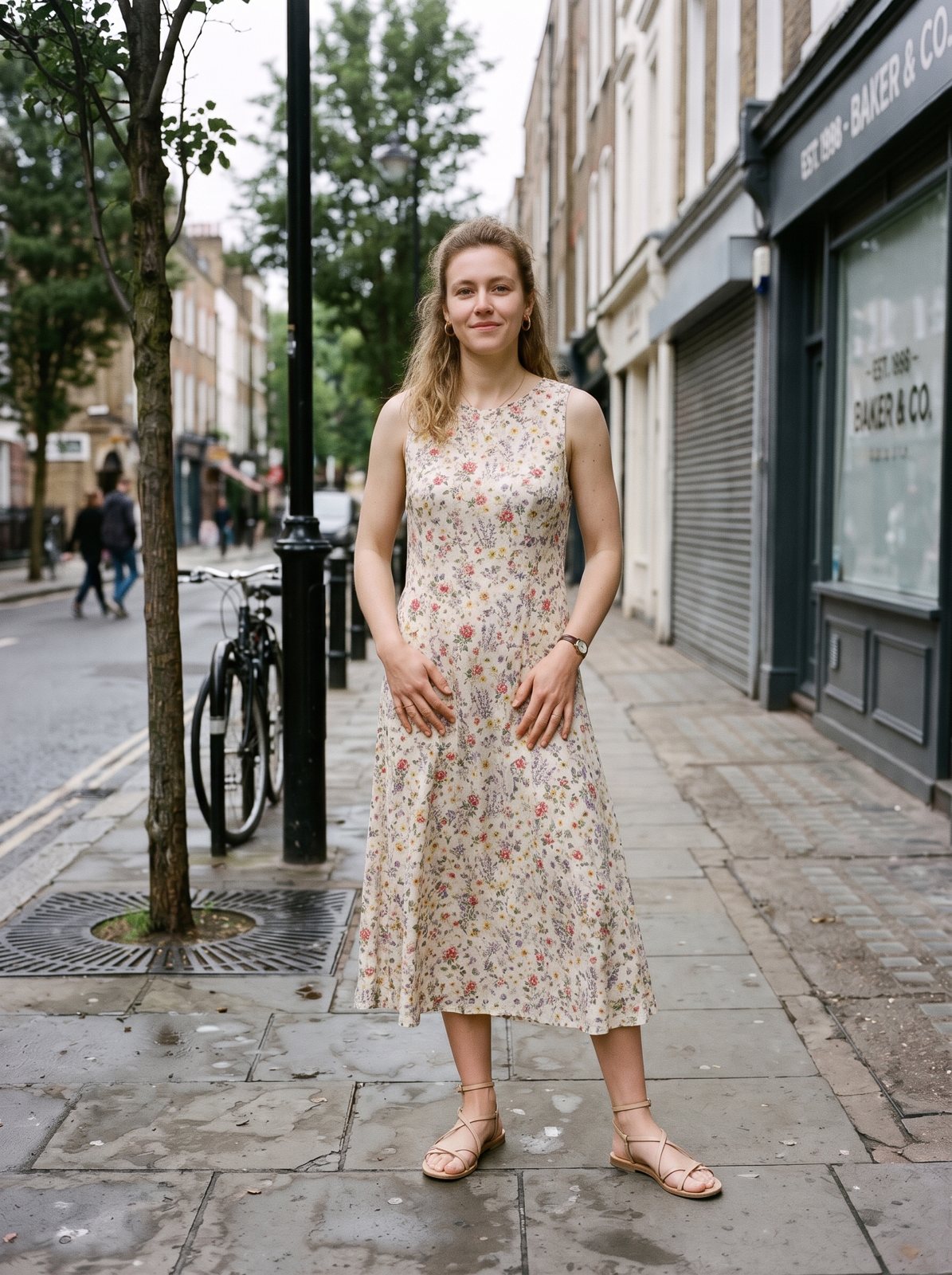
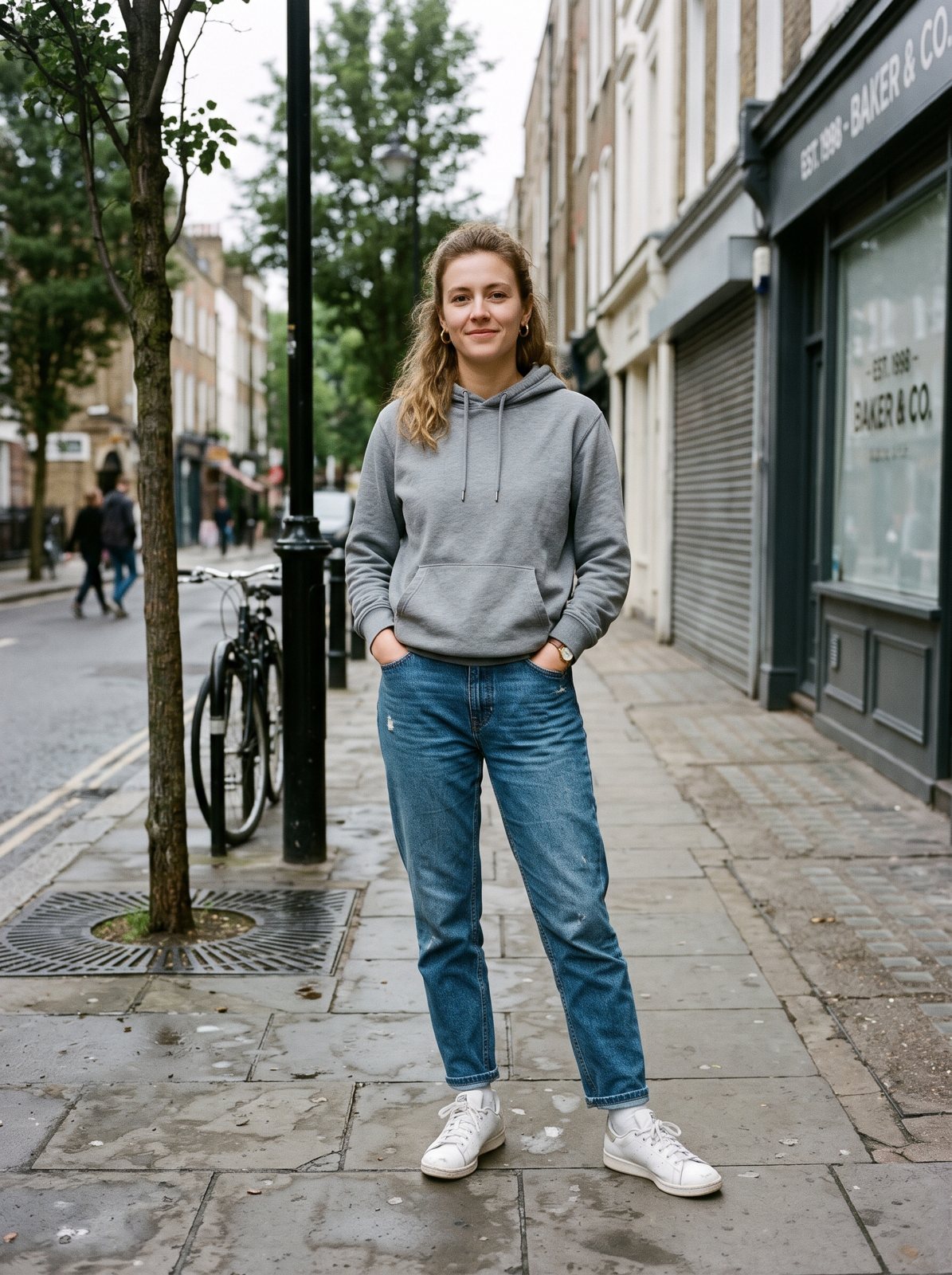
PromptChange only this person's clothes to a flowy midi summer dress with a small floral print and strappy sandals. Keep the exact same face, hair, body shape, pose, hands, background, lighting and camera angle. The new clothes must fit the body naturally with realistic fabric, folds and shadows. Photorealistic photo.
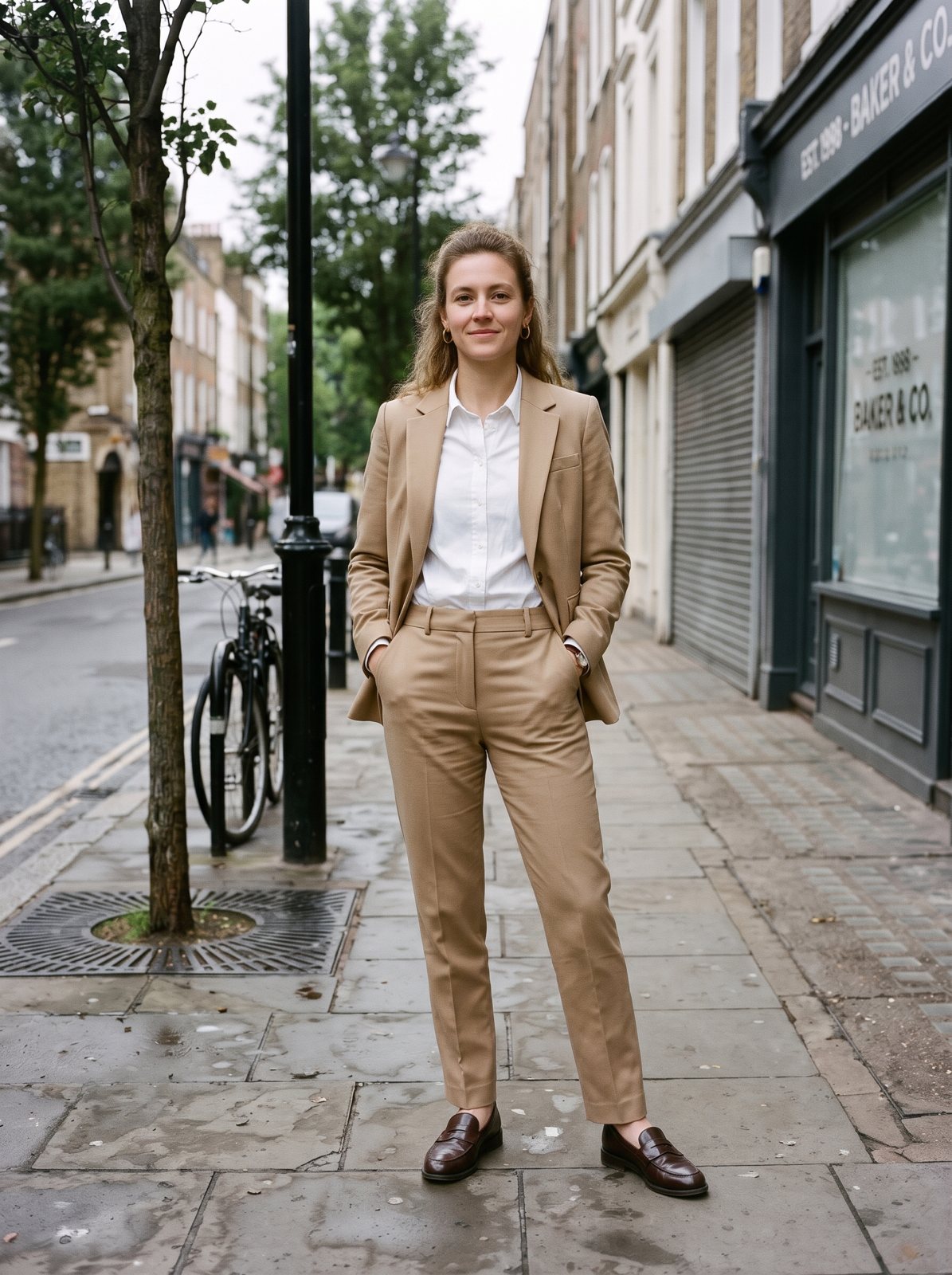
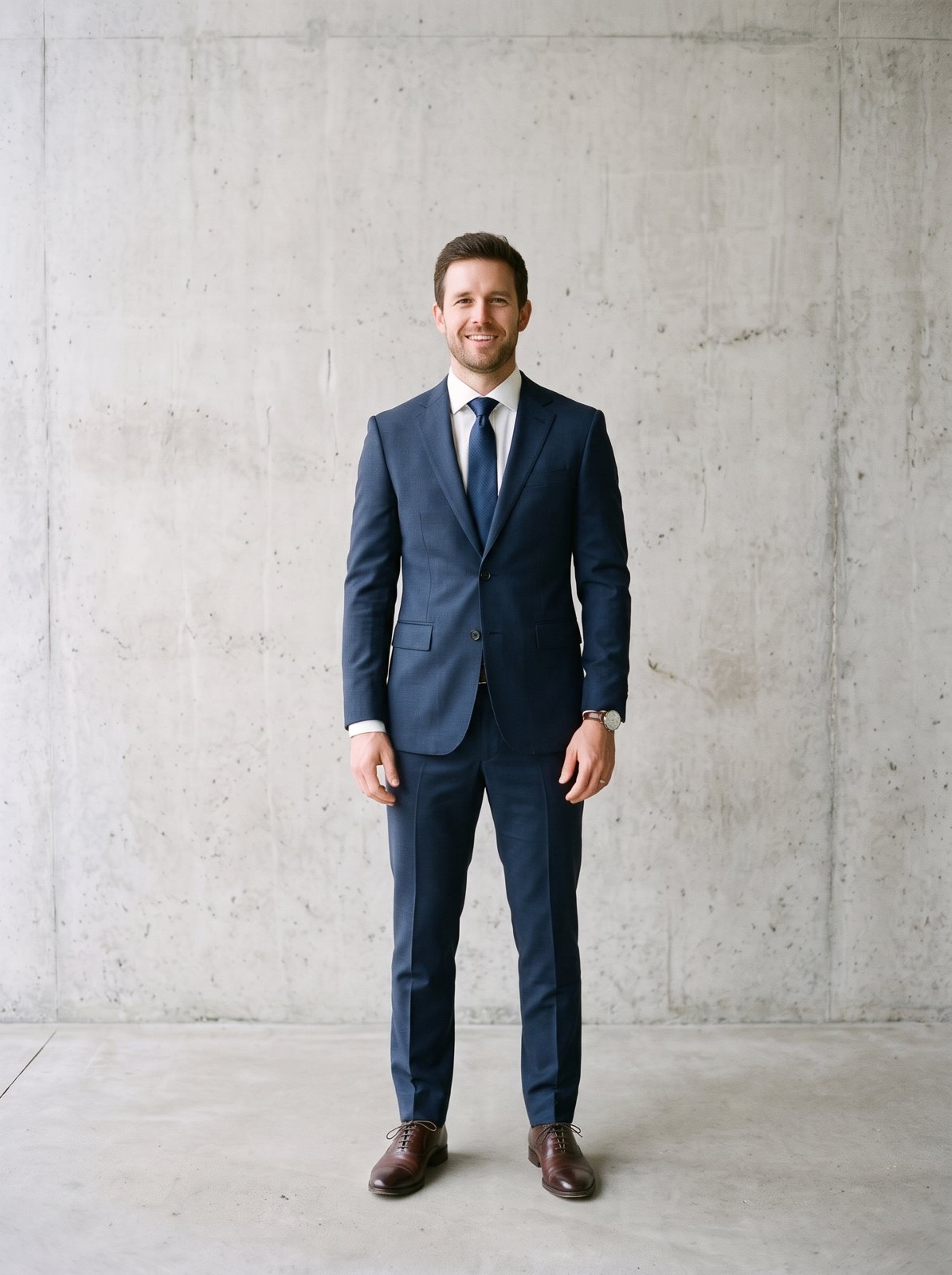
Real runs of the Standard model on the two photos shown, made with the presets listed under each one. Hover to compare, or pick an example under the canvas to load its full prompt.
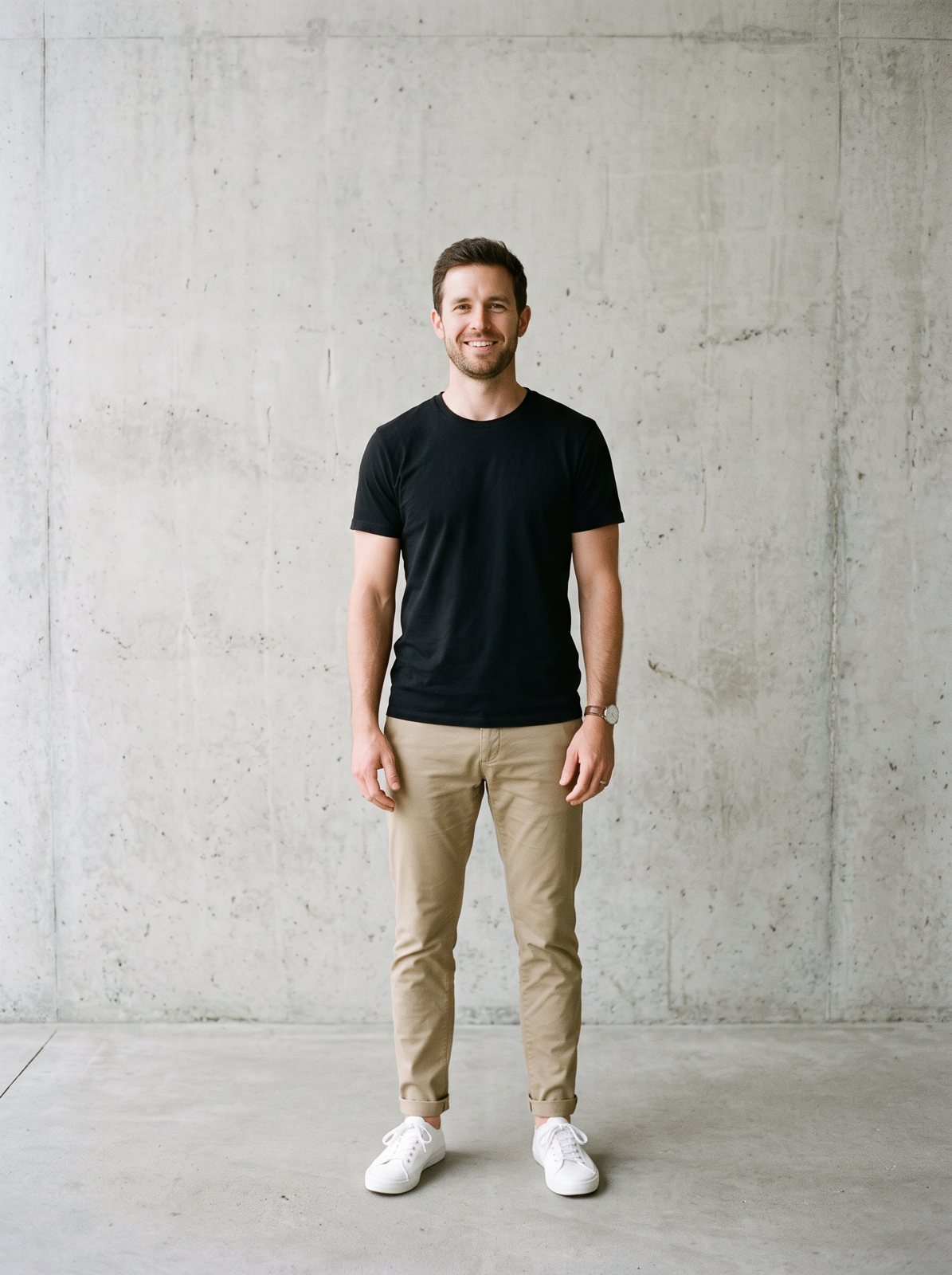
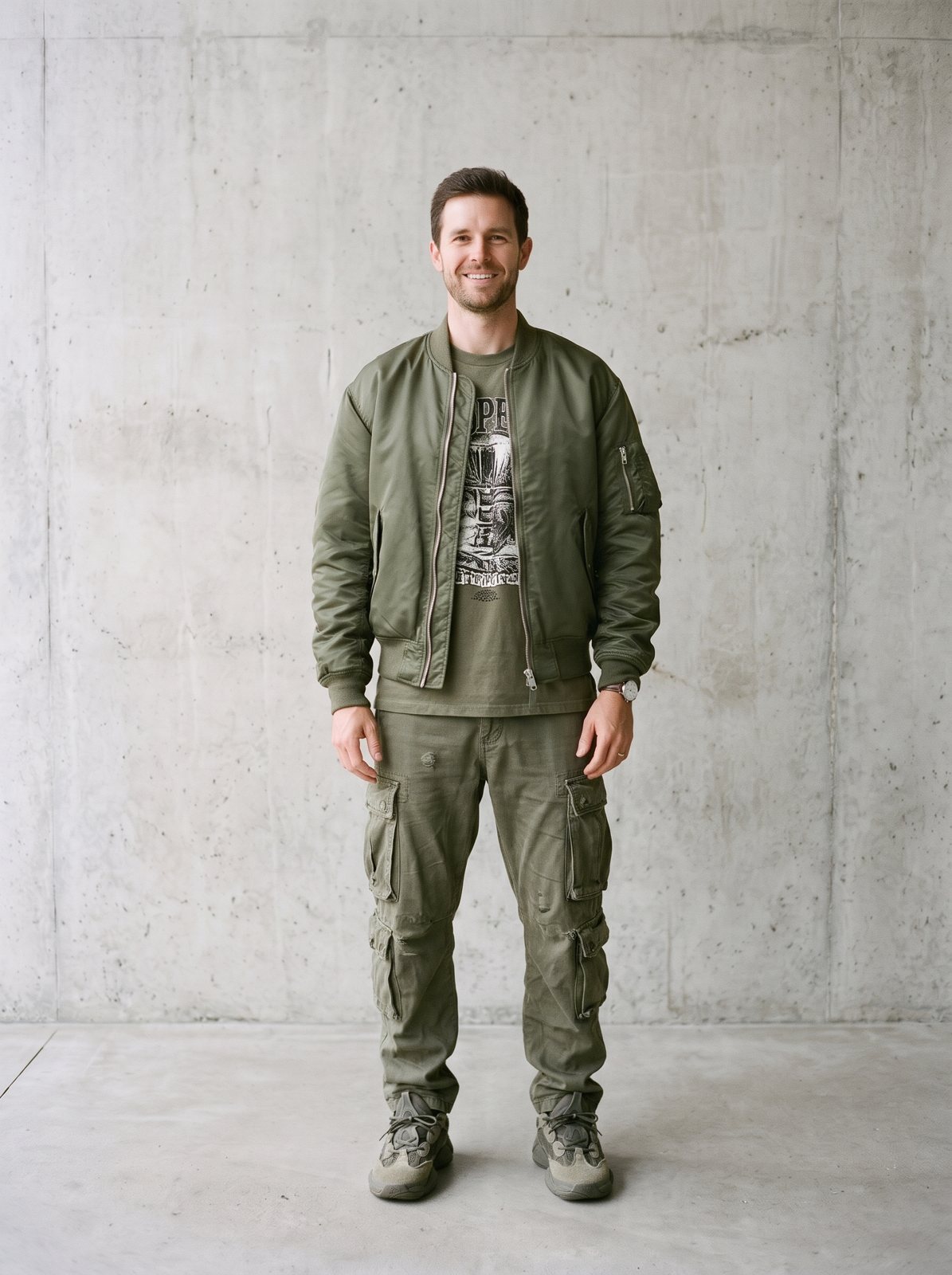
Step 1
A full-body or waist-up photo facing the camera works best. JPG, PNG or WebP up to 15 MB. No photo handy? Try one of the samples.
Step 2
Choose one of 12 outfit styles, from a business suit to streetwear or evening wear, and a main color. You can also describe a specific outfit in the prompt.
Step 3
In about 20 seconds you get the same photo in new clothes. Compare with the slider, try another outfit, and download the one you like.
It redraws only the clothing in your photo. The prompt asks the model to keep your face, hair, body shape, pose, hands, background and lighting exactly as they are, and to make the new clothes fit with natural folds and shadows. The result reads as the same photo taken on a different day, in a different outfit.
It runs on the same models as the image to image AI tool: Google's Nano Banana 2 on Standard and HD, and OpenAI's GPT Image on Pro. Outfits are described in words, so you can ask for something very specific, like 'a cream cable-knit sweater and dark straight jeans'.
Full-body or waist-up photos, facing the camera, arms away from the body, even light and a simple background.
Try a look on yourself without a fitting room or a photo shoot.
01
Only the clothes change. Your face, hair, stance and background stay in the photo as they were.
02
Business suit, smart casual, casual, streetwear, summer dress, evening wear, old money, activewear, winter coat, boho, wedding guest and a superhero costume.
03
Pick a main color or leave it to the model. Type a fabric, pattern or brand-free description for more control.
04
One Standard run a day without an account and two after you sign in. Credits unlock HD 4K and watermark-free downloads.
See yourself in a suit, a dress or a winter coat before an interview, a wedding or a trip.
Turn a casual photo into a smart one for LinkedIn, or a plain one into a styled post.
Try old money, boho or streetwear on yourself before buying into a whole new wardrobe.
Mock up outfit ideas or mood boards from one photo. For exact products, photograph the real item.
If you want new shoes and trousers, use a full-body photo. A waist-up photo only gets a new top.
Crossed arms or bags over the torso make it harder to draw the new clothes cleanly.
'A navy double-breasted blazer with gold buttons' gives a closer result than 'a jacket'.
Each run designs the outfit fresh. Run a preset twice and keep the one you like better.
If you're happy with the result, it's ready to save. If you also want to upscale, extend the edges, or refine other details, you can continue with:
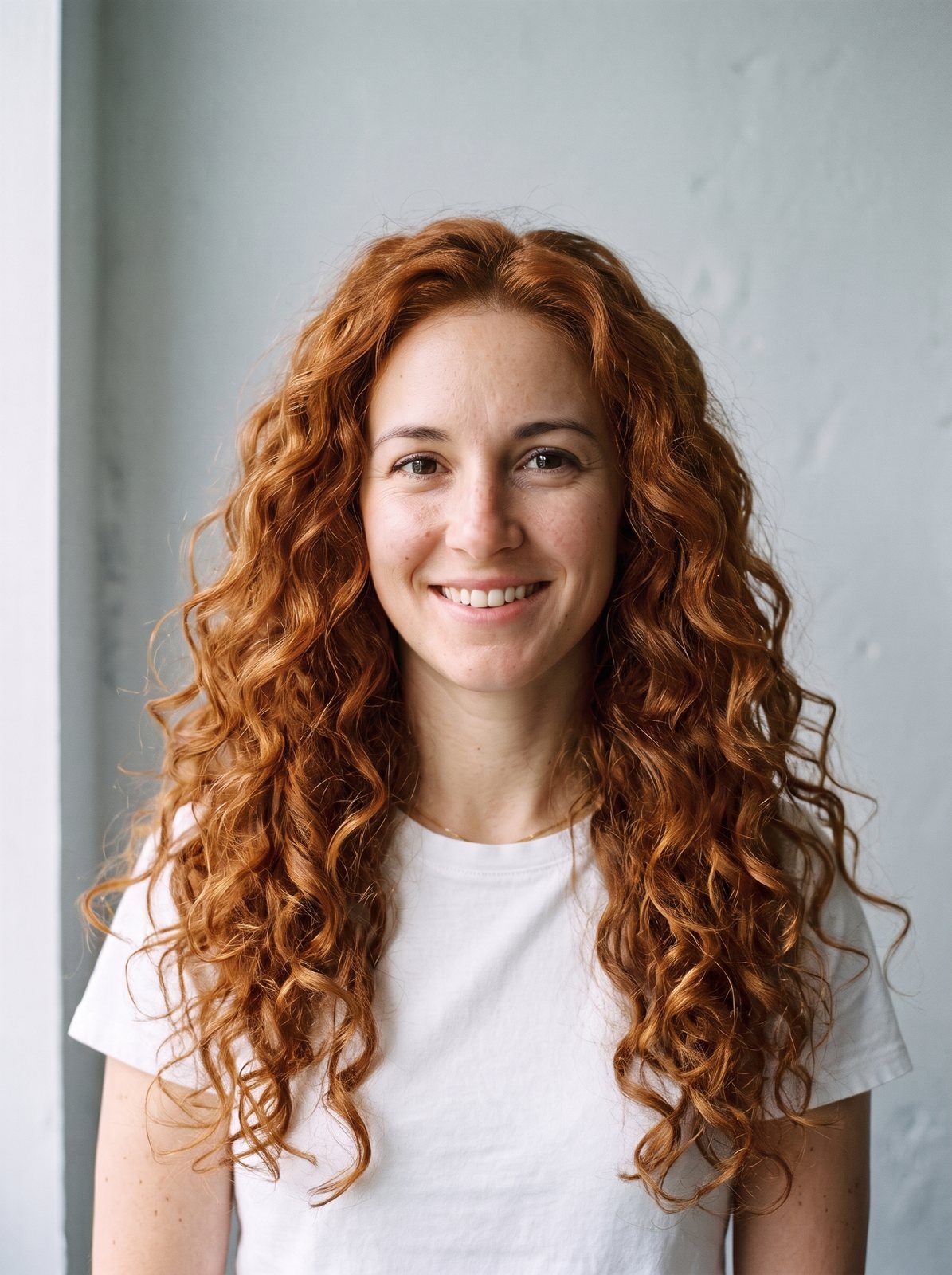
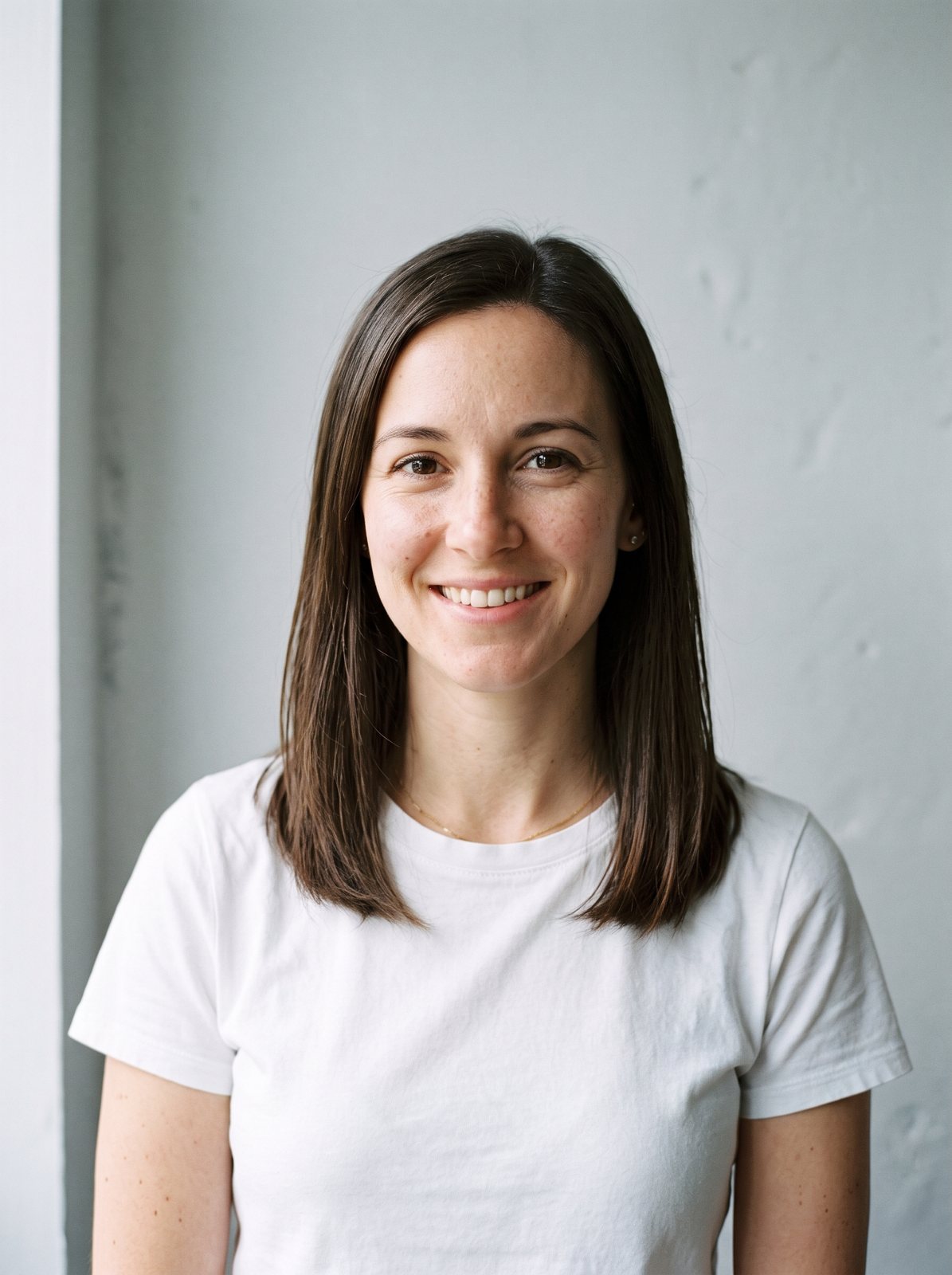

06Pricing
One currency for everything: credits. Without an account you get one free Standard image a day; sign in for 10 free credits a day (two Standard images). Free results are JPGs up to 2048 px with a small watermark. Credit runs export at full size with no watermark. Packs never expire, and Pro adds 400 credits every month.
No subscription: buy a credit pack and each run spends credits at the listed rate. Checkout creates your account from your payment email.
400 credits a month for every model and tool: Standard, Pro and HD 4K image to image, restyles, extend and erase. No watermark, full size.
Pro credits roll over up to 1,200 while your subscription is active. Credit packs never expire and stack with Pro. Cancel anytime. Unused Pro credits clear at the end of your paid period; purchased packs stay.