Before a big cut
See short hair on yourself before you lose the length.
AI hairstyle changer · free virtual try-on
Upload a selfie, pick a haircut and a color, and see the new look on your own face before you book the salon. Your face, expression, clothes and background stay the same.
01Your selfie
02Haircut & color
03Prompt295/1500
04Shape & model
No account required
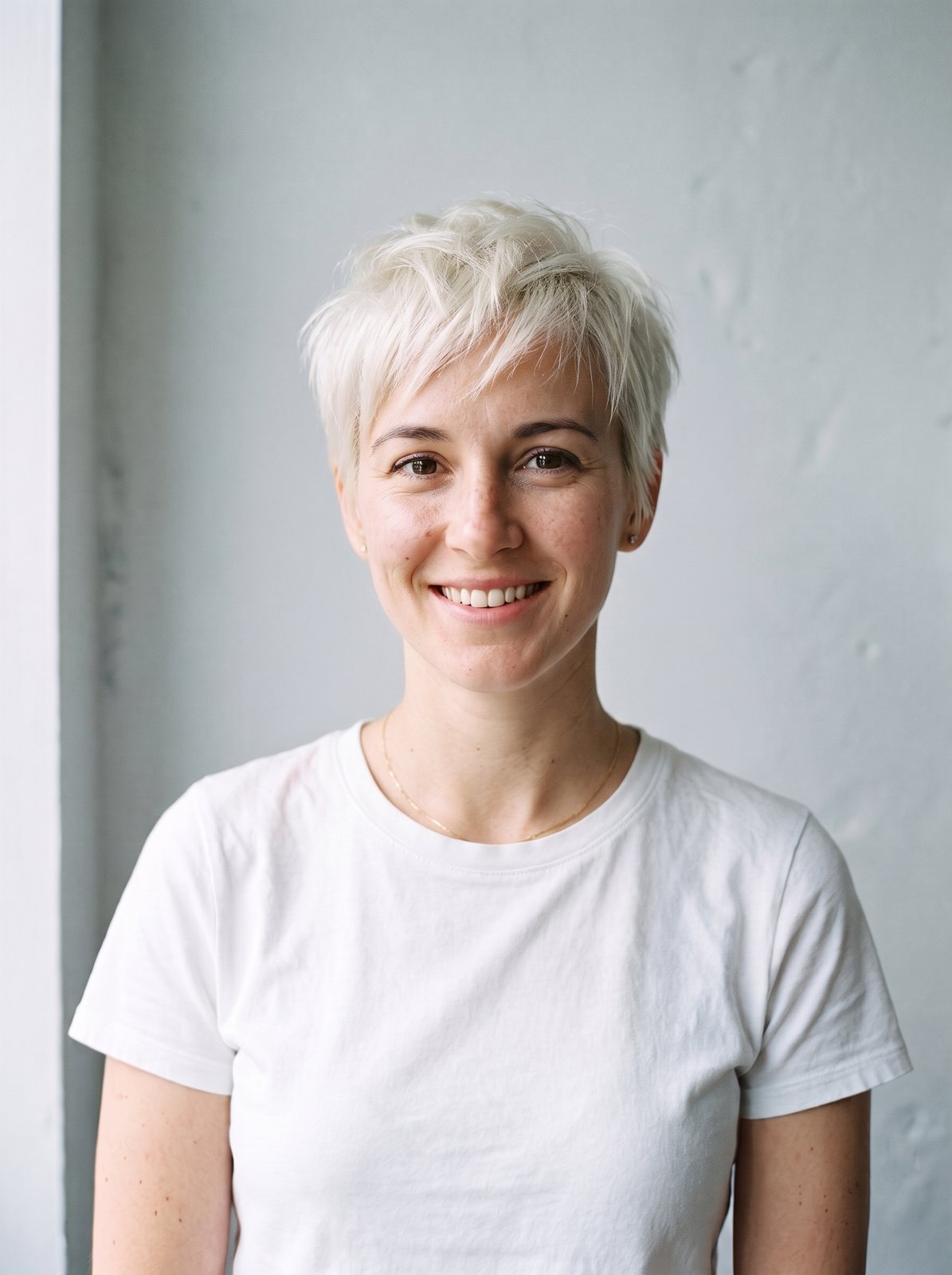
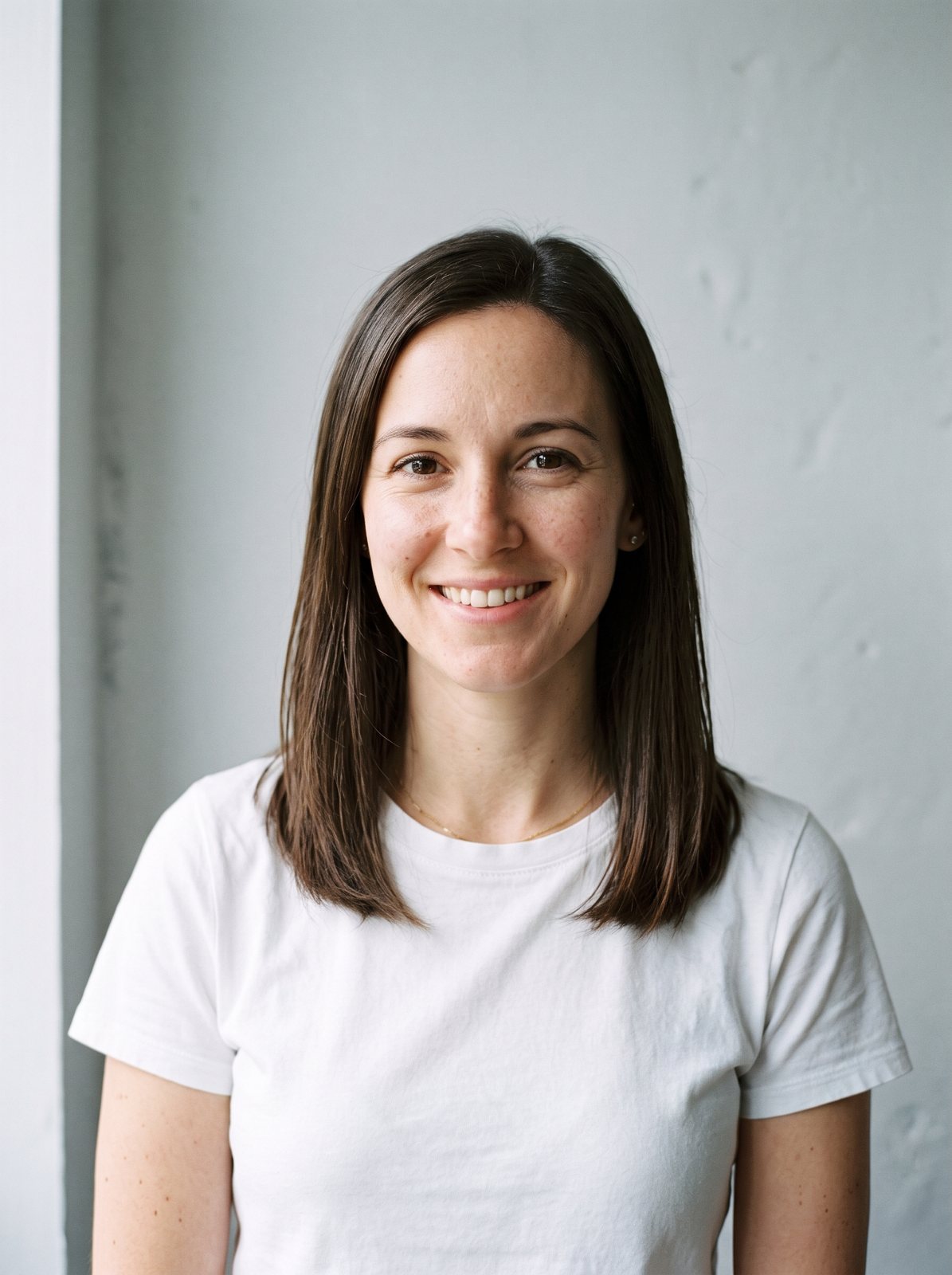
PromptChange only this person's hair to a short textured pixie cut, in platinum blonde. Keep the exact same face, facial features, skin, expression, clothing, background, lighting and camera angle. The new hair should look natural and real, with a realistic hairline. Photorealistic portrait.
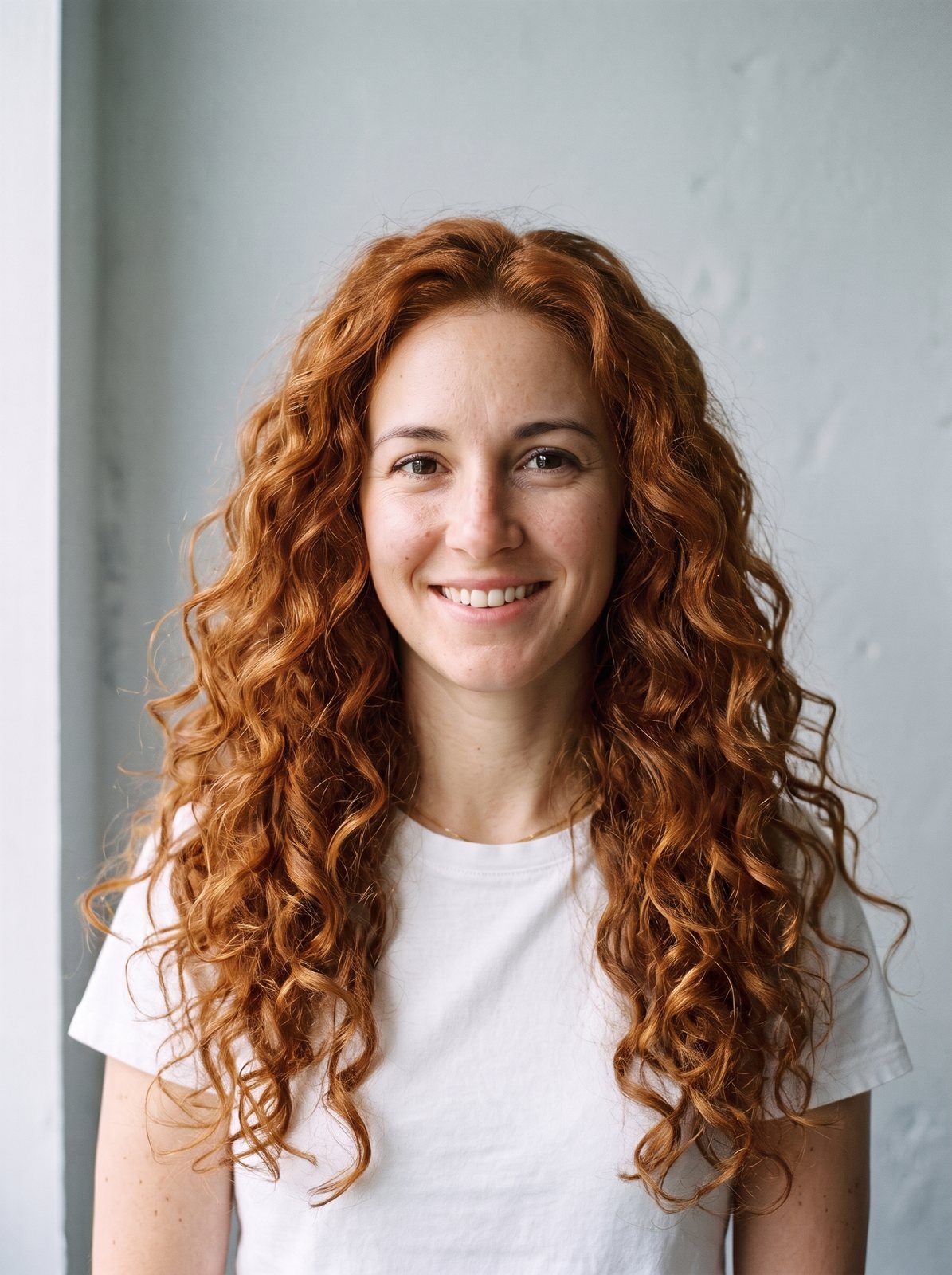
Real runs of the Standard model on the two portraits shown, made with the presets listed under each one. Hover to compare, or pick an example under the canvas to load its full prompt.
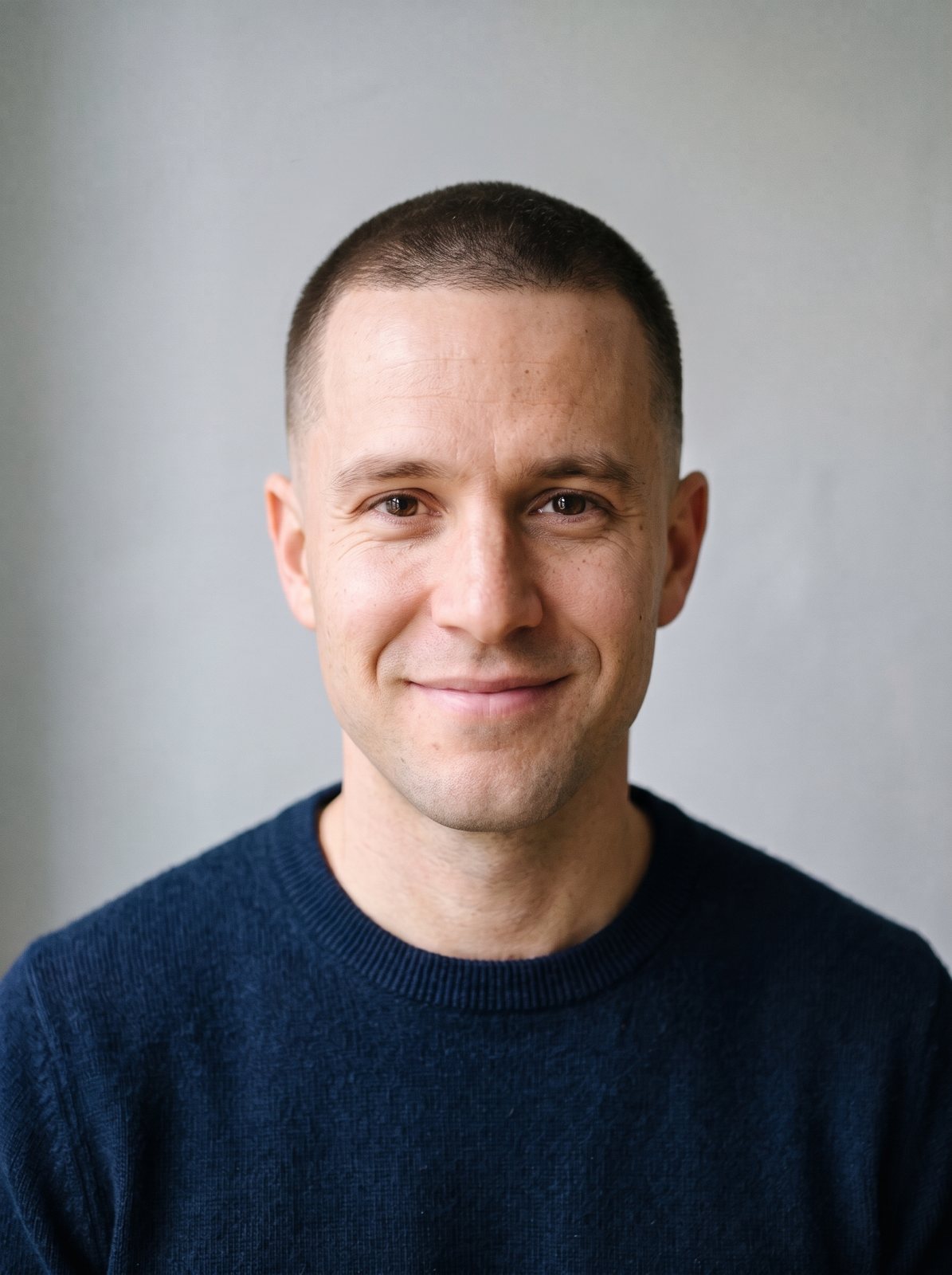


Step 1
Face the camera with your hair visible and your forehead uncovered. Daylight from a window is ideal. JPG, PNG or WebP up to 15 MB.
Step 2
Switch between women's and men's cuts, choose one of 28 haircuts and one of 12 colors, or keep your natural color. Men can also change the beard.
Step 3
The new look is ready in about 20 seconds. Drag the slider to compare, then try another cut on the same photo until one feels right.
It edits only the hair in your photo. The prompt asks the model to keep your face, features, skin, expression, clothes, background and lighting exactly as they are, so the picture still looks like you, just with a different haircut or color. That makes it a quick way to answer 'would a bob suit me?' before a salon visit.
It runs on the same models as the image to image AI tool: Google's Nano Banana 2 on Standard and HD, OpenAI's GPT Image on Pro. If a preset is not quite what you have in mind, edit the prompt, for example 'a jaw-length bob with blunt bangs'.
Front-facing head-and-shoulders selfies with even light, hair pulled away from the face, no hat or sunglasses.
A haircut takes months to undo. A preview takes 20 seconds.
01
Every preset keeps your face and expression, so you judge the cut on you, not on a model.
02
Pixie, bob, shag, wolf cut, curls and braids for women; fades, undercuts, pompadours and mullets for men.
03
Try platinum, copper, balayage or pastel pink against your skin tone before any dye touches your hair.
04
One Standard run a day without an account and two after you sign in. Credits unlock HD 4K and watermark-free downloads.
See short hair on yourself before you lose the length.
Show the generated photo instead of describing a cut in words.
Check pink, blue or silver against your skin tone with no dye involved.
Give yourself a mullet, an afro or a shaved head and send it to friends.
Push hair off your forehead so the model can place the new hairline naturally.
A current selfie gives the most honest preview of how a cut will look now.
Try the cut with 'No change' color first, then add color on the result you like.
Each run varies a little. A second run of the same preset often lands closer.
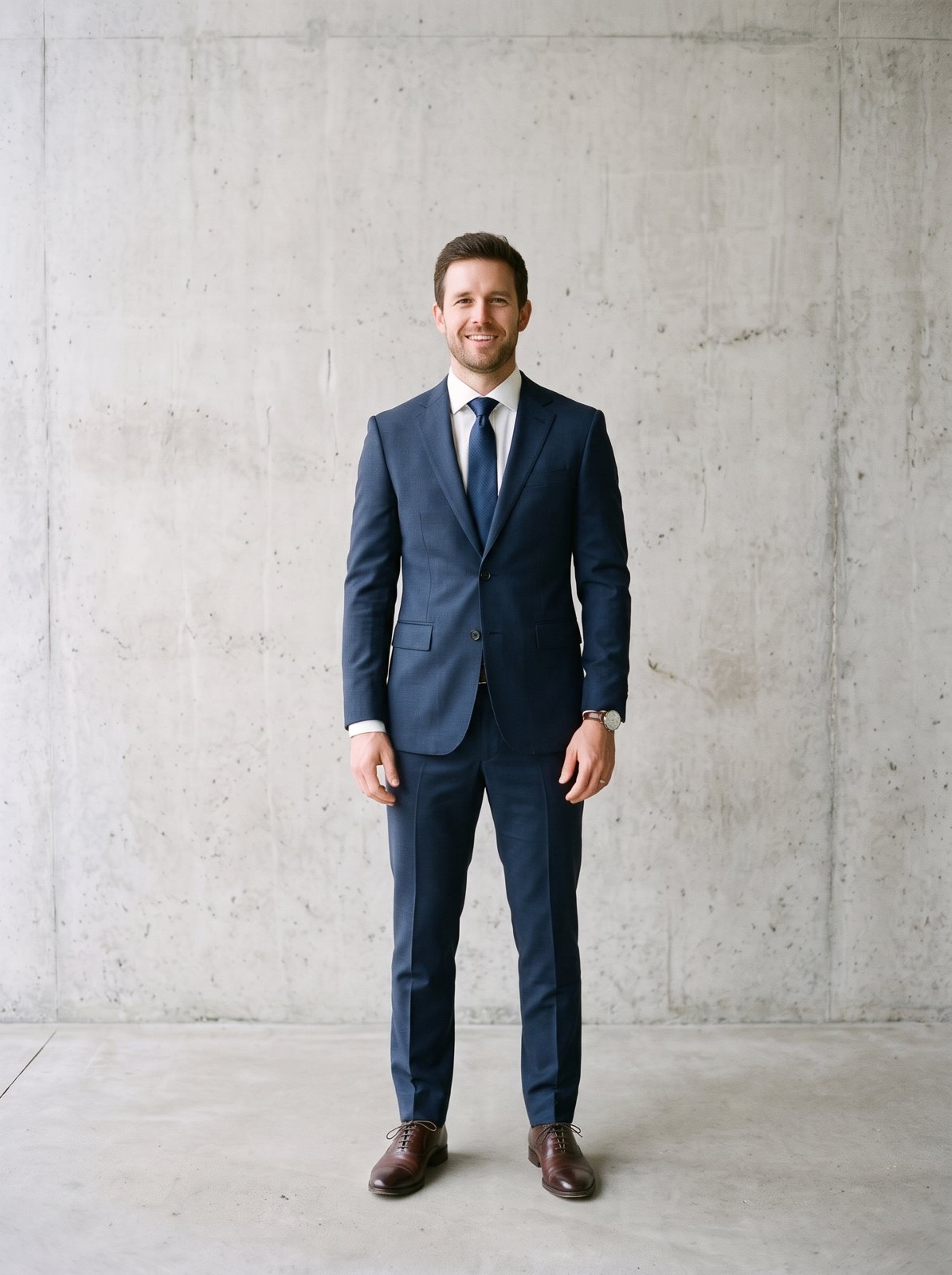
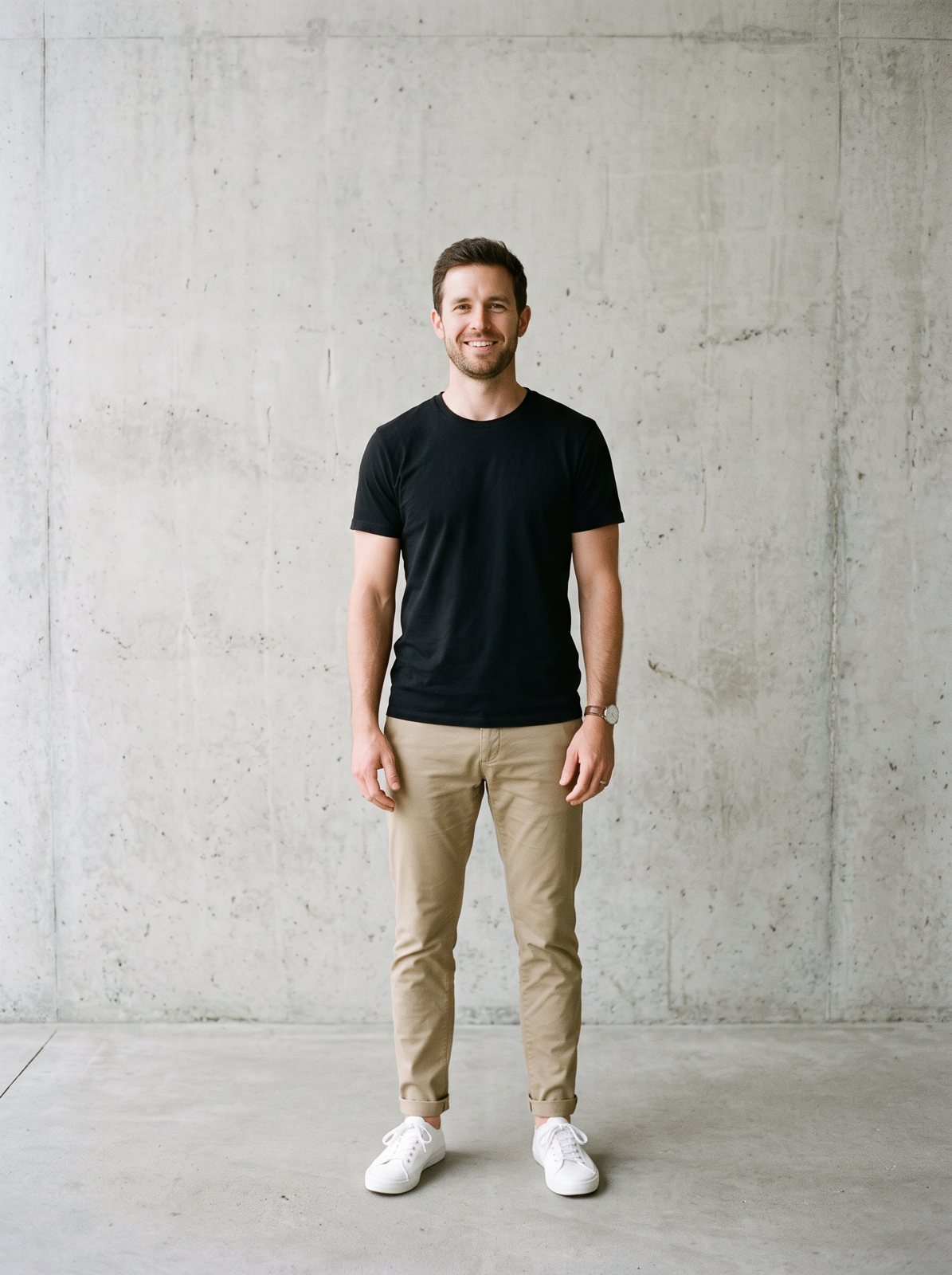
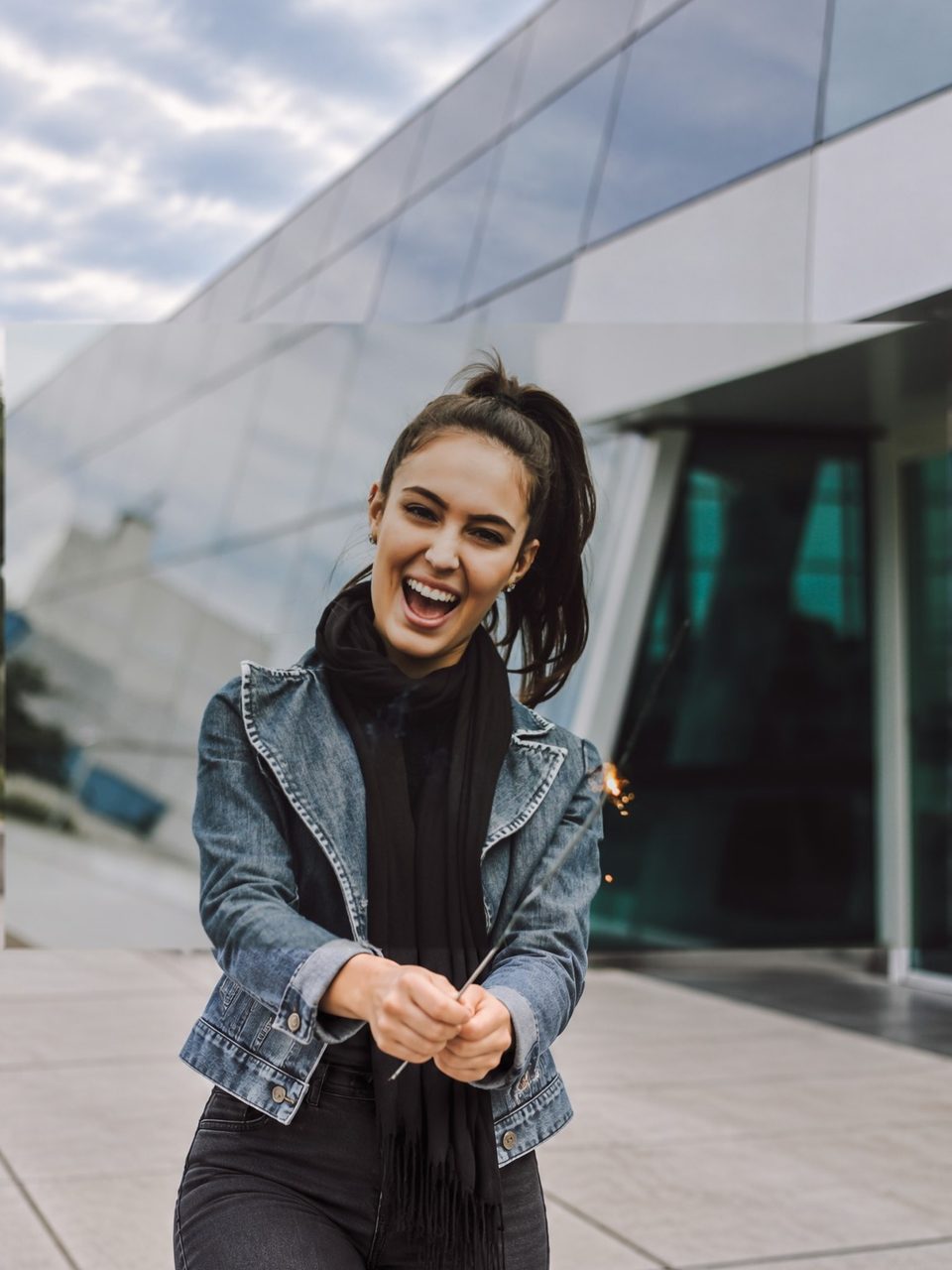
If you're happy with the result, it's ready to save. If you also want to upscale, extend the edges, or refine other details, you can continue with:

06Pricing
One currency for everything: credits. Without an account you get one free Standard image a day; sign in for 10 free credits a day (two Standard images). Free results are JPGs up to 2048 px with a small watermark. Credit runs export at full size with no watermark. Packs never expire, and Pro adds 400 credits every month.
No subscription: buy a credit pack and each run spends credits at the listed rate. Checkout creates your account from your payment email.
400 credits a month for every model and tool: Standard, Pro and HD 4K image to image, restyles, extend and erase. No watermark, full size.
Pro credits roll over up to 1,200 while your subscription is active. Credit packs never expire and stack with Pro. Cancel anytime. Unused Pro credits clear at the end of your paid period; purchased packs stay.